How to Build Your Own Vibe Coding Engine (from a Preset or from Scratch)
In short
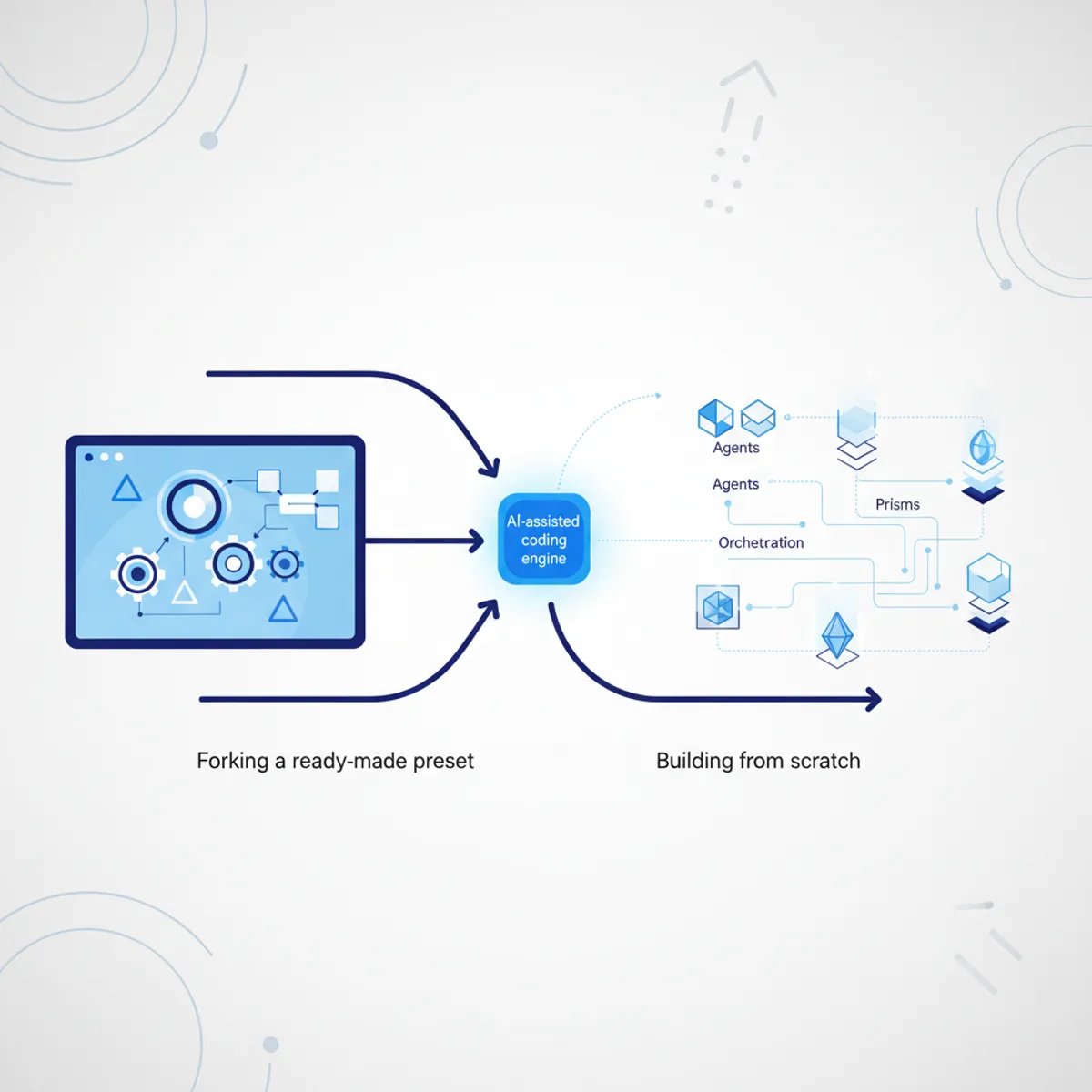
An engine is built on the builder page in one of two ways, and both produce the same object — an engine-mod/v1 spec. Path A is forking a ready preset: the flagship Quest or one of 23 themed templates; you get a personal copy (copy-on-write), the canonical version stays untouched, and the slug is deduplicated automatically. Quest ships out of the box with 8 specialists, all 13 prisms, a six-phase workflow, a quality charter and a guard hook against destructive commands. Path B is building from scratch: roles, prisms, orchestration, rules, skills/MCP/knowledge configured granularly. Building and previewing are free; you pay only for the install link. Want a quick start — take a preset; want fine-tuning to your own process — go from scratch.
What it is
A vibe coding engine in qvib.pro isn't a set of prompts but a compiled, validated artifact: a team of agents (roles + system prompts), PRISMS (independent review angles), ORCHESTRATION (fan-out / votes / loops), granular RULES, SKILLS/MCP/KNOWLEDGE blocks and install layers. The compiler deterministically assembles it into a package for your tool (Claude Code, Cursor, any AGENTS.md). Building and previewing are free; you pay only for the install link.
The builder page offers two paths, and both lead to the same object (a spec in engine-mod/v1 format).
Path A — from a preset (fast)
You fork a ready-made seed. The catalog currently holds the flagship Quest plus 23 themed templates (dev, video, decks, data, marketing, research, content-writing, product, design). Technically this is createFromSeed: the canonical template is baked into the code and immutable, while you get a personal copy (copy-on-write) tagged with forkedFrom. The slug is auto-deduplicated (a second install → -2), and from there you edit anything you like.
Quest out of the box brings: 8 specialists (owner, architect, analyst, designer, engineer, reviewer, security, verifier), all 13 prisms in the catalog, the full quest workflow (6 phases), the quality charter, invariants and the guard hook (which blocks rm -rf /, DROP, git push --force, curl|bash).
Path B — from scratch (granular)
You start with an empty spec and add blocks from the catalog. Every preset in the catalog hands over a ready inline block — the UI simply pushes it into the right array:
- an agent → into
agents[](role + system prompt + model + tools); - a prism → into
prisms[](with its ownveto/weight/trigger); - a skill → into
skills[], an MCP server → intomcp[](with a secrets manifest).
Rules are added with an activation mode — this is the Cursor Project Rules model, the most granular on the market: always (always in context), auto (by file glob patterns), agent (the model attaches it itself based on the description), manual (only on explicit request).
Which path when
- For a beginner, and in 90% of cases — path A: fork Quest and lightly adjust it to your stack.
- For a pro or an agency that needs a narrow engine for one specific pipeline — path B.
- "Describe the goal → get an engine" (AI-assisted build,
from-goal) is roadmap, still in development. Today building is manual, from presets and blocks, and it works without a single model call.
Worked example
Input: I want an engine for my Node+React+Postgres project, minus the video agents, plus reinforced security.
What the configurator does:
- You click "Quest → fork." Your copy is created with the slug
forge-coreandmeta.forkedFrom = 'forge-core'. - You remove the
design-craftprism (no UI design in this work) and keep the veto prismssecurity,tenancy,regression,data-integrity. - In orchestration you set
verifyVotes: 2(two independent "it's done" votes) — Quest already has this. - You hit "Preview." Every save runs through the Engine Linter, a pure static consistency check. If, say, you left an
a11yreference inorchestration.lensesbut deleted the a11y prism itself, the linter raisesLENS_DANGLING (error)and blocks the save: "the lens points to a prism that doesn't exist — the review it names will never run." Duplicate agent/prism ids →DUP_ID (error). That's the gate that stops you from silently building a broken engine. - The preview shows the flow graph (who calls whom) and a human-readable summary — enough to judge the build before buying; the full spec arrives with the package right after payment.
Result: a valid spec that the compiler turns into a package for Claude Code / Cursor / AGENTS.md, with README, INSTALL.md, INSTALL-PROMPT.md and .engine.json (a content hash). The package is issued after a one-time card payment (YooKassa, the Russian payment provider).
An honest caveat
Guarantees come in two grades. The guard hook and the git pre-commit/CI checks are ENFORCED (the exit code really does block). Everything that lives as prose in rules and prompts on Cursor/AGENTS without a runtime is ADVISORY (an instruction the model follows, but not a guarantee). The configurator labels this honestly, and you see the difference right in the preview.