MCP: How an Agent Safely Connects to Tools and Data
In short
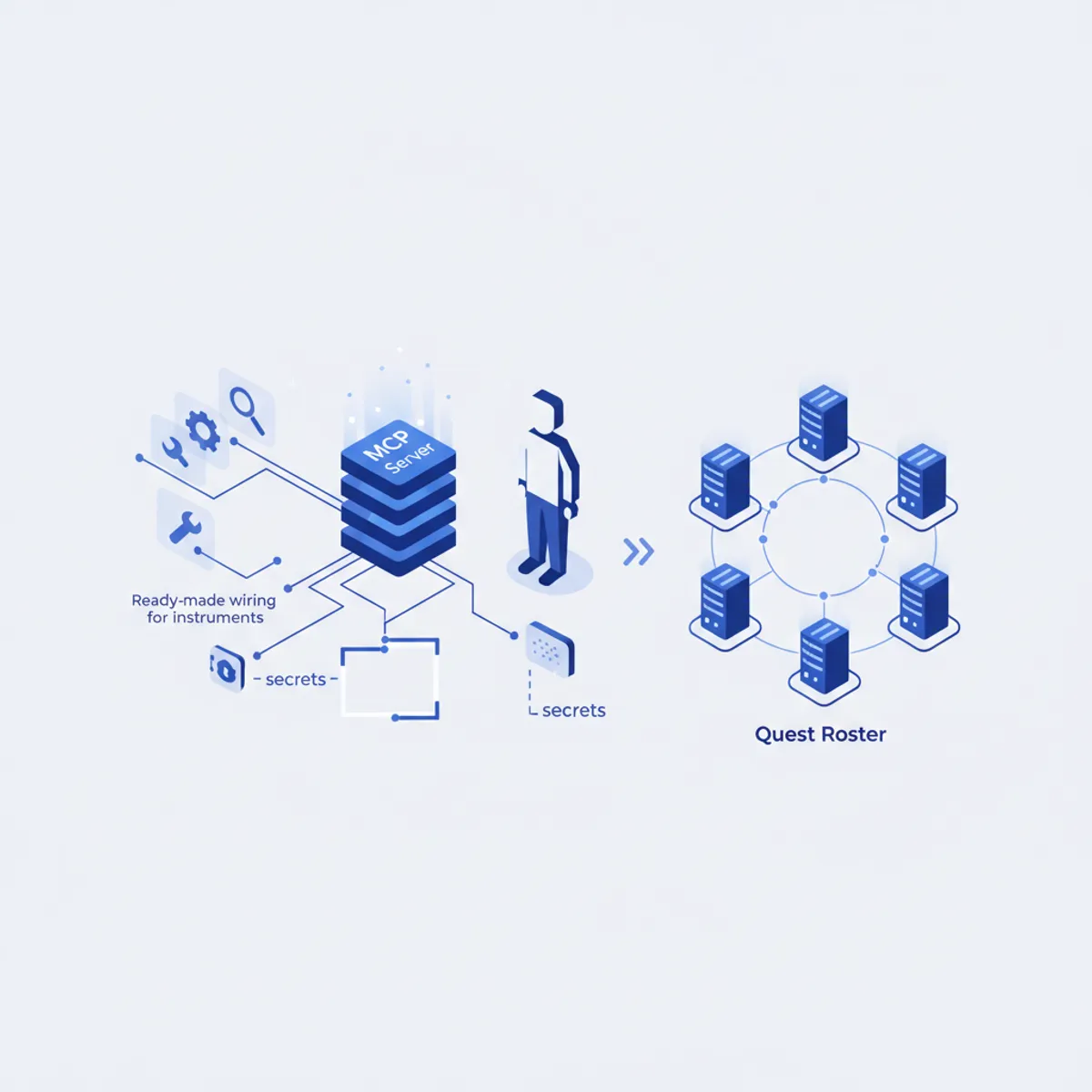
MCP (Model Context Protocol) is the standard "socket" through which an agent reaches real tools and data: your repository, project files, a browser, up-to-date library documentation. The base Quest engine wires up exactly 6 MCP servers — a deliberate minimum with no zoo of integrations: filesystem, memory, context7 and others; some of them need no keys at all. The core security principle: a secret never lands in a config as a value — only as a placeholder like ${GITHUB_MCP_PAT}, while the real value lives in environment variables on your machine. This article covers why the roster looks the way it does, a worked example of connecting GitHub with a placeholder secret, and browser tests that need no keys.
What it is
MCP (Model Context Protocol) is the standard "socket" through which an agent reaches real tools and data: a GitHub repository, project files, a browser (Playwright), documentation (Context7). Without MCP, the model is a conversationalist in a vacuum; with MCP it can open your repository, run an e2e test in a browser, and check the current docs for a library. An MCP server is a broker program that exposes a set of tools to the agent; the agent calls them without knowing the implementation details.
The Quest roster: exactly 6 servers
The base Quest engine wires up exactly 6 MCP servers — the deliberate minimum that powers the engine, with no zoo of integrations:
- filesystem — access to project files.
- memory — working memory across steps.
- context7 — current library documentation (reuse-first: don't invent an API, check the docs). The secret is optional.
- sequential-thinking — structured step-by-step reasoning.
- playwright — a browser for the mandatory verify step.
- github — repository access (the secret is a PAT).
There is no postgres-ro, sentry, snyk, supabase, stripe, grafana or datadog in the base Quest engine. If you need a server like that, it belongs to the builder layer on top of the core, not to what ships inside a purchased Quest.
Why this particular set
Writing .mcp.json yourself means knowing the exact endpoint, the transport (stdio/http), the header format — and never once pasting a secret straight into the file. A ready-made layout removes that fiddling and bakes in safe defaults. On top of that, each server powers a specific part of the engine: Playwright drives the mandatory browser verify and the perf/regression prisms; Context7 backs the reuse-first documentation check before you pull in a new dependency; github handles repository work; filesystem, memory and sequential-thinking provide the agent's basic mechanics.
The core security principle: never a secret as a value
A hard rule in the compiler: files receive only names/placeholders in the form ${NAME}, never real values. The secret's value lives in your environment and is substituted on your machine at launch. Header names are chosen so they don't trip the secret filter (Authorization, X-*-Key rather than "api key"/"token") — otherwise the placeholder would be stripped during materialization. There's a test for this: "the secret does NOT end up as a value in .mcp.json".
Example: github with a placeholder secret
The github server needs repository access — it's the only secret value among the six. In .mcp.json it renders as a placeholder, not a literal string:
{
  "mcpServers": {
    "github": {
      "command": "...",
      "env": { "GITHUB_MCP_PAT": "${GITHUB_MCP_PAT}" }
    }
  }
}
You put the value in your environment; it never enters the artifact you'll later commit or send. In the README/INSTALL files the engine prints only the name of the secret it needs plus a link to the docs explaining where to get the value. The github secret is optional in the sense that the engine works without it — just without MCP access to the repository.
Example: browser tests with no keys
The playwright server renders as npx -y @playwright/mcp@latest — stdio transport, no keys. It's the browser backbone of the mandatory verify step: the engine opens your app, clicks through the flows (happy / error / empty), reads the DOM and the console — exactly what the house rule demands be done "not on faith, but actually in a browser" before a task can be closed.
Engine memory stays local, no cloud
The engine needs no "cloud" MCP server: tasks, decisions (.engine/decisions.md), lessons (.engine/LESSONS.md) and the backlog (.engine/backlog.md) are kept locally in .engine/ inside your project. The package is self-contained — it works offline and doesn't depend on our servers.
MCP connectivity makes the agent more capable without removing its boundaries: a separate permissions layer in the engine requires confirmation for anything irreversible (migrations / deploys / deletions) and maintains a denylist of dangerous commands. In Claude Code that denylist is blocked in the moment via a hook; on other targets it's a strict instruction (ADVISORY), while the ENFORCED boundary on any target comes from the portable safety floor (.engine/hooks/pre-commit + the engine-guard.yml CI check), which already ships in the package today.
Sources: