Ready-Made AI Prompts: Templates by Task
In short
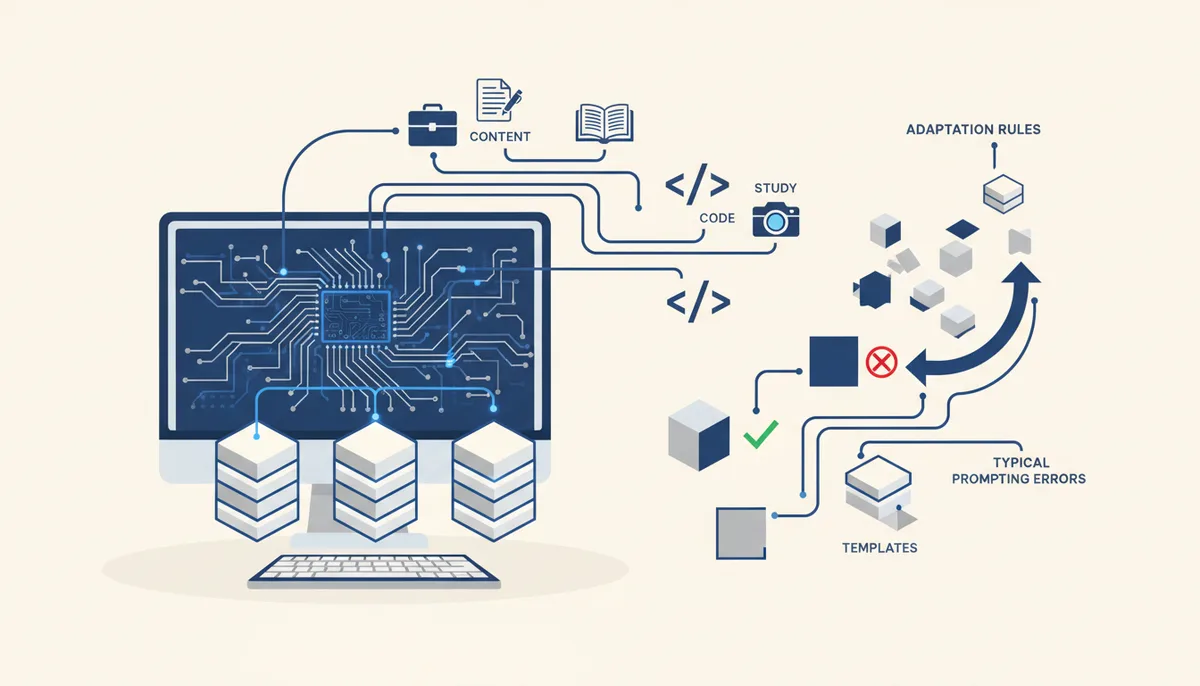
A ready-made prompt is a tested request template where you substitute your own data for the variables in square brackets. A working template almost always has four parts: role, task, context, output format. Below is a base library of 15 templates across five task types: work and business, content, studying, code, images. You can copy any of them into ChatGPT, Claude, GigaChat or any other chatbot. The extended version — 79 prompt cards with filled-in examples — lives in the free qvib arsenal.
Why a template beats writing a request from scratch
A prompt is a text instruction the model uses to build its answer. The model doesn't read minds: it sees only the text of your request and guesses at everything missing. That's why "write a post about our product" produces generic filler, while the same request with a role, an audience and a format produces a usable draft.
A template solves the beginner's main problem — "I don't know what to specify". It already contains the fields that affect the result most:
| Prompt part | What it gives you | Example |
|---|---|---|
| Role | Tone and depth of the answer | "You are a financial analyst" |
| Task | A specific action | "Draft an agenda for the meeting" |
| Context | Facts, without which the answer stays generic | "The company sells CRM to small businesses" |
| Format | The structure of the result | "A three-column table" |
Below are templates by category. Variables are marked in square brackets: replace them with your data and send. The skeleton works in any chatbot; which models are available without paying is covered in our review of free AI tools in 2026.
Prompts for work and business
The common failure of work requests is asking for "something nice" with no facts and no constraints. These templates force you to state what matters.
Business email:
You are an executive assistant. Write an email to [recipient: client/partner/colleague]
with the goal of [what I want to get]. Polite tone, no corporate jargon.
Context: [2-3 facts about the situation]. Length: up to 120 words,
ending with one specific call to action.
Meeting summary:
Summarize the meeting from the notes below. Format: 1) decisions made,
2) action items with owners and deadlines, 3) open questions.
Don't invent anything: if no owner is named, write "unassigned".
Notes: [paste text]
Proposal teardown:
You are a hard-nosed procurement manager. Here is our proposal: [text].
Find 5 weak points that would make a client walk away, and for each
suggest stronger wording. Answer as a table:
weak point -> why it's a problem -> how to rewrite it.
"The adversary review" is a universal trick: cast as an opponent, the model criticizes a text noticeably harder than it does as an assistant.
Prompts for content and social media
Content requests fail when the audience isn't specified: "a post about coffee" for baristas and for office workers are two different texts.
A week of content:
You are a social media editor. Build a plan of 7 posts for [platform]
for the project [what the project is], aimed at [who reads it].
For each post: topic, format (text/carousel/video), opening hook paragraph.
No generic themes like "product benefits" - specifics only.
Turning a draft into a post:
Rewrite this draft as a post for [platform]. Keep my facts and examples,
cut the filler and cliches. Open with a concrete situation, not a definition.
Length: up to [N] characters. Draft: [text]
Headlines without clickbait:
Come up with 10 article headlines about [topic] for the audience [who].
5 with a number or a fact, 5 with a question.
No words like "shocking", "secret", "unique".
More content templates, with notes on which works where, are in the arsenal prompt cards.
Prompts for studying
For studying, an AI is more useful as a trainer than as an answer key: ask for an explanation and a check, not a finished answer.
Explaining a topic:
Explain [topic] as if I were [level: "14 years old", "a humanities major"].
First the essence in 3 sentences, then an everyday analogy,
then where it's used. At the end, ask me 3 questions
to check my understanding.
Exam preparation:
You are an examiner in [subject]. Ask me one question at a time
from the topic [topic]. After my answer: score it out of 10,
tell me what I missed, and only then ask the next question.
Finding the mistake in a solution:
Here is my solution to the problem: [solution text]. Don't give me the correct answer.
Find where I went wrong and ask a leading question
so I can find the mistake myself.
Prompts for code
With code the principle is the same, but the cost of vague wording is higher: an imprecise task statement is the number one reason AI writes the wrong thing. Detailed breakdown in how to state a task so the agent understands it.
A script from scratch:
Write a script in [language] that [what it does].
Input: [format]. Expected output: [format].
Handle errors: [which cases]. Don't use libraries other than [list].
Add comments on the non-obvious parts.
Understanding someone else's code:
Explain block by block what this code does. Flag: 1) potential bugs,
2) places that will break on edge values,
3) what can be simplified. Code: [paste]
Review before you ship:
You are a strict reviewer. Check the code below for: security (injections,
leaked secrets), performance, readability. Format as a table:
line -> problem -> severity -> how to fix. Code: [paste]
If you work in Claude Code or Cursor, one-off prompts hit a ceiling fast: you end up repeating project context in every request. Rules, commands and subagents remove that drudgery — that's where vibe coding begins, and a fully assembled version of that setup is in the Quest engine.
Prompts for images
Image generators don't understand "beautiful", they understand specifics: subject, setting, style, light, angle.
A universal template:
[Subject and what it's doing], [setting]. Style: [photorealistic/watercolor/3D].
Light: [soft daylight/neon/sunset]. Angle: [close-up/top-down].
Mood: [calm/dynamic]. No text in the image.
A cover for an article or post:
A minimalist illustration on the topic of [topic] for a cover.
Two or three objects maximum, plenty of white space, palette: [colors].
Flat style, no gradients, no text.
Variations on an existing scene:
Generate 4 variations of the scene: [description of the base scene].
Change only [time of day/palette/angle], keep the composition.
The same "specifics instead of adjectives" principle applies to video generators — examples in our roundup of AI video tools.
How to adapt a template to your case
A template is a frame, not an incantation. Adapting one takes three steps.
- Replace the variables with the most concrete data you have. "Audience: entrepreneurs" is worse than "owners of coffee shops with 1–3 locations".
- Add an example of the result you want. One sample of "this is good" improves the answer more than a paragraph of description.
- Iterate instead of rewriting. If the answer is 70% there, don't start over — just say: "good, but shorter and drop point 3".
And always check the facts: language models are confidently wrong about numbers, dates and links. Verify anything going into real work against sources.
Four mistakes that kill even a good template:
| Mistake | What happens | How to fix it |
|---|---|---|
| Everything in one request | The model loses half your requirements | Break it up: draft → edits → final |
| No output format | A wall of text instead of structure | Ask for a list, a table, JSON |
| Judgment words ("better", "more interesting") | The model interprets them its own way | Set measurable criteria |
| Endless dialogue on one thing | Context gets cluttered, quality drops | Start a new chat with a short summary |
Where to go next. For a specific task it's faster to grab a ready-made card than to derive the formula yourself: the arsenal has 79 prompt cards for real scenarios, and the section is free and growing. If Claude is your main tool, continue with prompts for Claude: Anthropic's models have their own quirks, like XML markup and system prompts.
FAQ
How is a prompt different from an ordinary question?
A question asks for information; a prompt directs the model's work: it sets a role, constraints, format and success criteria. "What is a SWOT analysis?" is a question. "Run a SWOT analysis for a coffee shop in a residential neighborhood, output as a table" is a prompt.
Does the same prompt work in every AI model?
The "role — task — context — format" skeleton is universal: it works in ChatGPT, Claude, GigaChat and other chatbots. The details differ — Claude, for instance, handles long structured requests with markup noticeably better; that's covered in prompts for Claude.
Do prompts have to be written in English?
For text tasks, no: modern models understand other languages well, and you'll state context more precisely in your native one. English still has an edge with some image generators, which were trained mostly on English captions.
Are there "secret" prompts that dramatically improve answers?
No. There are no magic phrases — answer quality is determined by the specificity of the task, the context and the format you set. Only three techniques reliably work: ask the model to reason step by step, show an example of the result, and let it ask clarifying questions.
What do you do when the AI answers in vague, boilerplate language?
Explicitly forbid what you don't like: "no intros or conclusions", "no corporate jargon", "don't use the word 'unique'". And add substance: the more specifics on the input, the less filler on the output.