What it is and why
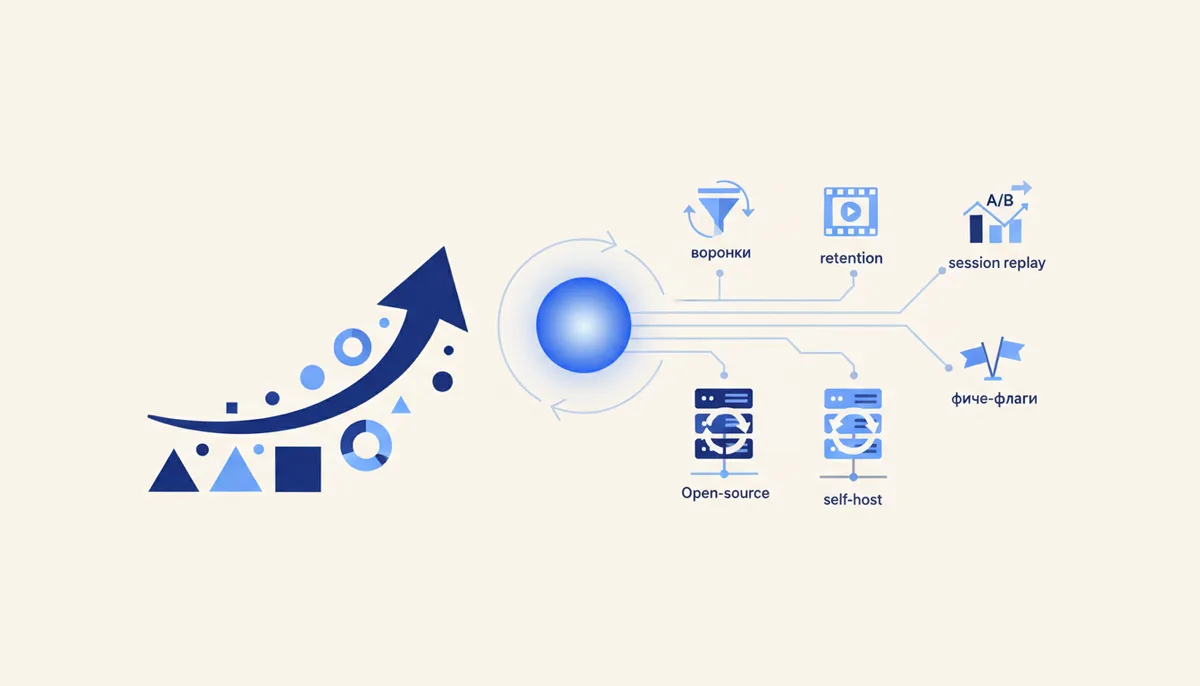
PostHog is all-in-one product analytics for apps and SaaS: funnels, retention, user paths, session replay, feature flags and A/B tests in a single tool. Open-source, and you can self-host it. Reach for it when you have a product or app and need to understand user behaviour and ship features behind flags — not just "site visitors", but what people actually do inside.
How to set it up (step by step)
- Hosting: PostHog Cloud (a generous free event allowance) or self-host (open-source — full control over your data, but it needs resources).
- Install the SDK for your platform (JS for web, mobile and server SDKs) and initialise it with your project key.
- Send events. Autocapture of clicks and pageviews plus custom ones:
posthog.capture("signed_up"),posthog.capture("purchased", {plan}). - Identify users — tie events to a user (
posthog.identify(userId)) so retention and paths work. - Funnels. Build
landing → signup → activation → paidand see where people drop off. - Retention — the retention table: do people come back after a day, after a week?
- Session Replay — watch session recordings to see where users got stuck (like a session recorder, but aimed at the product).
- Feature flags and A/B. Roll a feature out to 10% → measure the effect → ship it to everyone. Flags are managed from the dashboard.
Ready-made recipe
A product growth loop: the SDK sends events from the app → the funnel shows that only 30% of signups reach the "key action" (activation) → Session Replay shows where newcomers get lost in onboarding → you launch a new onboarding behind a feature flag for 50% of users (A/B) → the retention table confirms the new variant holds people better → you roll it out to 100%. Analytics + experiments + replay in one place, a closed loop of product improvement.
What it costs (honestly)
How it works: a generous free monthly allowance of events/replays/flags on Cloud — enough to get started and for small products. Beyond that you pay by volume (events, session recordings). Self-host is free — you pay for infrastructure, and for PostHog that is not trivial. Check exact limits and prices with PostHog, they change.
When it fits / when it doesn't
- Fits: you have a product/app/SaaS; you need product analytics (funnels/retention/paths); you want session replay + feature flags + A/B in one tool; you value open-source and self-hosting.
- Doesn't fit: a plain site or landing page only (overkill — use a basic web analytics tool); you need maximum simplicity as a beginner; you have no resources to self-host (take Cloud) and do not want to pay by volume.
Risks and responsibility
152-FZ: PostHog collects behavioural data and (once you call identify) ties it to a user → you need consent to process personal data and a privacy policy; session replay must mask sensitive fields (passwords, payment forms — this is configurable). Self-host means infrastructure, security and backups are on you (a plus for data localisation). Cloud means the data sits on PostHog's servers — check the geography. See the section disclaimer.
🤖 Prompt helper
You are a product analyst working with PostHog. The product is "{what: SaaS/app}", the key user action is "{which}". Help me: (1) decide which events and properties to track (a list of
capturecalls) for my funnel; (2) build an activation funnel and retention view — and what to read in them; (3) use session replay and feature flags to test onboarding hypotheses; (4) set up what 152-FZ requires (consent, masking in replay). Step by step.