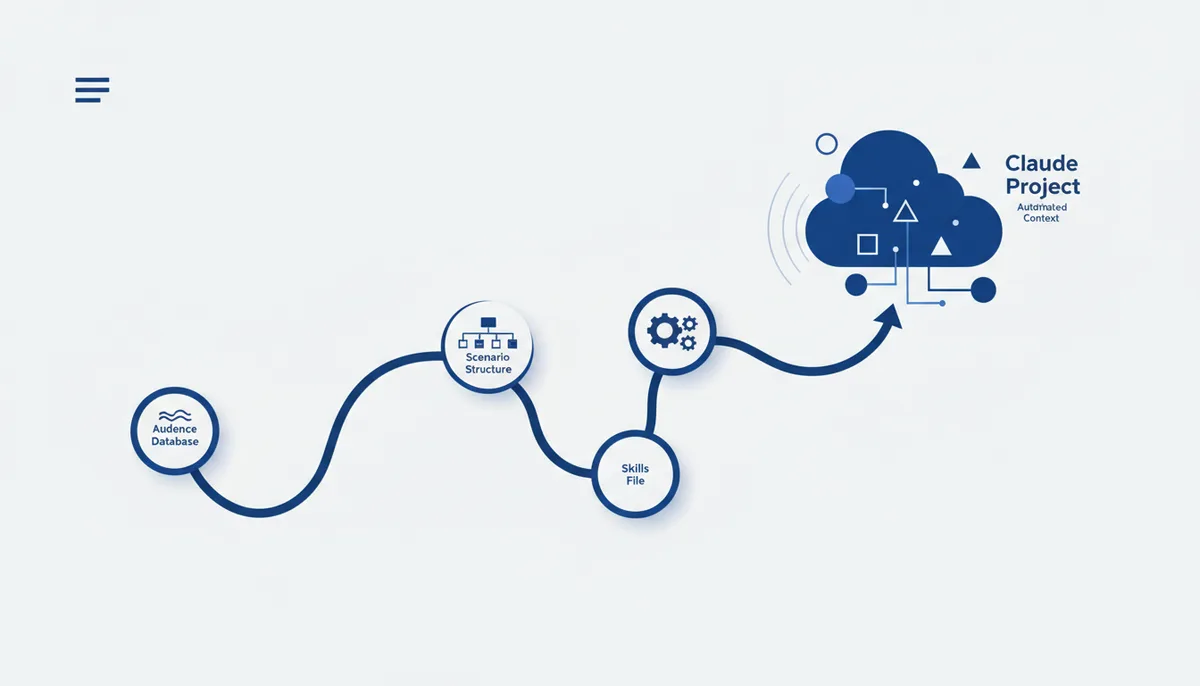
If every Instagram post starts with a chat from scratch, Claude has to learn about your audience, tone and format all over again. Claude Projects handles this differently: you set the context once and it holds across every chat inside the project. Here is a step-by-step guide to building a Project like that for content.
The idea: a Project instead of a one-off chat
A normal chat is a one-time thing: close it and the context is gone. A Project is a permanent space with a description, files and instructions that Claude sees on every answer inside it. For content that means your audience profile, style and script structure do not need retelling — they are already there.
Step 1 — create a Project with a clear description
In Claude you create a new Project and pin down four things in the description: what it is for, what content exactly should come out of it, in what style to write, and for which audience. The more specific the description at this step, the fewer clarifications you will need in each individual chat inside the project.
Step 2 — upload the base it learns from
Next you add files to the Project that build up the context:
- an audience profile — who reads it, what questions and objections they have;
- 5–10 of your best posts that already worked, with a breakdown of why;
- a tone of voice description — what is allowed and what is definitely not your style;
- a list of recurring content topics;
- examples of hooks that landed in the past.
Claude reads these files before every answer inside the project, not just on the first message — so the base does not get wiped between chats.
Step 3 — set the script structure with one command
The prompt with the structure only has to be written once in the project:
Write a script following this structure:
— Hook: a gripping headline, conflict or question in the first line.
— Body: value delivered step by step, no filler and no generic phrases.
— CTA: a clear call to action — one, not two or three at once.
After that a short request is enough for a new topic — the structure is already fixed in the project.
Step 4 — a separate file with skills
The main extension is an Instructions file describing the additional tasks the Project should be able to handle beyond regular scripts:
Additional tasks for this Project:
1. Lead magnets — a short checklist or guide for the post topic.
2. Engaging stories — a storyboard of hook/pain/poll/proof.
3. Warm-up series for the niche — a run of posts before a product or service launch.
4. Profile packaging — bio, highlights, pinned posts.
Each task on the list is triggered by its own short request but uses the project's shared base — no need to restate the audience, style or topics.
How we do it
The qvib.pro knowledge base holds more than five hundred open cards — on content prompts, the structure of Claude Skills and Projects setup, with no DMs and no code words. The idea that the base is configured once instead of retold in every chat is the same principle the qvib engine runs on when it assembles code and content against a context fixed up front.
Related links
- Content prompts: qvib.pro/arsenal/prompts/instagram-hooks
- How to write Claude Skills: qvib.pro/arsenal/skills/claude-skill-authoring
- Ready-made skills for content: qvib.pro/arsenal/skills/content-creation