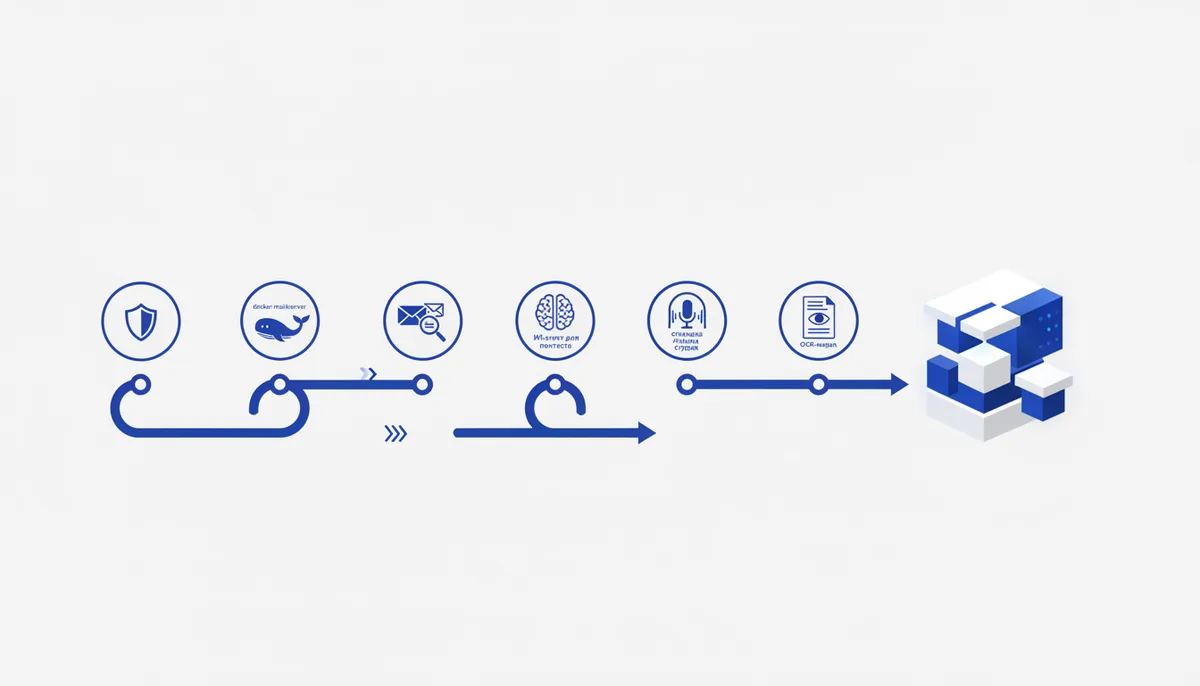
Behind many paid services sits an ordinary infrastructure subscription you could deploy yourself. Below are five GitHub repositories that replace specific subscriptions: an ad blocker, a mail server, an AI pentest agent, a voice studio and an OCR model. For each one — what it is, what it's for and how to set it up.
Why look at open source instead of ready-made SaaS
A SaaS service usually has a free tier with a cap, and beyond that a subscription. The open-source version often covers exactly the same job with no cap, but asks you to deploy it once yourself: on your own server, in Docker or locally. After that it just works, with no monthly bill.
1. uBlock Origin — an ad blocker without the bloat
github.com/gorhill/uBlock blocks ads, trackers and malicious sites in the browser. What sets it apart from many alternatives is low memory usage: uBlock works from rule lists rather than heuristics, so it doesn't slow pages down even under heavy filtering. The project has 65 thousand stars on GitHub — one of the most proven tools in its category.
How to install it: it installs as an extension from the official Chrome, Firefox or Edge store — no manual build. After that you can add extra filter lists in the extension settings.
2. docker-mailserver — a mail server in a container
github.com/docker-mailserver/docker-mailserver deploys a full mail server: SMTP, IMAP, spam filters and SSL — in a single Docker container on your own hardware. It's a replacement for Gmail and Outlook for anyone who wants to keep mail on their own infrastructure without a monthly corporate email subscription.
How to install it: the project ships a ready docker-compose.yml — you edit the domain and the
environment variables and bring it up with docker compose up. After that you need to configure DNS
records (MX, SPF, DKIM) — a separate step, documented in the project README, without which your mail
will land in spam.
3. CyberStrikeAI — the AI picks the pentest tools itself
github.com/Ed1s0nZ/CyberStrikeAI wires 100+ pentest utilities — nmap, sqlmap, nuclei, metasploit and others — into a single AI platform. You describe the task in text, and the agent picks the tools, builds an attack chain and visualizes the vulnerabilities it finds on a dashboard.
How to use it: the platform is meant for legal pentesting of your own or otherwise authorized infrastructure. Its value for a vibe coder isn't the pentesting itself but the architecture: it's a ready example of how to build an agent that picks its own tools out of a large set for a specific task — the same principle applies to agents in other domains.
4. Voicebox — an open voice studio with no cloud
github.com/jamiepine/voicebox clones a voice, reads text aloud and generates speech in 23 languages. It supports 7 TTS engines to choose from and runs locally — without sending voice data to a third-party server.
How to install it: the project is built locally following the README instructions (you'll need Node.js and the Python dependencies for your chosen TTS engine). Once installed, you get an interface for cloning a voice from a sample and generating speech from text.
5. chandra — an OCR model for complex documents
github.com/datalab-to/chandra turns scans and PDFs into structured Markdown, HTML or JSON with the formatting preserved. It handles complex tables and mathematical formulas in 90+ languages — where ordinary OCR loses the document structure.
How to use it: the model can be run locally through the standard Hugging Face Transformers interface — you feed in an image or a PDF and get marked-up text out. It's useful as a step in a pipeline where documents need to be turned into text before being fed to an LLM.
What to take first
If the goal is to save on subscriptions right now: start with uBlock (a minute to install) and docker-mailserver (if you already have your own server). CyberStrikeAI and chandra are more a source of ideas for your own agent pipelines than a ready solution for a daily task.
How we do it
The qvib.pro knowledge base collects breakdowns of open-source tools like these regularly — with the emphasis on where exactly a tool fits into a setup with Claude and vibe coding, rather than on a bare list of links. The qvib engine itself generates code and websites from a task description — a similar principle to what CyberStrikeAI does inside its own niche, applied to building products.
Related links
- The "Vibe coding" section of the arsenal: qvib.pro/arsenal/vayb-koding/
- The "AI tools" section: qvib.pro/arsenal/ai-instrumenty/
- How the qvib engine works: qvib.pro/