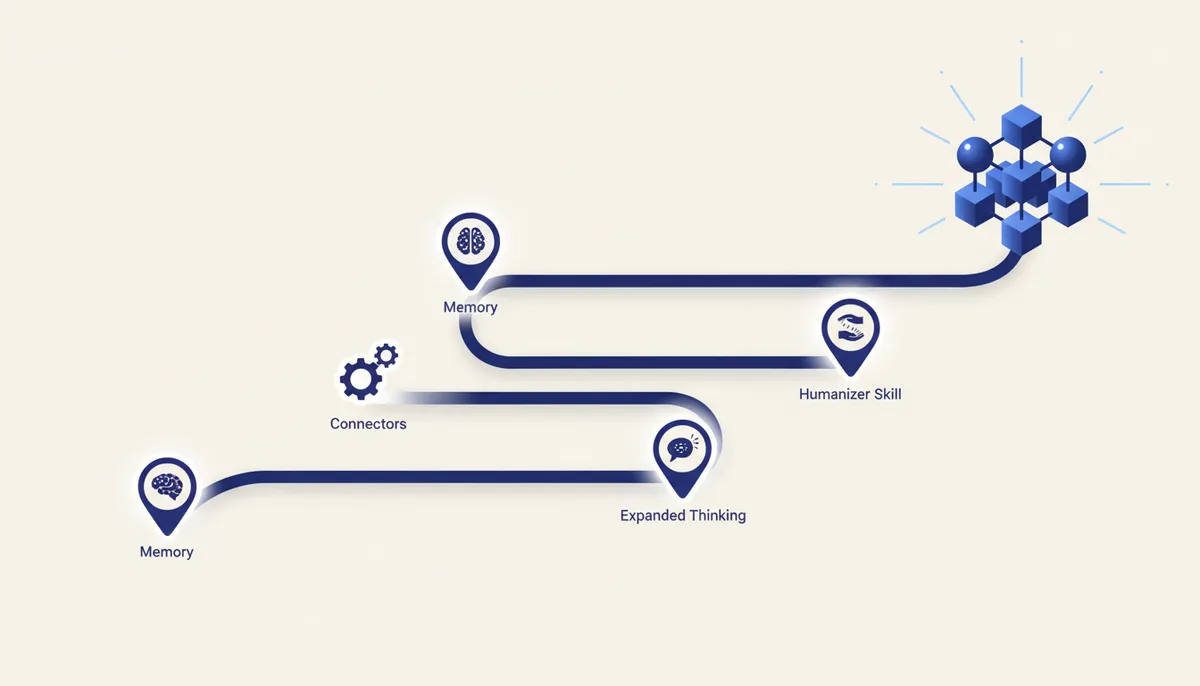
Most "how to set up Claude" advice boils down to generic lines like "write clear prompts". What follows is not advice but four specific sections in Settings and one open skill from GitHub that genuinely change what you get back from Claude.
Setting 1 — Memory: stop explaining the context again
Settings → Capabilities — this is where the Memory block lives, with two toggles: "Search and reference chats" (Claude looks up details in past chats) and "Generate memory from chat history" (Claude remembers context from your history — for chats and for projects). Turn both on.
Without them every new chat starts from zero: Claude remembers neither your niche nor what you discussed a week ago, and you end up retelling the context all over again.
Setting 2 — Connectors: files without manual copying
Settings → Connectors. Here you get a list of external services (GitHub, Google Drive and others), each with a "Connect" button. Once connected, Claude reads files straight from the connected service instead of you pasting the contents into the chat by hand.
Useful when your working material (code, documents, spreadsheets) already lives in Drive or a repository — no need to copy it into every new chat.
Setting 3 — extended thinking mode for hard tasks
Next to the model picker in the chat there is a response mode toggle: normal and extended thinking (sometimes labeled as "thinking" mode). For quick short questions you do not need it and it will only slow the answer down. But for tasks where structure and analysis matter — audience research, building a positioning strategy, a complex multi-step instruction — extended thinking gives a more coherent result.
Turn it on deliberately: not for every request, but exactly where you need depth of reasoning rather than speed.
Setting 4 — the humanizer skill from an open repository
GitHub has an open repository, blader/humanizer — a skill that aligns the style of generated
text with more natural, lively speech (rules like cutting down on passive voice and bureaucratic
phrasing).
To install it: open the blader/humanizer repository, download the skill file (SKILL.md), then
in Claude go to Customize → Skills → Create skill → Upload a skill and upload the file. From
there you can call the skill the same way as any other personal skill.
How to turn it all on in one pass
The order is straightforward: Memory first (Settings → Capabilities) — a one-time, five-second setting. Then Connectors, if you have material in Drive or GitHub. Extended thinking mode is not something you turn on forever — you switch it on for a specific task. The humanizer skill is installed once and works in the background for any text task where a lively style matters.
How we do it
The qvib.pro knowledge base collects cards on Claude settings and on custom skills — including a breakdown of how we use Connectors and memory ourselves in the live engine when generating code and sites. No "DM me for it" — the whole checklist is open right away.
Related links
- The "Claude skills" section of the arsenal: qvib.pro/arsenal/skills/
- The Claude settings and capabilities section: qvib.pro/arsenal/
- How the qvib engine works: qvib.pro/