When to use it
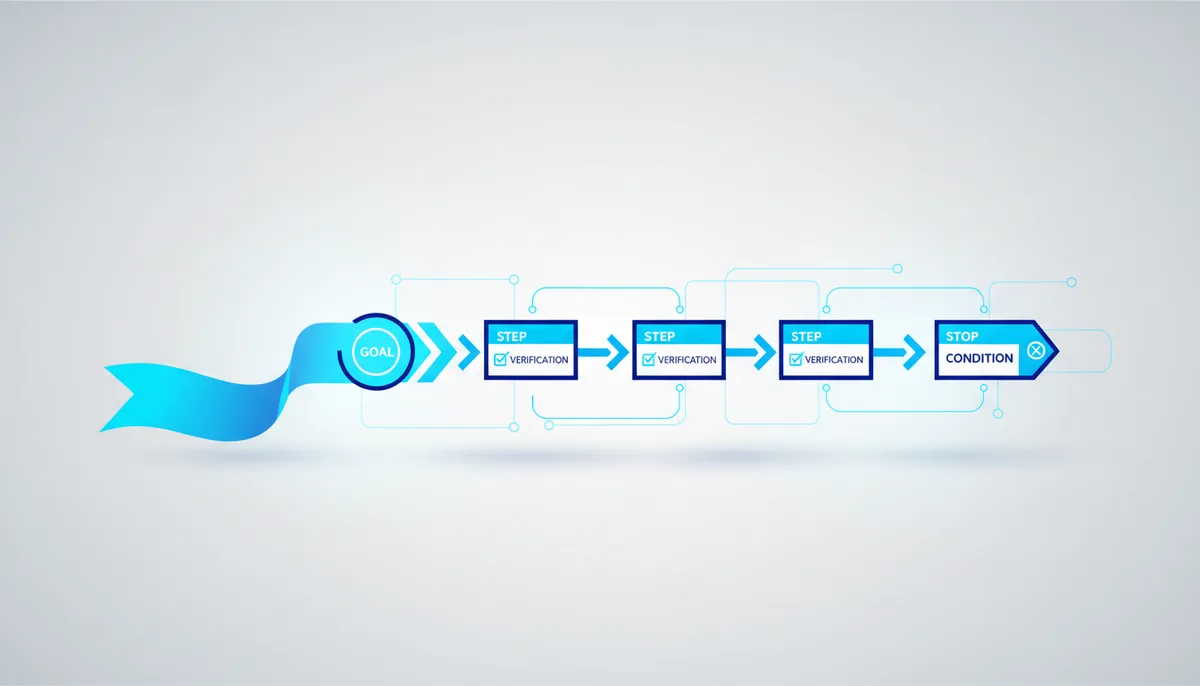
An agent is driving a browser or the screen (a Playwright agent, computer-use, Claude in Chrome) and has to complete a real flow: fill in a form, export a report, verify a feature works. Your role: QA lead writing the script. The result: a script where every step is checked against what's actually on screen, not performed blind.
The prompt (copy and paste)
You are an agent controlling a browser (clicks, typing, navigation). Run the script below.

GOAL: "<FILL IN: what should be on screen at the end>".
START: <the URL or screen we begin from>.
INPUT DATA: <demo login / test values for the form>.

Work like this:
1. On EVERY step, first describe what you see on screen (the key elements), then the action.
2. Step format: "I see: … → I do: <click/type, targeting the element by its text or role> → I check: <what should change>".
3. Act on visible labels and element roles; if the element you need isn't there, do NOT click at random: take a screenshot, describe the screen and suggest what's wrong.
4. After every action, confirm the result actually happened (the expected text/state appeared). If it didn't, don't move on.
5. STOP CONDITIONS: the goal is reached; or an error / unexpected screen; or <N> steps are used up.

NOT ALLOWED: entering real payment or secret data; confirming anything irreversible (payment, deletion) without explicit permission; leaving the target domain.

At the end: did the flow pass, what happened at which step, and a screenshot of the final screen.
Why it works: "I see → I do → I check" on every step ties actions to the real state of the screen and stops the agent clicking blindly at an imagined page.
Filled-in example
Goal: "place a test order and reach the 'Thanks for your order' page". Start: a demo shop. Data: test card 4242…, a placeholder address.
How the AI should proceed: "I see: the catalogue, an 'Add to cart' button → I do: click 'Add to cart' on product X → I check: the cart counter shows 1"; then on to the cart, checkout, entering the test data, and a final check — the heading "Thanks for your order" plus an order number on screen. It stops before "Pay" if this isn't a test payment.
Variations
- Regression check. "Run this flow and compare against the reference: what changed or broke versus the description."
- Data extraction. "Open the page, wait for it to load, and dump table X as JSON" — the browser as a data source.
- Stop at the form. "Get to the payment screen, fill in the fields, but do NOT press 'Pay' — show me a screenshot" — a safe dry run.
Pro tips
- Make it describe the screen BEFORE acting: computer-use agents most often fail by clicking an element that is no longer there or not there yet (the page hadn't loaded). The "I check" step catches that immediately.
- Target elements by text or role, not by coordinates: "the button labelled 'Sign in'" survives small layout changes; pixel coordinates don't.
- Spell out the "not allowed" list for anything irreversible (payment, deletion, sending real data) and work in demo/staging environments — a browser agent acts in a live interface, so mistakes cost real money.