What it does
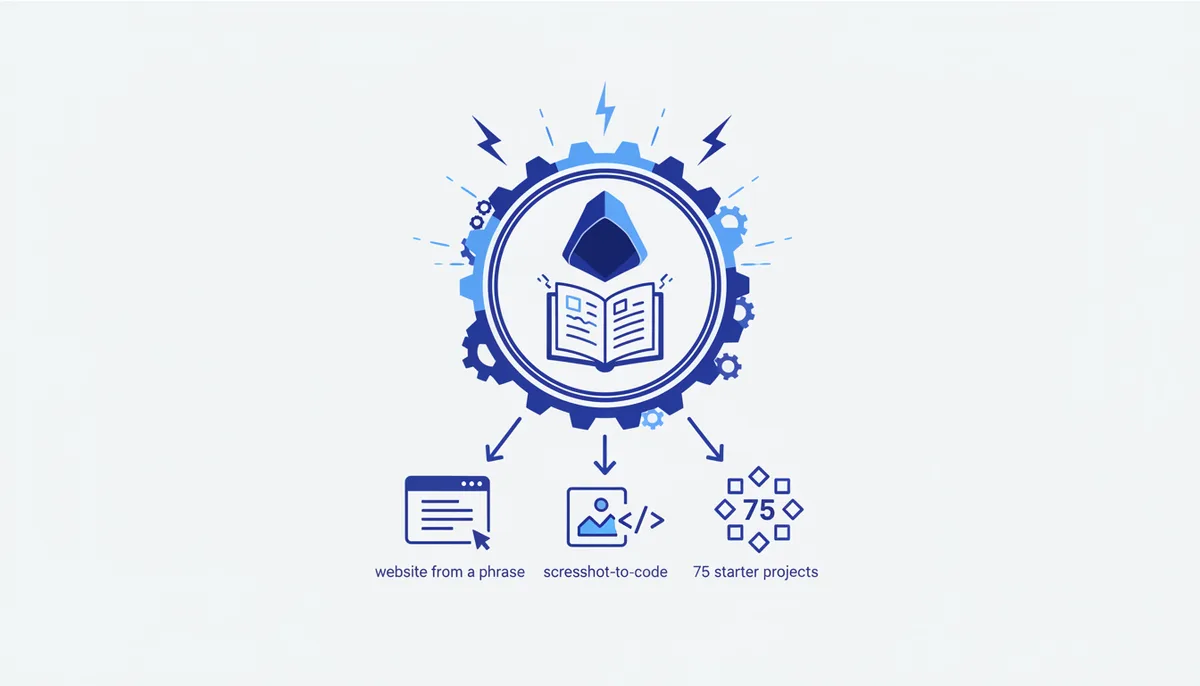
Turns ChatGPT into a coding mentor: it builds a site or prototype from a single sentence, reads a screenshot or wireframe and returns HTML/CSS/JS, and walks you through a task step by step. The signature features are 20+ hotkeys for quick actions and 75 starter projects that let you pick up "prompt-first coding" with no prior experience. One of the most talked-about coding GPTs in the store.
How to set it up
- Open chatgpt.com/g/g-n7Rs0IK86-grimoire → Start Chat.
- A paid plan is required (image analysis and the advanced actions need ChatGPT Plus).
- Type
Kat the start — it brings up the hotkey menu.
When to use it
- ✅ A fast landing page or widget prototype, learning to code in plain language, turning a mockup into markup.
- ✅ You prefer short hotkey commands over long prompts.
- ❌ For serious work inside a repo an IDE agent (Cursor/Claude Code) is the better fit; Grimoire is for quick starts and learning.
Example
Drop in a screenshot of a mockup: "Build this landing page in HTML + Tailwind, responsive" — Grimoire returns working code, and a hotkey asks for the next step or an edit.