AI for Reels and Shorts 2026: A Stage-by-Stage Guide
In short
An AI tool for Reels or Shorts is a service that covers one stage of a short vertical video: the idea, the script, the footage, the voiceover, the edit, the subtitles or the thumbnail. You still can't assemble a strong clip with one button — what works is a pipeline of 4 to 6 tools.
The fast route as of July 2026:
- Script — ChatGPT, Gemini, GigaChat.
- Footage — Kling or Veo (realism), Kandinsky Video (free, works directly from Russia).
- Avatar presenter — HeyGen, Synthesia.
- Voiceover — ElevenLabs (naturalness) or SaluteSpeech/GigaChat (no Russian card needed).
- Editing, clipping, subtitles — CapCut, Opus Clip, ClipCut.
- Thumbnail — Flux.1, GPT Image 2, Nano Banana Pro, Picsart.
One clip can genuinely be made for free. The difficulty starts at volume: 20–30 clips a month is not something you pull off by hand. How to turn a set of services into a content factory is at the end of the article.
What does an AI pipeline for Reels and Shorts consist of?
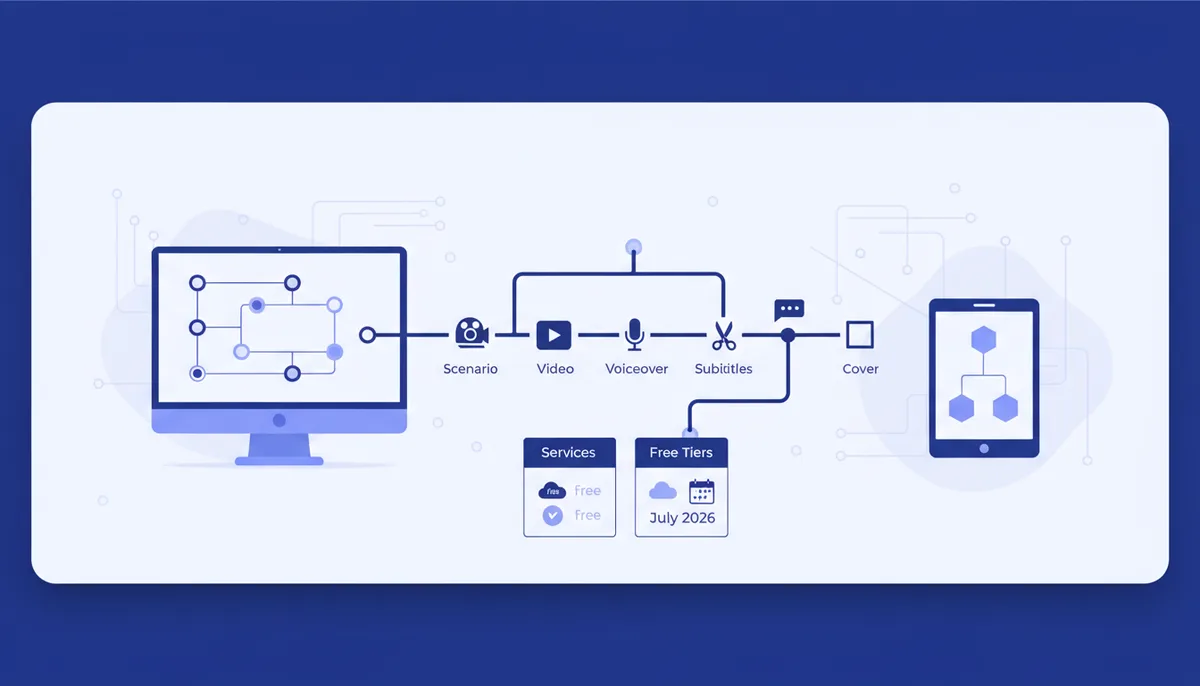
Instagram Reels, YouTube Shorts, VK Clips (the short-video format of the Russian social network VK) and short TikTok videos are all the same vertical format, so one pipeline covers every platform. A short video breaks into six stages, and a different class of model is strongest at each. Trying to cover everything with a single service is the classic beginner mistake: all-in-one generators give a mediocre result at every step. It's more practical to assemble a chain of tools that are best at their own stage.
The stages are: idea and script → footage or avatar → voiceover → editing and clipping → subtitles → thumbnail. The first and the last decide the clip's fate: a weak hook in the script means no watch-through, a weak thumbnail means no click at all. So the text and the preview deserve most of your attention, not "wow" footage.
Table: stage → service → free access
A snapshot as of July 2026. "Free tier" means access with limits, often with a watermark.
| Stage | What to use | Free tier |
|---|---|---|
| Idea and script | ChatGPT, Gemini, GigaChat, YandexGPT | Yes, basic limits |
| Footage | Kling, Veo, Sora 2, Runway, Kandinsky Video | Partly: Kling ~66 credits/day, Kandinsky free with a limit |
| Avatar presenter | HeyGen, Synthesia | Yes, with a watermark (HeyGen — 3 videos/mo, Synthesia — 10 min/mo) |
| Voiceover | ElevenLabs, SaluteSpeech, GigaChat | ElevenLabs — character limit; Russian TTS — free |
| Editing and clipping | CapCut, Opus Clip, ClipCut | CapCut — free; Opus Clip/ClipCut — starter limit |
| Subtitles | CapCut, Opus Clip, ClipCut | Yes, built into the editor |
| Thumbnail | Flux.1, GPT Image 2, Nano Banana Pro, Picsart | Partly: Picsart and aggregators — free limits |
More free options for each stage are in our roundup of free neural networks in 2026.
The script: where a viral clip begins
The script is the skeleton of the clip: a hook, 2–3 beats of meaning and a call to action. The hook is the first 1–2 seconds that decide whether people watch or scroll past.
Text models have no competition here. ChatGPT and Gemini have a good feel for short-video formats and the logic of virality; GigaChat and YandexGPT work from Russia directly and for free. A working prompt: "Write a 20-second Reels script for [niche]: a strong hook, 3 beats, a CTA, shot-by-shot storyboard." Ask for 5–10 hook variants at once — you'll reject most of them.
Don't rewrite the prompt from scratch every time: ready-made templates for scripts, hooks and headlines are in our prompt collection and in the arsenal section. That saves more time than any "magic" video generator.
Footage and avatars: what should generate the picture?
A video generator is a model that turns text or a photo into moving frames. As of July 2026 the lineup looks like this:
- Realism and long scenes — Veo and Sora 2: photorealistic picture, coherent scenes, synchronized sound.
- Motion and people — Kling: stable movement physics and character consistency, a good price-to-quality balance.
- Photo animation and short clips — Runway, Hailuo, PixVerse, Luma.
- Direct from Russia and free — Kandinsky Video by Sber: clips are short, but fine for a teaser or inserts.
An avatar model is a service that builds a talking digital presenter from text. HeyGen and Synthesia offer a free tier with a watermark (HeyGen — 3 videos a month, Synthesia — 10 minutes), with paid plans starting at about $29/month. Handy when you need "a person on camera" but don't want to film yourself.
A detailed breakdown of the models, with examples and prices, is in the big guide AI video generators in 2026.
On access and payment. Some of the top services (Sora, Veo, ElevenLabs, HeyGen) don't accept cards from Russian banks, and a few sites aren't directly reachable. The legal options as of July 2026: work with Russian models that open without any tricks (GigaChat, Kandinsky, Shedevrum, CapCut); pay through aggregators; or use a foreign card issued outside Russia, within the service's own rules. An aggregator is a Russian service that pays for access to foreign APIs itself and resells it for rubles. We don't cover ways to bypass blocks.
Voiceover, editing and subtitles: how to assemble the clip
Voiceover (TTS) is speech synthesis from text. ElevenLabs remains the benchmark for naturalness: the current Eleven v3 model supports 70+ languages, Russian included, emotions are set with tags, and voice cloning is available. Among Russian options that need no Russian card there are SaluteSpeech and the GigaChat voice: they sound plainer, but they're free and work directly.
It's convenient to keep editing, clipping and subtitles in one place:
- CapCut — generation, subtitles, voiceover, background removal and final assembly in one editor, vertical and horizontal.
- Opus Clip — the autopilot: you upload a long video and the AI cuts it into viral vertical clips with automatic subtitles.
- ClipCut — the Russian equivalent: finds the best moments, reframes around faces, adds subtitles and scores virality.
Subtitles aren't decoration: most people watch short videos with the sound off, so auto-subtitles in a large font noticeably raise watch-through rates.
Thumbnails and previews: what makes people click?
The thumbnail decides the click before the viewer sees the clip at all. The key requirement in 2026 is legible text right on the image. Flux.1 (which renders fonts and spelling cleanly) and GPT Image 2 (crisp text at any size) handle that best. Nano Banana Pro places your face into the composition while preserving the likeness, and Picsart lets you build a thumbnail straight from a phone. For social platforms this is part of the wider SMM pipeline — related tools are collected in the guide AI for social media in 2026.
How to turn services into a content factory
Assembling one clip is an evening's work. The problem for a blogger or a business is different: you need a stream. And what wins here isn't "one more service" but a three-layer system.
Prompts. Repeatable results come from your own templates, not from the models. Ready-made chains of "trend → script → storyboard → subtitles" are in the arsenal combos — multi-step sequences for a specific task, not single requests.
Automation. Once the stages are dialed in, it makes sense to wrap them into your own tool: a Telegram bot that returns 5 scripts for a given topic, or a pipeline that runs a batch of ideas through your prompts. You don't need a programmer for that — the Quest vibe-coding engine helps you build such a mini-pipeline right inside Claude Code or Cursor.
Skill. If you're starting from zero, the learning tracks at /learn/ will put things in order: from your first clip to a steady stream.
The conclusion is simple: the services in the table are the hands, while prompts and your own automation are the conveyor belt. It's the combination that turns one-off experiments into a predictable content stream.
FAQ
Can I make Reels or Shorts completely free?
Yes. Script in GigaChat or ChatGPT, footage in Kandinsky, voiceover in SaluteSpeech, editing and subtitles in CapCut, thumbnail in Picsart. The price of free: daily limits, watermarks and lower resolution.
Which model is best for video with people?
As of July 2026, Kling or Sora 2 are the usual picks for realistic people and motion. If what you need is a talking presenter rather than a scene, it's simpler to take an avatar in HeyGen or Synthesia.
How do I voice a clip in Russian without a Russian card?
Use Russian speech synthesis services — SaluteSpeech or the GigaChat voice: they work directly and for free. ElevenLabs sounds more natural but requires access through an aggregator or a foreign card.
How many AI tools do I actually need?
Usually 3–4: a text model for the script, one video generator or avatar, an editor with subtitles (CapCut) and an image generator for the thumbnail. The rest is a matter of taste.