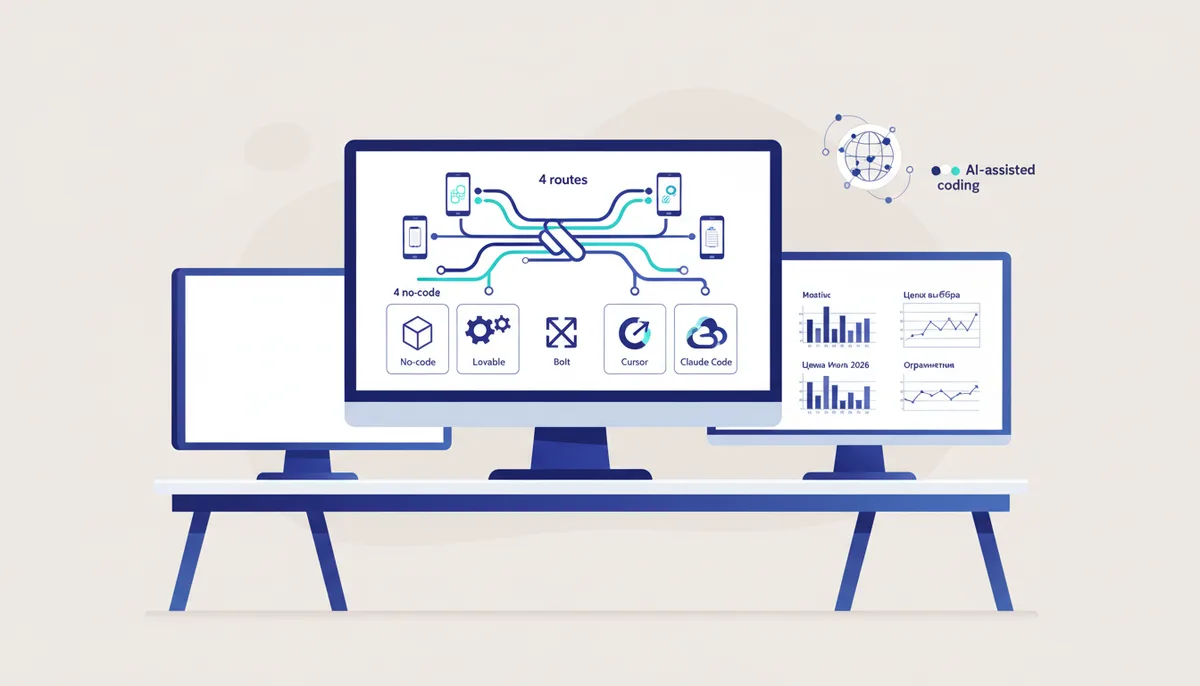
How to Build an App with AI: 4 Routes
In short
In 2026 there are four routes to building an app with AI and no classical programming: no-code builders (Bubble, Glide, FlutterFlow), AI app generators (Lovable, Bolt, Replit Agent), the Cursor editor, and Claude Code paired with a vibe coding engine. The right choice depends on the job: a prototype in one evening — a generator at $0–25/mo; an internal tool — no-code or Replit; a product meant to last — Claude Code with a systematic layer on top. Below: a decision matrix, a step-by-step plan, prices, and the honest limits of each path.
Can you build an app without programming?
Yes, and that's no longer a marketing promise but working practice. Vibe coding is the approach where you describe the task in plain language and an AI agent writes and edits the code for you; for a full breakdown of the term, see what vibe coding is. The real constraint today isn't "I can't program" — it's whether you can state a task clearly and verify the result.
Let's separate two scenarios up front. If you need a landing page, a business-card site or a blog, that's a simpler job with its own guide: how to make a website with AI. This article is about applications: with logic, a database, authentication and a user account area. The difference matters: a site can be generated and forgotten, an app has to be developed further — which makes it critical who controls the code.
Route 1: no-code builders
A no-code builder is a visual editor where the app is assembled from ready-made blocks with no code at all: Bubble, Glide, Adalo, FlutterFlow. AI plays a supporting part here (generating screens and formulas); most of the work you do with a mouse.
The strength is predictability: standard record-keeping apps (a catalog, request intake, client booking) come together in a day or two, and it's hard to break anything. The weakness is the ceiling: non-standard logic runs into platform limits, plans get more expensive as your user count grows, and you can't move off a builder — there simply is no code to take with you. A reasonable choice for an internal tool, a poor one for a product you plan to grow for years.
Route 2: app generators — Lovable, Bolt, Replit Agent
An AI app generator is a service that takes a text description and produces a full working web app: interface, database, authentication and a deployed link. It's the fastest path from idea to something clickable — often under an hour.
Prices as of July 2026: Lovable's free plan gives roughly 5 credits a day, Pro is $25/mo for 100 credits; Bolt.new offers 1M tokens a month free, Pro at $25/mo with 10M; Replit Core costs $25/mo and includes $25 of agent credits. The schemes differ — credits versus tokens — but the economics rhyme: as soon as you start iterating and asking "fix this bit," the limits melt fast. Fitting a real MVP inside a free plan is nearly impossible.
The main constraint isn't price, though — it's the quality and ownership of the result. Generated code is often poorly structured, the project is tied to the platform and its hosting, and complex follow-up work turns into a lottery: the agent fixes one thing and breaks another. Fine for testing a hypothesis; a source of future pain for a product.
Route 3: Cursor — a code editor with an AI agent
Cursor is a code editor with a built-in AI agent: you describe the task, the agent edits your project files, and you see every change while the code stays with you. The Hobby tier is free, Pro is $20/mo (as of July 2026) — plenty for a beginner for a long time.
Compared with generators this is a step up in control and a step down in magic: you'll have to look at the code even if you don't write it. In exchange the code is yours, it lives in an ordinary Git repository, and you aren't locked inside someone else's platform. Cursor is the route for people who want not just to get an app but to gradually understand how it works. A survey of the whole tool lineup with pros and cons is in the best vibe coding tools of 2026.
Route 4: Claude Code + a vibe coding engine
Claude Code is a terminal AI agent from Anthropic that works with your project directly: reads files, writes code, runs tests and commands. Access comes through a Claude subscription, from about $20/mo as of July 2026. It's the most powerful of the four routes and the most demanding of discipline: a bare agent won't plan for you, won't check itself systematically, and will happily do exactly the wrong thing you asked for. Installation and first steps are in the Claude Code guide for beginners.
A vibe coding engine is a layer on top of the agent: a set of rules, commands, roles and checks that turns chatting with an AI into a managed process — brief, plan, code, verify. That layer is what we build: the Quest engine costs 4 900 ₽ one time (plus 13 modules at 1 900 ₽ each for specific jobs), no subscription, and it runs in both Claude Code and Cursor — portability between tools has its own breakdown. For a beginner the engine closes the core problem of route 4: not "what do I type in the chat" but "how do I organize the work so the agent doesn't tear the project apart."
Which route fits which job: the matrix
| Job | Best route | Why | Starting budget (July 2026) |
|---|---|---|---|
| Test a hypothesis, MVP over a weekend | Lovable / Bolt | fastest from idea to a live link | $0–25 |
| Internal tool (records, requests, mini-CRM) | No-code or Replit Agent | forms and tables are their strong suit | $0–25/mo |
| Public product with multi-year plans | Claude Code + engine | code is yours, process is built, no platform lock-in | ~$20/mo + 4 900 ₽ one time |
| Learn and grow into the profession | Cursor or Claude Code | you see the code and learn from it | $0–20/mo |
The rule is simple: the longer the app has to live and the more complex it is, the further down the matrix you should start. Migrating "from a generator to a real stack" almost always means rewriting from scratch.
What this looks like step by step
The path is the same on every route; only the tool changes.
- Write the task down. One app, one scenario, one user type. "Barbershop booking: the barber sees a calendar, the client picks a slot" is a workable brief; "build a service like Booksy" is not.
- Pick a route from the matrix and don't mix them: the classic failure mode is trying to push a generated prototype into a product.
- Build the skeleton: one screen, one database table, email login. Make sure it opens at a URL.
- Iterate in small steps. One request, one change, one manual check. "Do it all at once" prompts wreck a project in any tool.
- Check security before you publish: access to other people's data, leaked keys, admin rights. Common holes and checklists are in the security section of the arsenal.
- Ship it and collect feedback. Generators deploy themselves; for Cursor and Claude Code, Vercel or a cheap VPS is enough.
On timing: a clickable prototype takes an evening, an MVP with a database and auth takes 1–2 weeks of evenings, a product takes months. AI speeds up every step but removes none of them.
The limits landing pages don't mention
- Limits burn up on iterations. The advertised "build your app for free" hits a wall on the second evening. You'll pay on any route — the only question is whether it's a platform subscription or a model subscription.
- AI is confidently wrong. An agent can "fix" a bug by breaking the function next door and never notice. Without the habit of verifying — or an engine that verifies systematically — you'll hear about it from your users.
- Vendor lock-in is real. You can't take a project out of a no-code tool or generator whole, or barely can. Code from Cursor and Claude Code is an ordinary repository that will outlive any service.
- AI won't invent the product for you. What the app should do, for whom, and why is still your job. A catalog of 500+ vetted tools and practices for every stage is in the arsenal.
FAQ
Can I build a mobile app, not just a web one?
Yes, but it's harder. Generators like Lovable and Bolt primarily produce web apps; for app stores there's FlutterFlow (no-code) or Cursor/Claude Code paired with React Native or Flutter. In practice most ideas are served by a web app that opens fine on a phone — start there.
Lovable, Bolt or Replit — which one?
For a first prototype, any of them: they're close in price (~$25/mo as of July 2026) and capability. Lovable is strong on interfaces and Supabase integration, Bolt is more flexible on stack, Replit is convenient when you want the agent and hosting in one place. The difference shows up later — and usually as the shared ceiling of all generators rather than one of them winning.
Do I need to know how to program to use Claude Code?
No, but you do need to be willing to read the agent's plans and check the result. That's exactly why engines exist: they take on the process — decomposition, checks, roles — and leave the decisions to you. Start with the free knowledge base and add an engine when the project outgrows "chatting with an AI."
What does it cost in total to build an app with AI?
A prototype: $0–25. An MVP: one or two months of a tool subscription ($20–50) plus a domain and hosting (from ~$5/mo). The Claude Code route: a subscription from ~$20/mo and a one-time 4 900 ₽ for the engine; after that costs don't scale with your user count, unlike no-code platforms. All prices as of July 2026.