MCP Servers: What They Are and the Best Ones to Use
In short
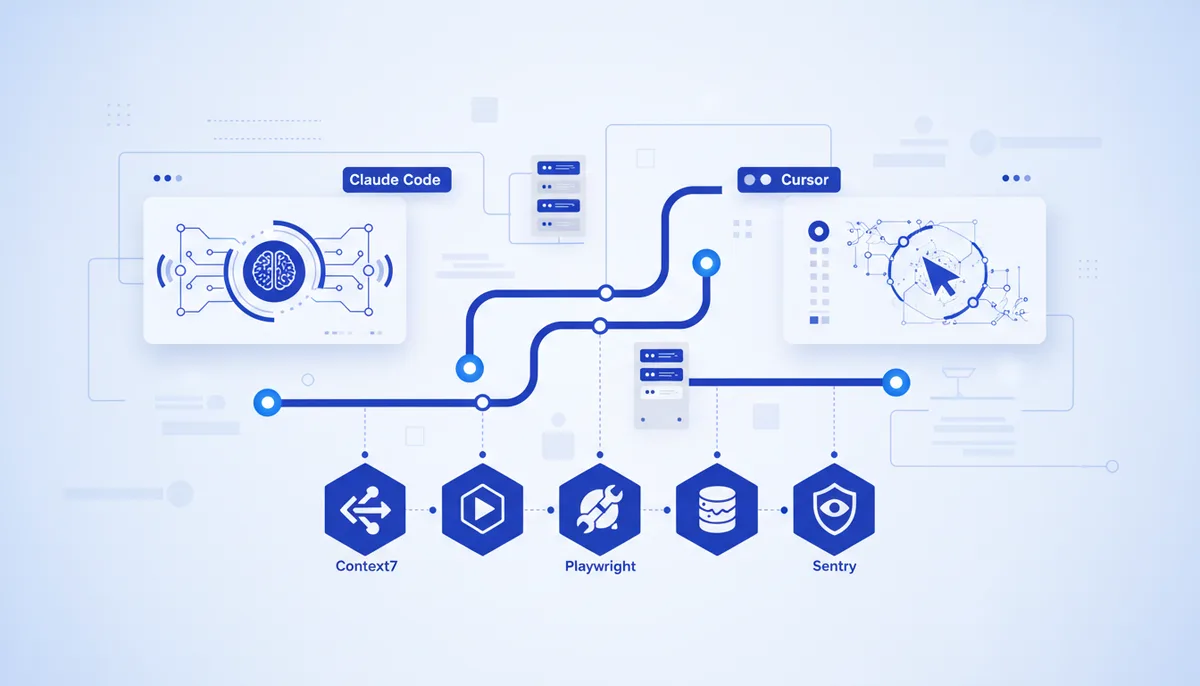
An MCP server is an adapter program that, through the shared Model Context Protocol, gives an AI agent (Claude Code, Cursor) access to an external tool or data source: a database, a repository, a browser, documentation. It connects the same way in every client — through the mcpServers JSON config or the claude mcp add command. A minimal working set for development: Context7 (up-to-date docs), GitHub (repos and PRs), Filesystem (project files), Playwright (browser), and the server for your database. The full collection with individual cards is in Arsenal → MCP.
What is an MCP server, in plain words
MCP (Model Context Protocol) is an open protocol introduced by Anthropic at the end of 2024. It standardizes how an AI model receives context and calls external tools. The analogy its authors like: MCP is "USB-C for AI applications". Previously every integration needed its own hack; now there's a single port.
An MCP server is the side that provides capabilities. It declares three things to the agent:
- Tools — actions the agent can invoke: "run this SQL", "create an issue", "take a screenshot of the page".
- Resources — data the agent can read: files, database records, documents.
- Prompts — ready-made request templates the server offers the client.
An MCP client is the side that consumes those capabilities. Claude Code and Cursor are MCP clients. The model decides on its own when to call a tool, reads the result, and carries on.
An important compatibility detail: the config format is identical across clients. An entry that works in Claude Desktop works in Claude Code and Cursor unchanged — server packages are interchangeable. There's a separate breakdown of how this affects moving projects between editors: Claude Code vs Cursor vs VS Code.
Local and remote: two ways to run a server
Servers come in two forms. Local (stdio) — the package runs on your machine (usually via npx or Docker) and talks to the client over standard input/output. Remote (HTTP) — the server is already hosted by the vendor; you connect to a URL and authenticate with OAuth or an API key. Remote is simpler (nothing to install locally), but your data travels to someone else's host — worth weighing for private projects.
How to connect an MCP server in Claude Code and Cursor
Claude Code has a CLI command. Here's how to add a local server:
claude mcp add context7 -- npx -y @upstash/context7-mcp
The scope flag decides where the entry is stored: your personal config (the default), a shared .mcp.json at the project root for the whole team, or an admin-managed location. A shared .mcp.json is convenient because colleagues pull the same set of servers through git.
In both Cursor and Claude Code you can write JSON directly. A .cursor/mcp.json (project-level) or global config looks like this:
{
  "mcpServers": {
    "context7": {
      "command": "npx",
      "args": ["-y", "@upstash/context7-mcp"]
    },
    "supabase": {
      "url": "https://mcp.supabase.com/mcp"
    }
  }
}
After editing the config, restart the client and check the tool list (in Claude Code that's the /mcp command). Here's how the connection methods compare:
| Method | Where it lives | When to choose it |
|---|---|---|
claude mcp add (CLI) |
personal config | quickly add a server just for yourself |
.mcp.json in the repo |
project, under git | one shared set for the whole team |
.cursor/mcp.json |
project in Cursor | servers scoped to a specific project |
| Remote URL + OAuth | at the vendor | managed services (Sentry, Notion, GitHub) |
A breakdown of the client itself and its typical scenarios is in the Claude Code card in the Arsenal.
The best MCP servers for development
Below are the servers that genuinely save time in daily work, not the ones that are fashionable to install and forget. Each has a card in the Arsenal's MCP section with an install command and caveats.
| Server | What it gives the agent | Maintainer | Type |
|---|---|---|---|
| Context7 | Current library and framework docs straight into context — an antidote to hallucinated, outdated APIs | Upstash | remote / local |
| GitHub | Reading repos, issues and PRs, code search, Actions status | GitHub (official) | remote / local |
| Playwright | Driving a browser via the accessibility tree: clicks, forms, screenshots, E2E checks | Microsoft (official) | local |
| Supabase | Postgres queries, migrations, managing the project's auth and storage | Supabase (official) | remote / local |
| Filesystem | Safe file operations inside explicitly allowed folders | reference MCP | local |
| Postgres | Schema inspection and database queries | community | local |
| Notion | Reading and writing pages and knowledge bases | Notion (official) | remote |
| Sentry | Error context and traces for incident investigation | Sentry (official) | remote |
A few honest caveats on that table:
- Context7 solves the most common pain in AI coding — the agent writing code from outdated memory. The server pulls in current docs for the exact library version. It works both as a remote endpoint (
https://mcp.context7.com/mcp) and locally vianpx @upstash/context7-mcp. - GitHub. The old reference GitHub server is archived; the current one is the official
github/github-mcp-server, easiest to use as the remote endpoint GitHub hosts itself. - Filesystem is one of the few actively maintained reference servers (along with Fetch, Git, Memory, Sequential Thinking, Time). Disk access is limited to a list of allowed directories — don't grant more than you need.
- Postgres. The reference Postgres server from MCP has been archived. People use community-maintained options instead (Postgres MCP Pro, for example) — factor that into your choice.
- Sentry and Notion are vendor-hosted remote servers: you connect by URL and authenticate through OAuth. Nothing to install locally.
Which MCP servers should you pick for your task?
Don't connect everything you find. Every active server adds tool descriptions to your context — extra tokens and a higher chance the agent picks the wrong tool. The rule is simple: enable them per task.
- Building frontend/web on a popular stack → Context7 + Filesystem + Playwright. Current docs, access to the code, and verification in a browser.
- Working with a database → your database's server (Supabase or Postgres) + Filesystem. The agent sees the schema and writes migrations without inventing the structure.
- Lots of GitHub routine → the GitHub server: bug triage, PR review, pipeline status.
- Production under observation → Sentry: paste an error ID and get the trace and context for the fix.
Ready-made combinations of servers and tools for typical projects are collected in the Combos section — for example, "a landing page that takes payments" or "local RAG".
Security: the part you can't skip
An MCP server is code that gets access to your data and can perform actions. The risk is real: a server with broad permissions can read more than it should or run a dangerous command, and tool descriptions can in theory carry prompt injection.
The basic rules: install servers only from trusted sources (official vendors and maintained repositories), grant minimum privileges (for Filesystem, only the folders you need; for a database, read-only where possible), and keep tokens in environment variables rather than in a shared .mcp.json under git. The full checklist is in a separate article: MCP: connecting tools safely.
What does a vibe-coding engine have to do with it?
Picking servers is half the job. Next you have to wire them to your prompts, skills, and project rules so the agent behaves predictably instead of grabbing tools at random. That's exactly what our Quest engine assembles: a ready configuration for Claude Code and Cursor where MCP servers, skills, and scenarios are already fitted to each other. If you'd rather not start from zero, you can build a bundle for your stack. And if you're still figuring things out on your own, the free Arsenal with its server cards is fully open.
FAQ
How is an MCP server different from a plugin or extension?
A plugin is usually tied to a specific editor. An MCP server is a standard connector: the same server works in Claude Code, Cursor, Claude Desktop, and other MCP clients without rewriting. That's where the portability comes from.
Do MCP servers cost money?
The protocol itself and most of the servers in this list are free and open source. You may pay for the service the server connects to (a paid Supabase plan, say, or an API key with a higher limit), but not for MCP itself.
How many servers should I connect at once?
As many as the current task needs — usually 3 to 5. Every enabled server spends context on tool descriptions and raises the chance the agent picks the wrong one. Turn off what you don't need.
Which is safer, remote or local?
Local (stdio) is safer for private data: everything stays on your machine. Remote is easier to connect and needs no local install, but your data goes to the vendor's host — something to weigh separately for sensitive projects.
Do the same servers work in both Claude Code and Cursor?
Yes. Both clients speak the same Model Context Protocol, and the mcpServers config format matches. A server package configured for one client transfers to the other with almost no edits.