What pain does Cerebro MCP solve?
Most AI coding tools are built by developers for developers. They assume deep familiarity with CLIs, config files and protocols. But what if you just want to describe what you need and get working software without ever touching a terminal? Cerebro MCP goes after exactly that problem, making AI orchestration accessible to non-coders. You talk to the AI in plain language, and the AI works out how to get the job done using the right tools and agents.
What it is
Cerebro MCP is a general-purpose AI orchestrator positioned as "the brain that builds" [github.com/Synvoya/cerebro-mcp]. It turns Claude Chat into a central control point that decomposes your ideas, routes tasks to specialised agents and launches CLI workers. The project ships under the Apache 2.0 licence. As of the latest release (v2.1.0), all 28 advertised tools are fully implemented and production-ready [github.com/Synvoya/cerebro-mcp].
How it works
Cerebro MCP is the first orchestrator to combine two Linux Foundation standards: MCP (Model Context Protocol) and A2A (Agent-to-Agent Protocol, v0.3) [github.com/Synvoya/cerebro-mcp].
- MCP (Model Context Protocol) is the language Cerebro uses to talk to tools such as CLIs, databases, GitHub or Slack. That lets it draw on a wide range of existing tooling.
- A2A (Agent-to-Agent Protocol) is how agents talk to each other. It handles internal task delegation and external compatibility, letting you plug in any A2A agent.
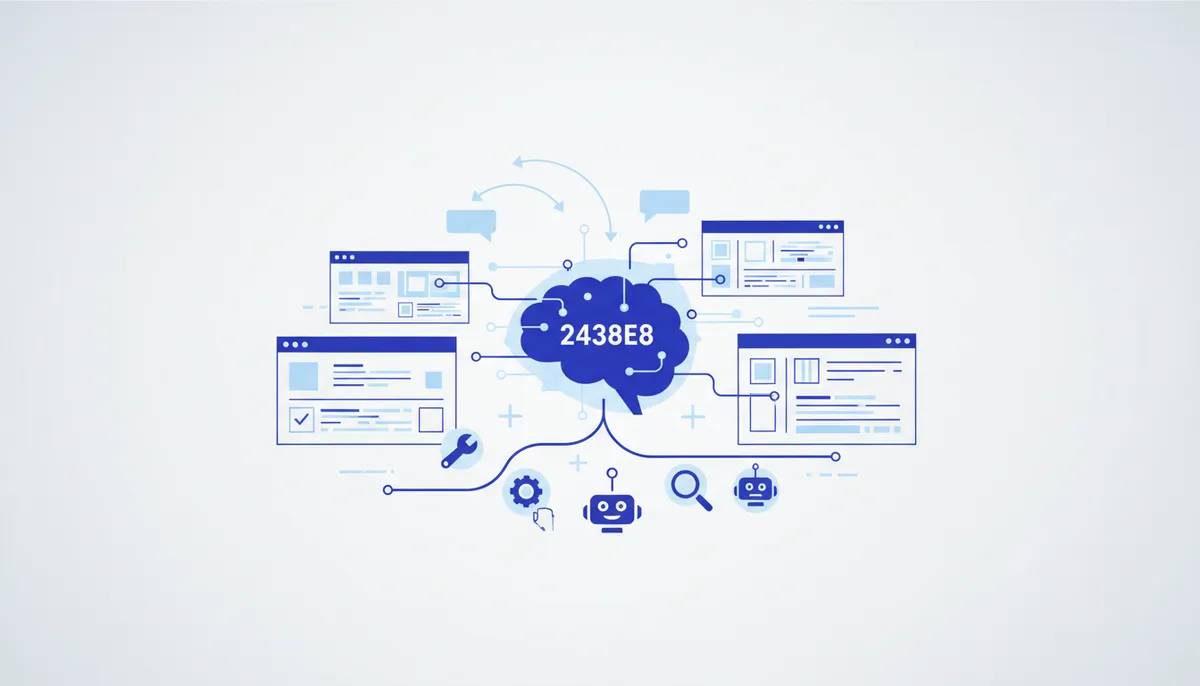
Cerebro's architecture lets Claude Chat act as the "brain" that thinks, while agents specialise in concrete tasks. CLI workers write the code. All of it happens inside a single conversation, with no need to open a terminal or write code by hand. A distinctive feature is how it handles context: instead of manual clearing or accumulating "context rot", Cerebro gives every task a fresh context, which makes the work more efficient and more accurate [github.com/Synvoya/cerebro-mcp].
Quick start
The easiest way to get going with Cerebro MCP is "Zero Setup" mode. You configure nothing — you just talk.
- Install Cerebro MCP via
npx:
npx @synvoya/cerebro-mcp
- Add Cerebro to your Claude Desktop config (
claude_desktop_config.json):
{
"mcpServers": {
"cerebro": {
"command": "npx",
"args": ["@synvoya/cerebro-mcp"]
}
}
}
- Restart Claude Desktop. Cerebro's 30 tools then become available in the chat [github.com/Synvoya/cerebro-mcp].
Honestly: the limitations
- Claude Desktop dependency: although Cerebro bills itself as a universal orchestrator, its current quick start and primary interaction are tied to Claude Desktop. That may be limiting for users who prefer other platforms or fully headless setups.
- Young standards: MCP and A2A are Linux Foundation standards, but they haven't spread as widely yet as some other protocols. That can mean a limited supply of ready-made tools and agents supporting them outside Cerebro's own ecosystem.
- Debugging can get hard: since the user never sees a terminal and never writes code, debugging complex or unusual tasks can be awkward. When something errors or behaves unexpectedly, working out why may require digging into logs or architecture — which cuts against the "for non-coders" premise.
Who it's for
Cerebro MCP is an ideal fit for non-coders and for developers who want to make working with AI agents and tools as simple as possible using natural language. If you want Claude Chat to be your all-purpose assistant for building software without diving into the CLI, this is your tool. If you're weighing alternatives, look at CodeWhale (for coding in the terminal) or Oh My OpenCode (for orchestrating a team of agents).
Our qvib.pro engines ship ready-made rules and roles that help you pick up tools like this faster and use them effectively in your own projects, without assembling everything from scratch.
Sources
- github.com/Synvoya/cerebro-mcp
- diffnotes.tech
- github.com/Hmbown/CodeWhale
- [github.com/code-yeongyu/oh-my-openagent/blob/4bc7b1d27c1d29fc76afc37db6fb6e29e88d0416/README.ru.md)
- github.com/ai-forever/giga_agent?tab=readme-ov-file