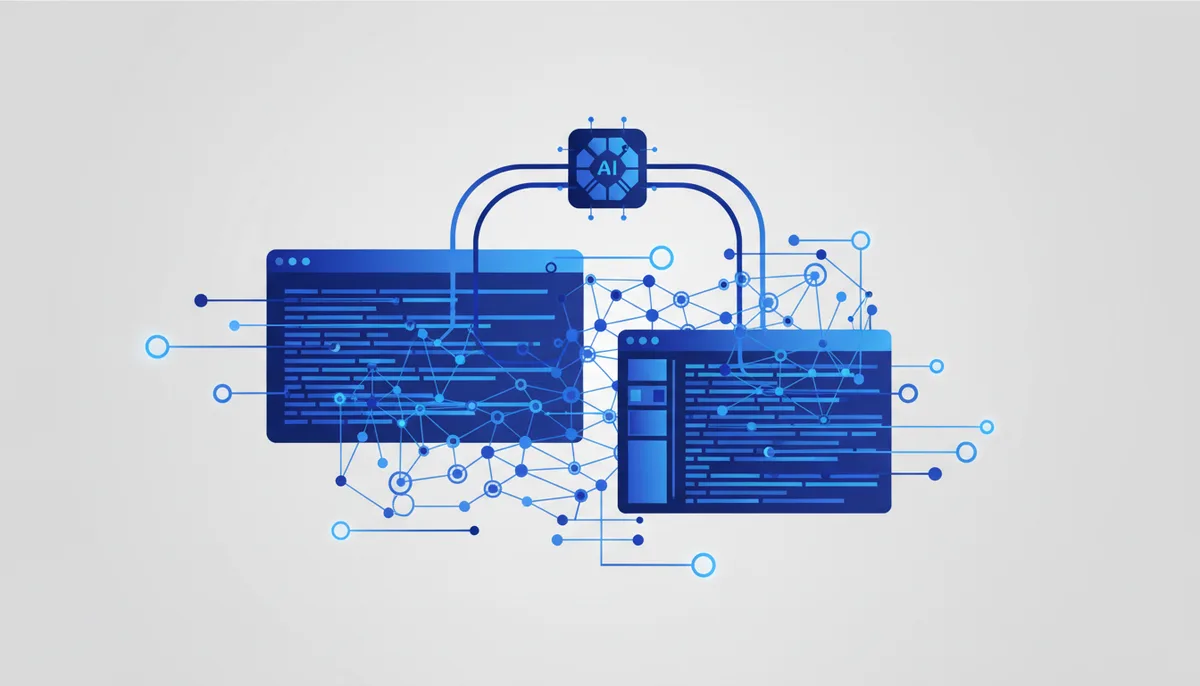
Graphify-Labs has released Graphify, a tool that turns any codebase — code, documentation, SQL schemas, PDFs — into an interactive knowledge graph. This is not another code search box but a fundamentally different way of understanding and working with a project. The key difference: Graphify runs locally and does not use an LLM to parse code, which matters enormously for security and determinism.
What is it?
Graphify plugs into popular AI assistants (Claude Code, Cursor, Codex, Gemini CLI) and lets them treat the codebase as a knowledge graph. Instead of paging through files, developers can query the graph to understand how components relate.
Headline features:
- Local, deterministic code parsing: it uses tree-sitter ASTs, which removes any dependence on an LLM and guarantees that confidential code never leaves your machine. For documentation, PDFs, images and video, Graphify uses the assistant's model or a configured API key for semantic analysis.
- Precise provenance on relationships: every edge in the graph is labelled
EXTRACTED(stated explicitly in the source) orINFERRED(derived by Graphify), so you always know where a link came from. - A real graph, not a vector index: you can traverse the graph, ask it questions, trace paths between entities and have concepts explained.
- Broad support: the tool covers more than 40 programming languages.
- Deep analysis: it surfaces hub concepts (god nodes), communities (subsystems) and cross-file relationships (
calls,imports,inherits), and pulls comments (# NOTE:,# WHY:) and documentation references in as first-class nodes.
Why it matters
Graphify changes the paradigm for working with codebases, large and complex ones especially. Instead of reading files linearly or running imprecise vector search, developers get a structured view of the project that can be queried in natural language. That dramatically speeds up understanding someone else's code, refactoring and bug hunting.
Local code parsing without an LLM solves both the confidentiality and the determinism problem, which is critical for enterprise development. Seeing how the different parts of a project connect — from code to documentation to comments — lets you analyse the architecture more deeply and make better-grounded decisions. For AI assistants it means moving from "guessing" context to actually understanding it, which makes them far more effective at coding, debugging and refactoring. It also helps reduce technical debt, since hidden dependencies and poor decisions become easier to spot and fix.
What it means in practice
- Better codebase comprehension: run
/graphifyin your AI assistant to build a project graph fast. It helps you and your team navigate complex projects, particularly when onboarding new developers. - Efficient refactoring and debugging: query the graph to see dependencies between components (
graphify path A B) or find the most connected concepts (god nodes). That makes refactoring targets and root causes easier to find. - Stronger security and privacy: because code parsing happens locally with nothing sent to cloud LLMs, Graphify fits confidential projects well. Use the
--code-onlyflag for full isolation. - Documentation tied to code: link comments, ADRs/RFCs and other documents to the relevant parts of the code. That creates a single knowledge base where the rationale behind decisions and the "why" of a piece of code are easy to find.
- Choosing a platform: Graphify supports many AI assistants (Claude Code, Cursor, Codex, Gemini CLI, GitHub Copilot and others). Pick whichever fits your workflow best.
How to start?
Install it with graphify install and start turning your codebases into interactive knowledge graphs today.