What it is and why
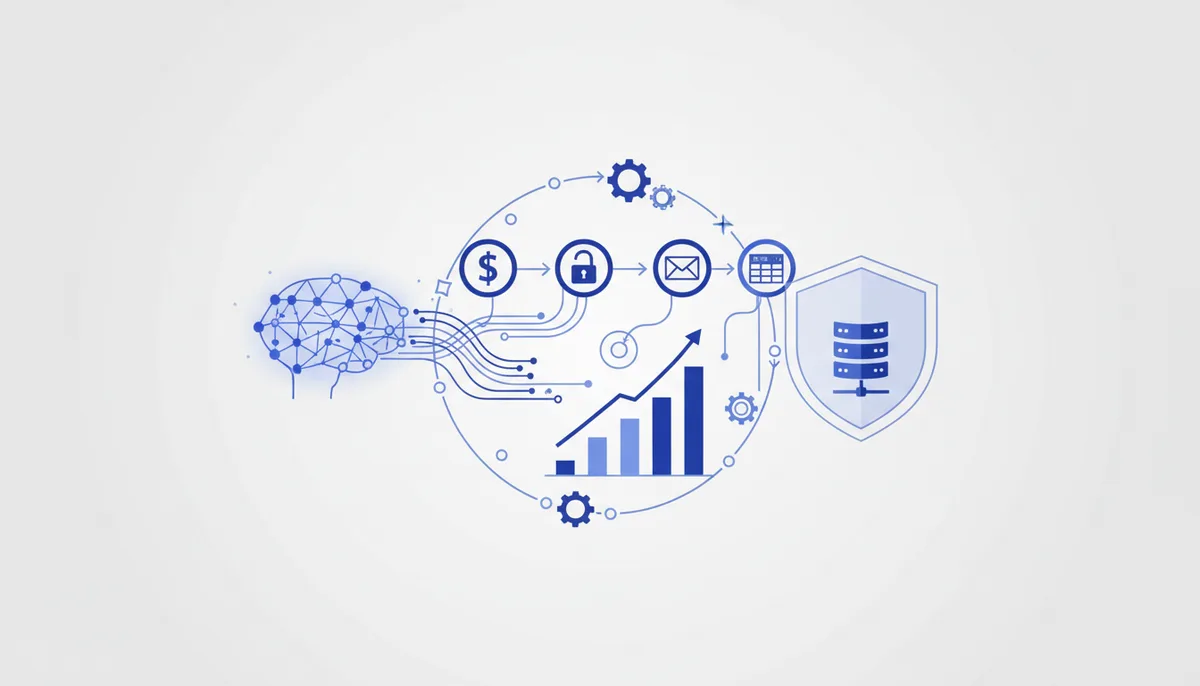
n8n is an open-source automation builder (visual "nodes" wired into a workflow). Its main edge over Zapier/Make: you can host it yourself, which means no per-operation fees and no data leaving your perimeter — critical for privacy and for high volumes. Take it when you have a lot of automations, personal-data privacy matters, and running your own server does not scare you. Among integration tools, n8n is perfect for the "payment received → grant access → send email → write a row to a spreadsheet" scenario.
How to do it (step by step)
- Where to run it. For a quick try — n8n Cloud (paid). For privacy/savings — self-host with Docker in one command:
docker run -it --rm -p 5678:5678 n8nio/n8n→ openlocalhost:5678. - Create a Workflow. The canvas is empty. Add a trigger node (what it starts from): Webhook, Schedule, or a specific service's trigger.
- Webhook trigger. Drag in a Webhook node → copy the URL → paste that URL into your payment provider or form as the notification address. When a request arrives there, the workflow fires.
- Add steps. Connect nodes with arrows: HTTP Request (call any API), Set (transform data), IF (branching), service nodes (Google Sheets, Telegram, SMTP).
- Data mapping. In every node, reference data from previous ones through expressions like
{{ $json.email }}— or drag them in from the left panel. - Credentials. Service API keys are added once in Credentials and reused — they never sit exposed inside nodes.
- Test. The "Execute Workflow" button runs it with test data and shows the input/output of every node — handy for debugging.
- Activation. Flip the Active toggle → the workflow listens to its trigger 24/7. Run logs live in the Executions tab.
A ready-made recipe/combo
"Payment → automatic access → receipt → CRM" (entirely in n8n): the payment provider (YooKassa/Prodamus) sends a webhook to n8n → an IF node checks for the "success" status → then in parallel: (a) a Telegram node adds the buyer to a private channel or issues an invite link, (b) an HTTP Request to a fiscalization service generates the receipt, (c) an SMTP node sends the access email, (d) Google Sheets / a CRM node writes a row about the sale. One workflow covers the whole delivery with no manual work. When self-hosted, the data stays with you.
What it costs (honestly)
The logic: self-hosting is free (you only pay for your own server — a VPS costs pennies) and has no operations limit. n8n Cloud is a subscription based on the number of executions/active workflows. The license is fair-code (Sustainable Use License) — free for internal use, but there are restrictions on reselling it as a service, so read the terms. Exact amounts are on n8n's site and they change.
When it fits / when it doesn't
- Fits: lots of automations (cheaper than cloud tools priced per operation); privacy/data localization matters; you can deploy Docker/a VPS; you need arbitrary code inside steps.
- Doesn't fit: you need absolute out-of-the-box no-code with no server (Zapier); you don't want to maintain infrastructure; you need the widest set of ready-made Russian connectors (Albato).
Risks and responsibility
When you handle payments and grant access you are touching buyers' personal data (152-FZ: consent to processing) and money/receipts (54-FZ: fiscalization on the payment provider's or the cash register's side). Self-hosting means server and API-key security is on you (keep them in Credentials, lock down access, take backups). Automated email campaigns only with consent (152-FZ). See the section disclaimer.
🤖 Prompt helper
You are an automation engineer working in n8n. Describe a workflow for this task: "{in words: what should happen, which services}". Give me: (1) the list of nodes in order with their types (Webhook/IF/HTTP Request/specific services); (2) what to configure in each one and which
{{ }}expressions to use for data mapping; (3) where to put branching and error handling; (4) what to check during testing. Assume I am self-hosting via Docker.