What it is and why
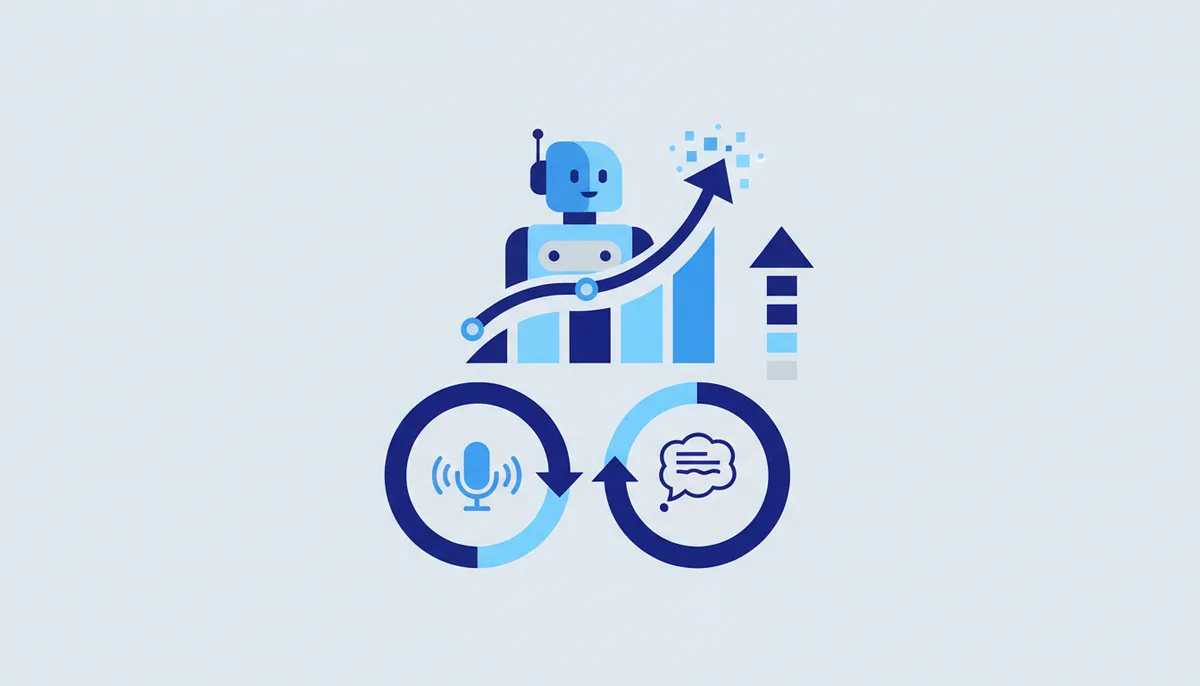
AI bots in Telegram are wrappers around GPT/Claude and voice transcribers right inside the chat: ask the AI a question, get a draft, turn a voice message into text without leaving the messenger. Reach for them for quick tasks you want close at hand: sketch a reply, translate, summarise, transcribe audio — handy when you would rather not open a separate service, and useful for a team in a shared chat.
How to set it up (step by step)
- Choose a bot deliberately — check the author, the reviews and the data-retention policy. This is a third party sitting between you and the model.
- Start it (double-check the @username) and read through the limits and pricing.
- Use it for safe tasks: text drafts, ideas, translations, summarising public information, transcribing non-sensitive voice messages.
- Transcription: forward a voice message to the bot → get text back (handy for long voice notes).
- In a team: add it to a work chat for quick AI answers (but remember — the bot sees the conversation it is added to).
- For anything sensitive, do not use third-party bots. Run it on a local model (Ollama) or through an official app/API with a clear policy.
Ready-made recipe
Transcribing and summarising calls: you record a voice note or meeting audio → forward it to a transcriber bot → get the text → ask the bot for a summary and an action list → move the tasks into your tracker (Linear/Yandex Tracker). Fast, all in one messenger. IMPORTANT: if the recording contains trade secrets or personal data, do this on a local model rather than in a third-party bot.
What it costs (honestly)
How it works: there is usually a free allowance of requests or minutes, and beyond that a subscription or a pack (the cost driver is the model API price the bot resells). Exact terms depend on the specific bot and they change.
When it fits / when it doesn't
- Fits: quick AI tasks inside the messenger; drafts, translations and summaries of public material; transcribing non-sensitive voice messages; a team chat.
- Doesn't fit: any sensitive data (passwords, cards, customer personal data, trade secrets) — use a local model or an official API for that; critical work where you need a privacy guarantee.
Risks and responsibility (Telegram specifics)
- Do NOT paste passwords, card details, other people's personal data or trade secrets — everything goes to a third party (the bot plus the model). This is the main risk.
- The intermediary bot sees ALL of your prompts and the model's answers — it is a middleman, not an official client.
- Check the author and the data-retention policy: where your messages are stored, for how long, and how.
- Sensitive work belongs on a local model (Ollama) or an official API with a DPA, not in a random bot.
- 152-FZ: running customers' personal data through a third-party AI bot without consent and an assessment is a violation. See the section disclaimer.
🤖 Prompt helper
You are a consultant on using AI bots in Telegram safely. I want to use AI for "{task}". Help me: (1) work out which tasks are safe to hand to a third-party bot and which are not; (2) check a bot's author and data-retention policy; (3) for sensitive work, stand up a local model (Ollama) as an alternative; (4) write a short checklist of "what must never be pasted into a bot". Clear and practical.