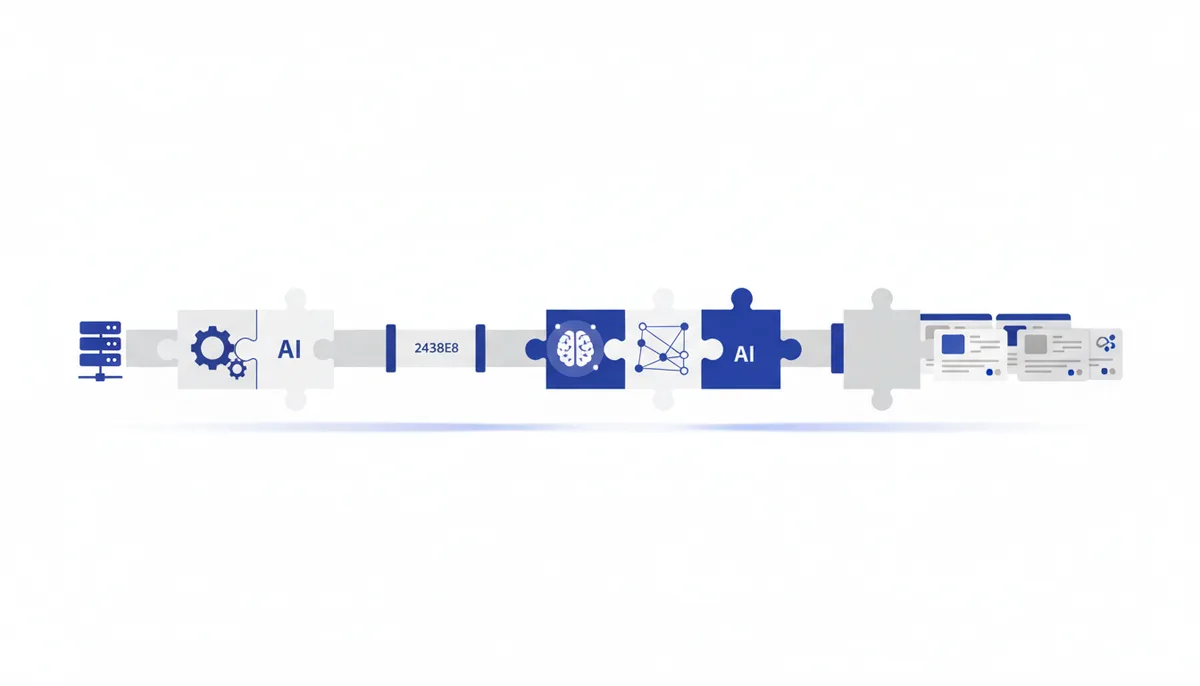
A ready-made setup: your entire catalogue gets selling descriptions in one evening. You take an export of "name + specs" and the AI turns it into product cards with a hooky headline, benefits (not features), SEO keywords and one consistent brand voice. In bulk, not one at a time.
What you end up with
- Descriptions for the whole catalogue: headline, short and long description, benefit bullets, meta tags.
- One brand voice across every product (rather than "whoever wrote it that day").
- SEO keywords woven in naturally (not "buy cheap low-cost near me").
- A ready template: a new product gets described in a minute using the same scheme.
What you'll need
Tools from the library (by name): ChatGPT/Claude (generating descriptions in bulk), the prompt "Product descriptions for a store (card + SEO)", the prompt "SEO keyword cluster (by intent)" (collecting keywords per category), the prompt "Few-shot: teach the AI from 2–3 examples" (setting the tone from a sample), Nano Banana Pro/Ideogram/Recraft (if you need consistent banners or icons for the cards), n8n (if the export is large — run the products through the AI automatically). Not in the library but relevant: your catalogue export (CSV/Excel/YML from 1C, Bitrix, Shopify) and admin access to your store or marketplace for uploading. Accounts/money/hardware:
- Free route: a ChatGPT/Claude account (free) — you generate in batches by hand; any PC.
- Fast route: a paid model (smoother tone, bigger batches) plus n8n to run hundreds of SKUs automatically.
Step by step
- Export and keywords. What to do: export the catalogue into a spreadsheet (name + specs + category). For SEO, collect keywords per category with the prompt "SEO keyword cluster". How you know it worked: every product has specs, and every category has a list of real search keywords.
- A reference card (just one). Tool: ChatGPT/Claude + the prompt "Product descriptions for a store". What to do: produce ONE perfect reference description and polish it by hand. Ready-made prompt:
You're a copywriter for an online store. Write a product card.
PRODUCT: "<name>". SPECS: <list>. CATEGORY: <…>. AUDIENCE: <who, what pain>.
SEO KEYWORDS (weave in naturally): <keywords for the category>. TONE: <the brand's>.
Give me: 1) a headline (a benefit, not "product #123"); 2) a short description (1–2 sentences);
3) a long one (a paragraph, benefits not features); 4) 4–6 bullets in the form "feature → what it does for me";
5) a meta title (≤60 chars) and meta description (≤155 chars). No "high-quality/unique" clichés.
How you know it worked: the reference promises the buyer an outcome, the keywords read naturally, and the tone is yours. 3. Few-shot from the reference. Tool: the prompt "Few-shot: teach the AI from 2–3 examples". What to do: give the AI one or two finished references as samples and ask it to describe the rest "exactly the same way". How you know it worked: the new cards repeat the reference's structure and tone instead of drifting. 4. Generate in batches. Tool: ChatGPT/Claude. What to do: feed it 5–10 products per request (name + specs + keywords → cards in a table). Ready-made prompt:
Following the sample above, describe these products (return a table: Product · Headline · Short ·
Long · Bullets · meta title · meta description): <paste 5–10 products with specs and keywords>.
Same tone and structure as the sample. Don't invent specs that aren't there.
How you know it worked: you get a finished table of cards, with nothing embellished beyond the actual specs. 5. Auto-run a large catalogue (optional). Tool: n8n. What to do: for hundreds of SKUs, build a scenario of "row from the spreadsheet → AI node → description → back into the spreadsheet/admin" (the mechanics are in the combo "No-code automation of routine work (n8n)"). How you know it worked: a test batch runs through automatically and the descriptions land in the right fields. 6. Proofread and upload. What to do: skim the batch (the AI may have embellished a fact or repeated a keyword), fix it, and upload to your store or marketplace. How you know it worked: the specs are truthful, there are no carbon-copy duplicate descriptions, and the cards are live.
Free route vs fast (paid)
| Step | Free route | Fast (paid) |
|---|---|---|
| Generation | ChatGPT/Claude free, batches by hand | top-tier model (smoother tone, bigger batches) |
| Large catalogue | copy-paste 5–10 at a time | n8n auto-run over hundreds of SKUs |
| Card images | Ideogram free / Canva | Nano Banana Pro / Recraft (vector/brand) |
A hundred or two products can genuinely be described for free over a couple of evenings in batches. The paid route (model + n8n) pays off on big catalogues and regular restocking — it's about volume and speed, not "different text".
Common problems and fixes
- Carbon-copy descriptions that all read the same. Give the AI EVERY product's specs and ask for unique benefits; marketplaces penalise duplicates — check for repeats.
- The AI invented a feature that doesn't exist. Be blunt: "don't invent specs that aren't in the input"; proofread the facts (especially dimensions, materials, compatibility).
- Keywords sticking out like spam. Ask for natural placement, once or twice, no stuffing; readability beats keyword density (search engines penalise stuffing anyway).
- The tone drifts between products. Lock in the reference (step 2) and work through few-shot (step 3); don't change the prompt between batches.
- The marketplace truncates by length or format. Spell out the platform's limits in the prompt (title ≤60, description ≤N chars) and generate to fit from the start.
Time and money
- Time: reference + keywords — 30–60 minutes; then about 10–20 minutes per 10 products by hand; a large catalogue via n8n — 1–2 hours of setup, automatic after that.
- Money: free (ChatGPT/Claude free) or a little for paid-model tokens plus optionally n8n Cloud for the auto-run.
- Honestly: AI takes 90% of the copy drudgery off you, but the facts (materials, dimensions, compatibility) and the final proofread are on you — a wrong spec costs more than the time you saved.