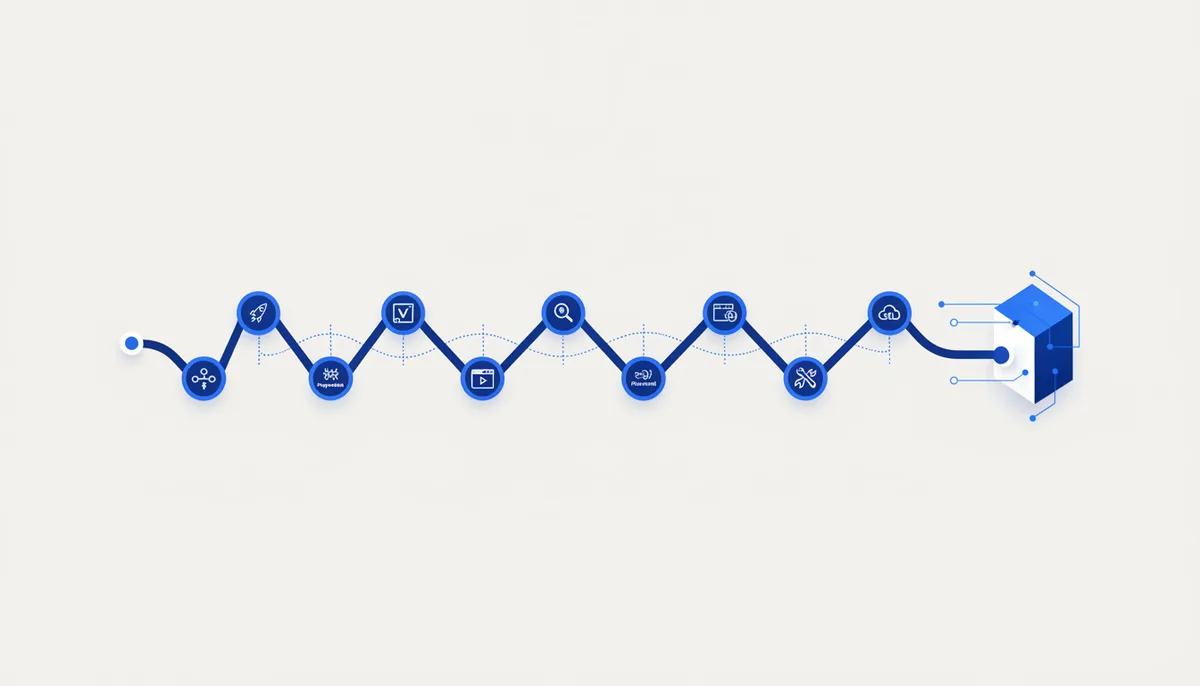
Claude Code is strong in chat but has no hands: it can't deploy on its own, open a browser, pull fresh docs or draw a diagram. These 10 CLIs and skills give it hands — and the whole development cycle closes right in the terminal 🖥️
What it is and who it's for
This isn't one tool but a curated stack: command-line utilities (CLIs) and Agent Skills / MCP servers that Claude Code invokes itself from the terminal. The idea is to close the full cycle without hopping between browser tabs: code → tests → deploy → web data → database → notes → diagrams. Each entry is a leader in its niche, with an official source; where the integration is community-built (third-party), I say so honestly.
Who it's for: vibe coders and developers on Claude Code who are tired of switching between the terminal, dashboards and copy-paste. Claude can already run commands — give it the right set and it will run tests, ship previews and gather data on its own.
Key capabilities
Ten tools, arranged by stage of the cycle. The official ones are marked "official", third-party ones "community".
Git and releases
- GitHub CLI (
gh) — official, free and open source. PRs, issues, releases and "gh api— almost any action through the GitHub API" right from the terminal; Claude creates PRs itself and reads check statuses. cli.github.com
Deployment
2. Vercel CLI — deploys and preview links with a single vercel command. The CLI itself is free, and deploys run on the free Hobby plan. vercel.com/docs/cli
Tests and the browser
3. Playwright — official, from Microsoft, Apache-2.0, free. npx playwright test for e2e, screenshots and codegen; plus the official Playwright MCP — Claude "drives" the browser through the accessibility tree, with no screenshots and no vision model. playwright.dev · Playwright MCP
Web data for the agent
4. Firecrawl CLI + Skill — the official repository, subtitled "CLI and Agent Skill for Firecrawl". Pulls clean markdown from any page (even JS-heavy ones), searches and crawls sites; installs as a skill in Claude Code (firecrawl setup skills). The CLI is open source, but every call burns API credits — 1000 a month free, no card required. github.com/firecrawl/cli
Backend and database
5. Supabase CLI — official, MIT. Spins up a local Postgres + Auth + Storage stack in Docker, manages versioned migrations, deploys edge functions. npm install -D supabase. supabase.com/docs
Fresh docs (fewer API hallucinations)
6. Context7 MCP — official, from Upstash, MIT, free (an API key is optional, for higher limits). Pulls current library documentation straight into the context so Claude doesn't invent a deprecated API. npx @upstash/context7-mcp. github.com/upstash/context7
Knowledge base / memory
7. Obsidian (community bridge) — your vault as the agent's memory: Claude reads and edits the notes. You need the Local REST API plugin (coddingtonbear) + the mcp-obsidian MCP server (uvx mcp-obsidian). This is a community integration, not an Obsidian product. github.com/MarkusPfundstein/mcp-obsidian
Diagrams 8. Excalidraw (community) — Claude draws and edits architecture diagrams, screenshots the canvas and fixes overlapping labels itself. The mcp_excalidraw MCP server + Claude Code skill (yctimlin). A third-party project. github.com/yctimlin/mcp_excalidraw
Upgrading Claude Code itself
9. Agent Skills — official Anthropic mechanics: you package expertise into a SKILL.md (in ~/.claude/skills/ or .claude/skills/) and Claude picks it up by context. There's an official skill-creator skill for building your own. Agent Skills docs
10. Plugins + Marketplace — official: the /plugin command installs plugins that bundle skills, agents, hooks and MCP servers in one package; there's an official Anthropic marketplace. Plugins docs · official marketplace
How to get started in 5 minutes
Start with three tools, not ten — otherwise you'll drown.
- Install
ghand Playwright (that's the backbone of the cycle):brew install gh(or winget/apt), thennpm init playwright@latest. Check:gh auth login,npx playwright test. - Add web data with the Firecrawl skill:
npm install -g firecrawl-cli, thenfirecrawl setup skills— the skill appears in Claude Code. - Connect one MCP the official Claude Code way:
claude mcp add playwright npx @playwright/mcp@latest, then checkclaude mcp list(statusconnected). For step-by-step MCP setup see the neighbouring card, "Connect MCP to Claude / Cursor".
After that add things as you need them: deployment — npm i -g vercel; database — npm install -D supabase; fresh docs — Context7.
Now tell Claude: "run npx playwright test, and if it fails, fix it and open a PR through gh". That's the cycle from the terminal.
When to take it and when not to
✅ Take the stack if you work in Claude Code and are tired of jumping between the terminal, the Vercel dashboard and browser tabs — let the agent close the cycle itself.
✅ Take pieces of it: even gh + Playwright alone gives you "fixed it → tested it → opened a PR" without touching the mouse.
❌ Don't drag in all 10 at once → start with 2–3. Surplus MCP servers clog the context; how to connect them carefully is covered in "Connect MCP to Claude / Cursor".
❌ Don't take the Vercel CLI if you deploy static files to your own server or GitHub Pages → see the "Deploy a static site" card or the Netlify CLI.
❌ Don't take Playwright if you only need a unit test for a function → Vitest/Jest is enough, a browser engine is overkill here; for record-and-playback without code have a look at Cypress.
❌ Don't take Firecrawl if the data is already local → there's no point spending credits to scrape your own file.
Honest pricing
The core of the stack is free and open source: gh, Playwright (Apache-2.0), Supabase CLI (MIT), Context7 (MIT), while Agent Skills and Plugins are part of Claude Code itself. The Firecrawl CLI is free and open source too, BUT every scrape/search/crawl burns API credits: 1000 a month free with no card, then paid (pricing at firecrawl.dev/pricing). Vercel: the CLI is free, deploys run on the free Hobby plan (commercial use needs the paid Pro). Obsidian is free for personal use; the bridge to it is a community plugin. You're already paying for Claude Code itself (subscription or API), and the stack on top of it mostly adds nothing to the bill — apart from Firecrawl credits and paid deployment plans. Tags: free / oss / mcp (the Firecrawl API and Vercel Pro become paid as you grow).
Gotchas
- A CLI really does execute commands on your machine. Claude Code genuinely runs these tools — keep confirmation on for anything dangerous (
gh release,vercel --prod, deleting files). Don't let the agent ship to production blind. - MCP = third-party code with access to your machine. The bridges to Obsidian and Excalidraw are community projects, not official products. Install only from repositories you trust, and check the publisher.
- Firecrawl credits run out quietly. An auto-crawl of a large site can eat the monthly limit in one run — keep an eye on
firecrawl credit-usage. - Clients have a tool ceiling. Many MCP servers at once = a bloated context and tools that silently drop off. Keep 3–5 active and connect the rest as needed.
- Secrets go in env/the keychain, not in a config and not in git. Don't commit
ghtokens or Vercel/Supabase/Firecrawl keys; grant minimal privileges for the database. - Community integrations can break. Third-party MCP servers offer no compatibility guarantees: packages and commands change — check the README before installing.
- Versions and flags change. These CLIs evolve fast (Supabase in particular releases very often). Check exact commands in the official docs, not from memory.
🤖 Accelerator prompt
"You're in Claude Code, with gh, Playwright (+MCP), the Firecrawl skill, the Vercel CLI and Context7 connected. Task:
. Plan: 1) implement the change; 2) run npx playwright test, and if it fails, fix it and repeat; 3) if you need external data or docs, get them through Firecrawl/Context7, don't invent them; 4) build a preview deploy with thevercelcommand and give me the link; 5) open a PR throughghwith a short description. Dangerous steps (production deploy, deletion, release) — only after I confirm. Don't connect extra MCP servers, work with what's already there."