"Top GitHub projects" roundups usually leave you with a browser bookmark and no idea what to actually do next. Here are four open-source tools that genuinely earn their place in AI work and vibe coding, with the exact install commands and the classic mistakes people hit on the first run.
Why these four
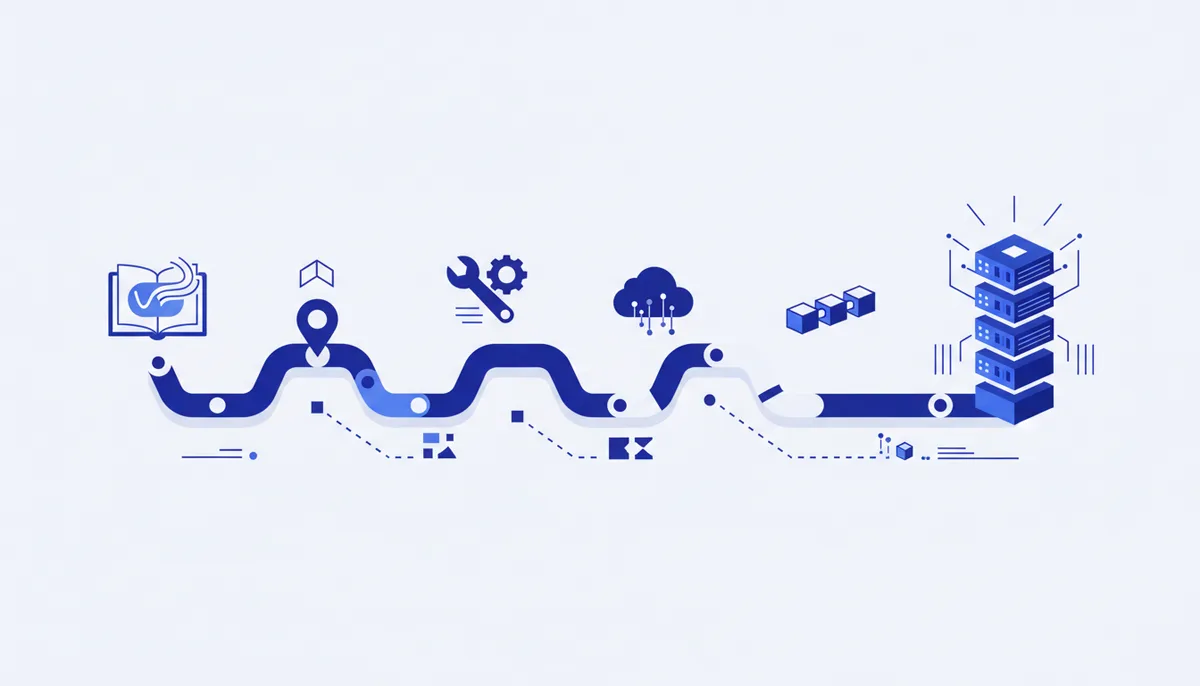
Each tool covers a different stage of working with AI: Ollama runs models on your own machine, Aider edits code straight from the terminal, Open WebUI gives you an interface on top of any model, and n8n glues it all together into no-code automation. Together they cover the path from "the model runs on my machine" to "the model runs on a schedule without me".
Ollama — models on your own hardware
Ollama downloads and runs open-weight models locally: no API keys, no cloud, no data leaving your machine. Handy when privacy matters or you need access without an internet connection.
Install on Linux/macOS:
curl -fsSL https://ollama.com/install.sh | sh
Run a model (the first call downloads the weights for you):
ollama run llama3.2
Classic mistake: trying to run a large model (70B+) on a laptop without enough VRAM. Look
for quantized versions — they carry a suffix like :8b-q4 and need far fewer resources at
the cost of a small quality drop.
Aider — an AI pair programmer in the terminal
Aider reads the context of the whole repository, edits files and commits the changes itself with a readable message. It works on top of any model via API — Claude, GPT and others.
pip install aider-chat
export ANTHROPIC_API_KEY=your_key
aider --model sonnet
Classic mistake: running Aider outside a git repository — then it cannot roll back a bad
edit. Always run git init before the first launch, even for a throwaway draft.
Open WebUI — your own chat interface
A web interface on top of local models (via Ollama) or cloud ones — it looks like the chat bot you are used to, but the data and history stay on your server.
docker run -d -p 3000:8080 \
  -v open-webui:/app/backend/data \
  --name open-webui --restart always \
  ghcr.io/open-webui/open-webui:main
Classic mistake: forgetting the -v flag with a volume — recreate the container and the
whole chat history and settings are gone. A volume is mandatory for any long-lived instance.
n8n — no-code automation
A visual scenario builder: you connect a model, spreadsheets, messengers and external APIs into one workflow without a single line of code. An LLM call is just another node alongside the rest.
Quick start for testing:
npx n8n
A permanent instance via Docker (workflows survive restarts):
docker run -it --rm --name n8n -p 5678:5678 \
  -v n8n_data:/home/node/.n8n \
  docker.n8n.io/n8nio/n8n
Same classic mistake as with Open WebUI: without a volume every workflow you set up disappears when the image is updated.
How to pick a starting point
If you need privacy and offline work, start with Ollama. If the main job is editing code, go straight to Aider on top of any model. If you want a familiar chat interface of your own, Open WebUI on top of Ollama. If the task is not a one-off chat but a repeating process (collecting data, publishing content, notifications), n8n with an AI node inside the workflow.
How we do it
We regularly work through open-source tools like these and add setup instructions to the qvib.pro knowledge base — not as a one-time roundup but as a section that keeps growing. Our own vibe coding engine is built on a similar principle: open tools and models wired into a single reproducible pipeline — only already assembled and ready to use without configuring every component by hand.
Related links
- The "Tools" section of the arsenal: qvib.pro/arsenal/tools/
- Skills for Claude: qvib.pro/arsenal/skills/
- How the qvib engine works: qvib.pro/