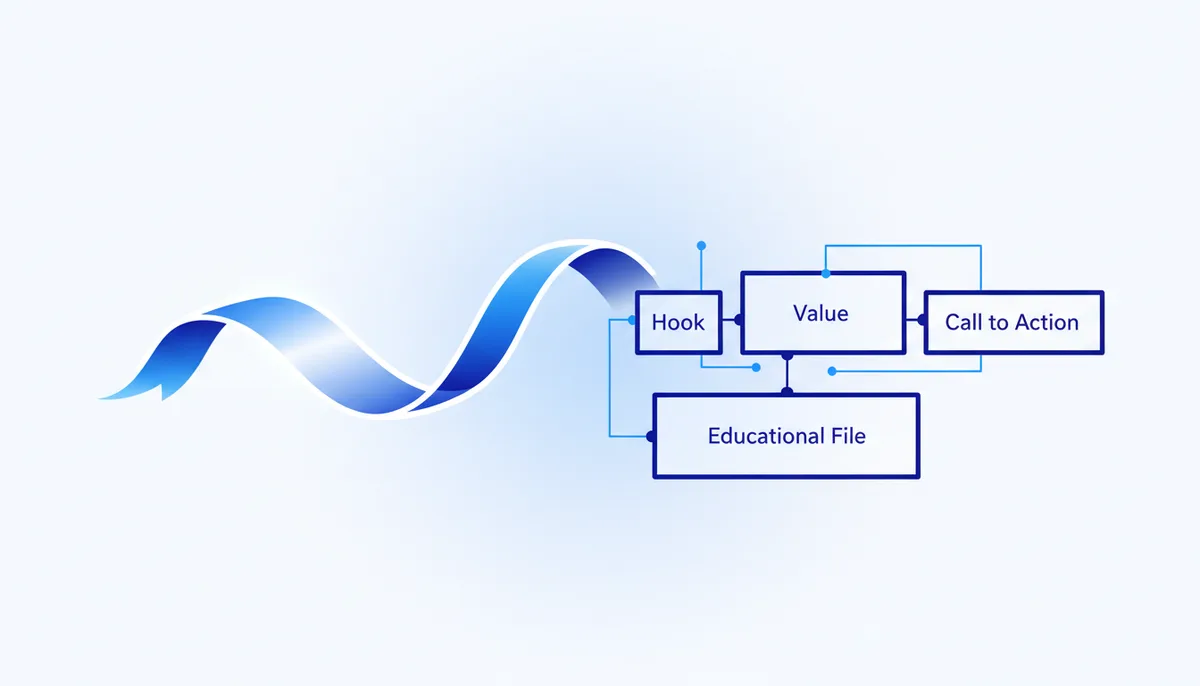
Every new video, and you are explaining to the model all over again what a hook is and why there is only one CTA. Or you can feed Claude the formula once — and after that send it nothing but the topic 🎬
When to use it
When the topic is picked and you need a full script for a 40–60 second vertical video — with timing, lines and what is on screen. The result: a storyboard table following the "hook → retention → value → CTA" dramaturgy, ready to record. Two modes: the one-off prompt (below) if you need the video right now, and a training file if you post regularly and are tired of pasting the same thing every time.
The prompt (grab and paste)
You are a Shorts/Reels scriptwriter. Write a script for a 40–60 second video.
TOPIC: "<INSERT TOPIC>". AUDIENCE: <WHO>. GOAL OF THE VIDEO: <follow / click through / sale>.

Structure (return it as a table: Time · Voiceover/line · What is on screen):
1. 0–3 sec — a pattern-breaking HOOK (on topic, no bait-and-switch clickbait).
2. 3–10 sec — the promise of value: what the viewer gets if they watch to the end.
3. Body — 2–3 blocks of substance, each ending on a micro-cliffhanger so they don't swipe away.
4. Ending — one clear CTA matching the goal of the video.

Lines: natural, conversational English in short phrases that are easy to read aloud. At the end give 3 ideas for the text on the thumbnail frame.
A filled-in example
Topic: "3 resume mistakes that keep you out of the interview". Audience: people job hunting for employment. Goal: follows.
What the AI should return: a table — [0–3 sec] "Your resume gets rejected in 6 seconds. Here's why" / a large timer on screen; [3–10] "I'll show you 3 mistakes you're making right now"; [body] 3 blocks, one per mistake, each ending on "but the third one is the most expensive"; [ending] "Follow — I'll break down how to write a resume that gets you called". Plus 3 thumbnail texts: "−6 seconds", "3 mistakes", "why HR goes quiet".
The training file: the formula lives in Claude forever
The prompt above is single-use: close the chat and Claude has "forgotten" everything. To keep the script formula around permanently, set up a project in Claude. Projects are available on every plan, including the free one (free gets up to 5 projects, official help article).
- Create a project called "Reels scriptwriter".
- Paste the whole prompt above into Project instructions — without the topic, just the rules.
- Into Project knowledge upload a file with 3–5 of your own scripts that actually performed, plus a couple of paragraphs about the tone of the channel and the audience.
- Done: any new chat inside the project already knows the formula. You write "topic: ..." and get a storyboard in your own style.
On paid plans the project knowledge base is extended through RAG — per the official help article, up to 10 times more material than fits directly into the context.
A Claude skill: the next level up
A skill is a folder with a SKILL.md file: Claude plugs it in on its own when a request matches the description field (official Anthropic docs). Unlike a project, a skill is not tied to one place in the interface — it fires in any chat. A minimal scriptwriter skill:
---
name: reels-script-writer
description: Writes 40–60 sec Reels/Shorts scripts using the "hook → retention → value → CTA" formula. Use whenever someone asks for a script, a hook or a storyboard for a short vertical video.
---

## The formula
1. 0–3 sec — a pattern-breaking hook (no bait-and-switch clickbait).
2. 3–10 sec — the promise of value: what someone who watches to the end gets.
3. Body — 2–3 blocks, each ending on a micro-cliffhanger.
4. Ending — one CTA matching the goal of the video.

## Response format
A table: Time · Line · What is on screen. Natural, conversational English, short phrases that are easy to read aloud. At the end — 3 texts for the thumbnail frame.
Where to put it:
- claude.ai — zip the folder and upload it: Settings → Capabilities (turn on code execution), then Customize → Skills → "+". Per the official docs, uploading your own skills is a paid-plan feature (Pro/Max/Team/Enterprise; Pro is $17/mo billed annually, $20 billed monthly).
- Claude Code — no ZIP and nothing extra to pay: just drop the folder into
~/.claude/skills/(personal) or.claude/skills/(project-level) and Claude will find it itself.
Next to SKILL.md you can keep extra files — a hook bank, examples of your best scripts: Claude reads them only when needed, without burning context for nothing.
Variations
- A series. "Make this the first of 5 videos on the topic and give me the topics for the other four" — an instant content series.
- Talking head vs b-roll. State the format so the "what is on screen" column is realistic for the way you shoot.
- For sales. Goal "sale" → an ending with a soft offer and one objection handled.
- A hook bank. A separate file in project knowledge with 20–30 hooks that worked in your niche, plus the instruction "take the skeleton of the hook from the bank" — hooks stop being average.
Pro tips
- "A micro-cliffhanger at the end of every block" is the key to retention: without it the viewer leaves halfway. Ask for it explicitly.
- One video, one CTA. Two calls to action ("follow, and buy, and comment") dilute the action.
- The skill's description is the trigger: write both WHAT the skill does and WHEN to switch it on. That field is exactly how Claude decides whether to attach the skill to a request.
- Skills do not sync between claude.ai, the API and Claude Code — upload them separately wherever you work.
- Feed the knowledge base facts, not wishes: scripts that actually racked up views work better than "perfect" examples out of your head.
- Rewrite the lines in your own voice anyway: the AI gives you the skeleton and the timing, the charisma is yours.