What it is and who it's for
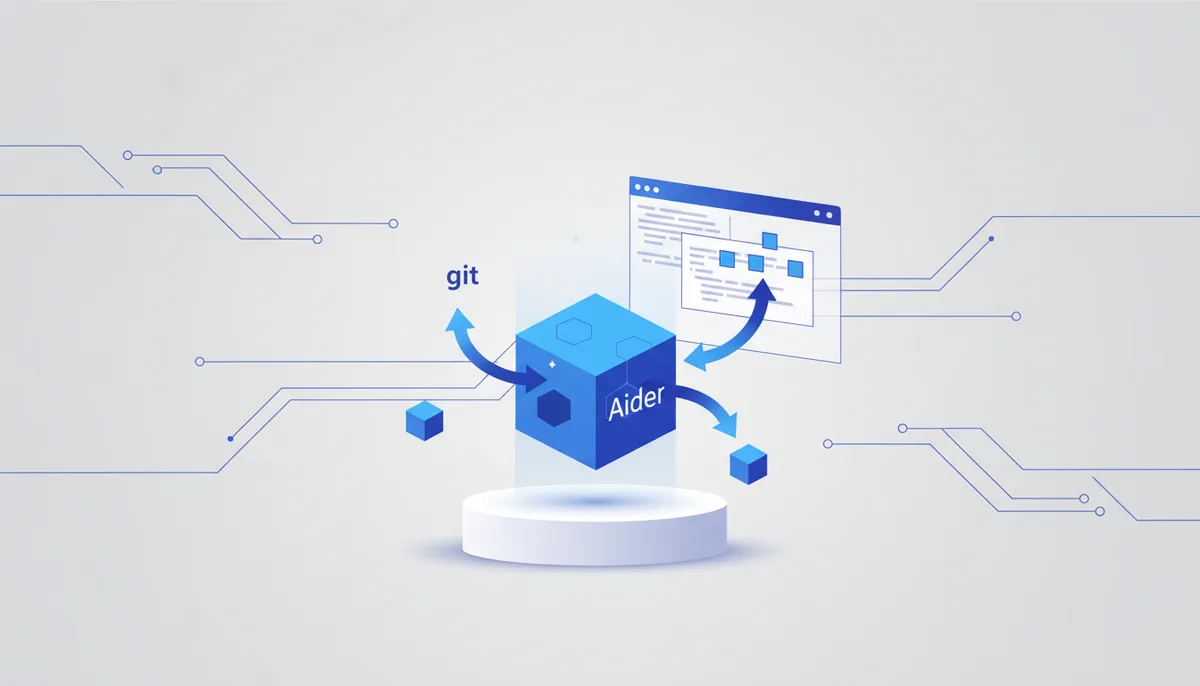
Aider is open-source AI pair programming in the terminal, tightly integrated with git: every change becomes a tidy commit, and edits are surgical and predictable. It's for developers who love the CLI and git discipline and want to work with any model, including a local one. It stands out for being git-native and for its repo map: it understands the project structure and edits surgically.
Key features
- Git-native: auto-commits with meaningful messages and easy rollback.
- Repo map — understands a large project's structure without loading all the code.
- Any model: cloud APIs or local ones via Ollama or an OpenAI-compatible endpoint.
- Surgical edits across several files on request.
- Runs in the terminal, supports voice input and a web mode.
- Runs tests and linters and auto-fixes based on their output.
Get started in 5 minutes
- Install it:
python -m pip install aider-install && aider-install
- Inside a git project folder, launch it with a model:
aider --model sonnet
- Name the files and describe the change — Aider edits them and commits.
When to use it, when not to
- ✅ Use it if you love the terminal and git and want surgical edits with auto-commits on any model.
- ✅ Use it if you want a light, scriptable assistant without a heavy IDE.
- ❌ Skip it — go with "Cline"/"Kilo Code" — if you want a visual agent inside VS Code with a diff panel.
- ❌ Skip it — go with "Claude Code" — if you need a more autonomous multi-step agent with verification and extensions.
The honest price
Free and open source; you pay for the tokens of your chosen model (local via Ollama is free). Exact numbers are on the provider's site and they change.
Gotchas
- You have to add files to the context explicitly — otherwise the agent doesn't "see" them.
- A terminal UX with no visual diff tree takes getting used to.
- Results depend heavily on the model; a weak model produces bad edits.
- Auto-commits are convenient but demand careful branch hygiene.
🤖 Prompt accelerator
"I'm working in Aider (terminal, git) on a <LANGUAGE/STACK> project. Help me pick a model for my budget (cloud vs local Ollama), explain which files to add to the chat for
, and how to set up automatic test runs with fixes driven by the output. Give me a launch command template and a way to phrase the change so the commits stay clean.