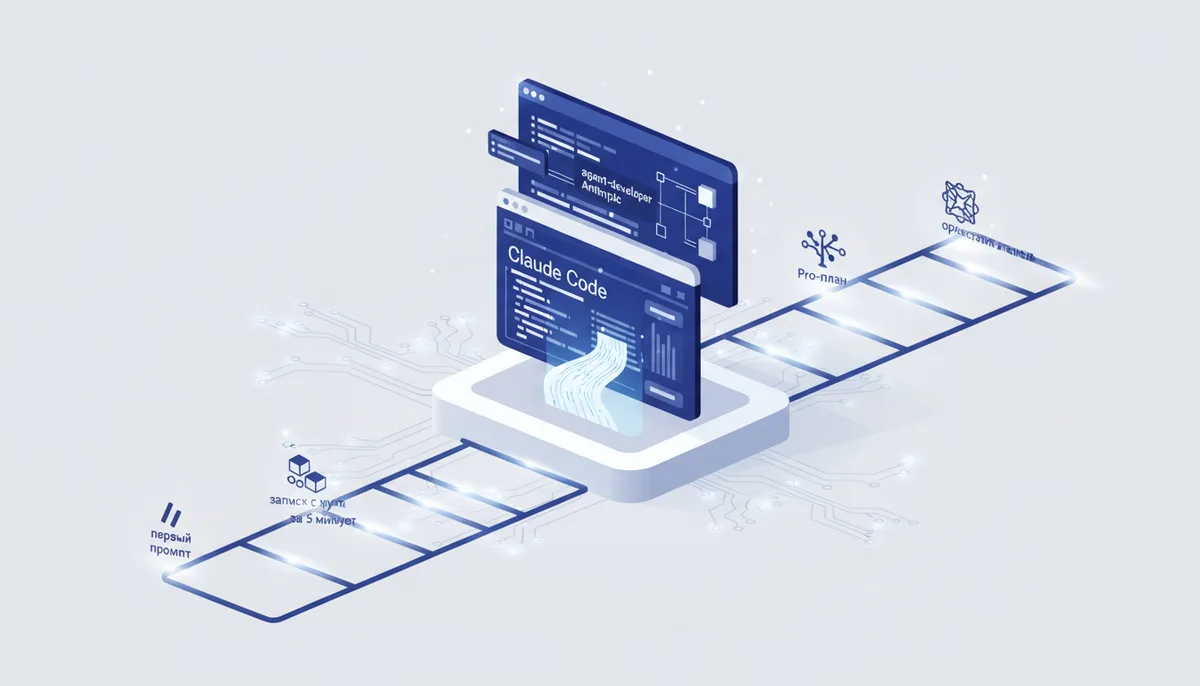
Everyone is already building something in Claude Code while you're still deciding where to start? Between "installed it" and "I orchestrate a team of agents" there's an ordinary five-step ladder. Here it is in full, plus an honest from-scratch setup on the Pro plan 🚀
What it is and who it's for
Claude Code is Anthropic's agentic developer: it reads your whole repo, edits files, runs commands and tests, and handles git. It lives in the terminal, and with the official extension — right inside VS Code: a GUI panel, inline diffs, editable plans. The repo sits at ★138k on GitHub (verified 14.07.2026).
Who it's for: anyone who wants to hand an AI real work in the codebase rather than autocomplete — from a beginner with their first task to a tech lead running agents in parallel. This card is a route through the levels: you can see straight away what to level up next.
Key features
- Whole-repo understanding, multi-file edits, running commands, tests and git operations from the agent.
- The official "Claude Code for VS Code" extension (20M+ installs in the Marketplace): the plan is editable before you start, diffs can be edited by hand, @-mentions of files with line numbers, tabs with parallel sessions, checkpoints with code rollback.
- Permission modes Manual / Plan / Edit automatically — from "ask me about everything" to auto-edits; Shift+Tab cycles through them.
- Project memory in CLAUDE.md, slash commands, skills, hooks, plugins and MCP servers.
- Subagents with their own context windows — side quests don't eat your main context.
- Parallel sessions in git worktrees (
claude --worktree name) and experimental agent teams: a lead session coordinates independent teammates over a shared task list. - Headless mode for CI and automation; the extension also installs into Cursor and other VS Code forks.
How to start in 5 minutes
From zero to your first task:
- Subscription. Claude Pro is enough — $17/mo billed annually or $20 month-to-month, Claude Code is already included. No API key needed.
- CLI. In the terminal (macOS/Linux/WSL):
curl -fsSL https://claude.ai/install.sh | bash
Windows PowerShell: irm https://claude.ai/install.ps1 | iex. There's also brew (brew install --cask claude-code) and winget. The old npm install -g @anthropic-ai/claude-code command from early guides is officially marked deprecated — don't copy it.
3. VS Code plugin. Extensions (Ctrl+Shift+X) → search for "Claude Code" by Anthropic → Install (needs VS Code 1.98+). Open the panel via the spark icon and sign in through the browser with your Claude account.
4. First task. Turn on Plan mode, ask "what does this project do?", then request a small change. Claude shows you a plan and a diff — you approve it.
The ladder: beginner → orchestrator
- Level 1 — navigator. You work from the VS Code panel, everything through Plan mode, you read every diff. The key skill: stating a task with acceptance criteria instead of "make it nice".
- Level 2 — context engineer. You set up CLAUDE.md with project rules, @-mention the files that matter, keep context clean: /clear between tasks,
claude -cand /resume to pick up where you left off. You tune permissions for the commands you trust. - Level 3 — tuner. You connect MCP servers (
claude mcp add), install plugins (/plugins), write your own slash commands, skills and hooks — the agent learns your tools and your rules. - Level 4 — delegator. You create subagents for roles (reviewer, test runner, researcher): each gets its own context window and tool set, and cheap tasks can ride on a fast model. The main chat stays clean.
- Level 5 — orchestrator. You parallelize the work: git worktrees for independent tasks, headless mode in CI, experimental agent teams (the
CLAUDE_CODE_EXPERIMENTAL_AGENT_TEAMSvariable) — a lead hands tasks out to a team of independent instances, and teammates message each other and challenge each other's hypotheses. Token burn scales linearly with the number of teammates — on Pro limits it's better not to go here.
When to take it, when not to
✅ Take it if you want one tool for the whole journey — from your first edit in VS Code to multi-agent pipelines: you can grow without switching stacks. ✅ Take it if you have a big repo and end-to-end tasks: plan → edits → tests → PR. ❌ Don't take it → "Cline" is better if you need a free open-source agent with any model inside VS Code. ❌ Don't take it → "Cursor" is better if you care more about an AI IDE with inline autocomplete than a conversational agent (though the Claude Code extension installs into Cursor itself too).
The honest price
There's no free tier with Claude Code. Pro — $17/mo billed annually or $20 month-to-month: Claude Code included, with per-session and weekly limits (the /usage command shows what's left). Max — from $100/mo, 5x or 20x the Pro limits: you genuinely need it at levels 4-5, where subagents and teams multiply your spend. The alternative is paying for API tokens through a Console account. Prices verified 14.07.2026 on claude.com/pricing and may change. Tag: paid.
Gotchas
- Old guides install it via npm — that command is officially deprecated; use the native script, brew or winget.
- The VS Code extension ships its own copy of the CLI but does NOT add
claudeto your PATH: to work in the terminal, install the CLI separately. - Only part of the CLI's commands are available in the extension — the fine-grained stuff (full MCP setup, the
!shortcut, tab autocomplete) lives in the terminal. - Pro limits bite under heavy use; the biggest consumers are subagents, long context and parallelism: /usage shows exactly what's eating them.
- Agent teams are experimental and off by default: resuming teammate sessions doesn't work, task statuses hang — don't build production processes on them.
- The agent is powerful but not omniscient: reviewing changes and running tests is mandatory, and before any autonomous mode — branch or back up.
🤖 Prompt accelerator
"I'm working in Claude Code on a project built with [STACK]. Task: [DESCRIBE]. First switch to plan mode and propose a plan with acceptance criteria. List which files you'll pull into context and which verification commands you'll run after each step (tests/lint/build). If the task can be parallelized — suggest what to hand off to subagents (role, tools, model) and what to keep in the main session. At the end, give me a checklist of what to verify by hand before committing."