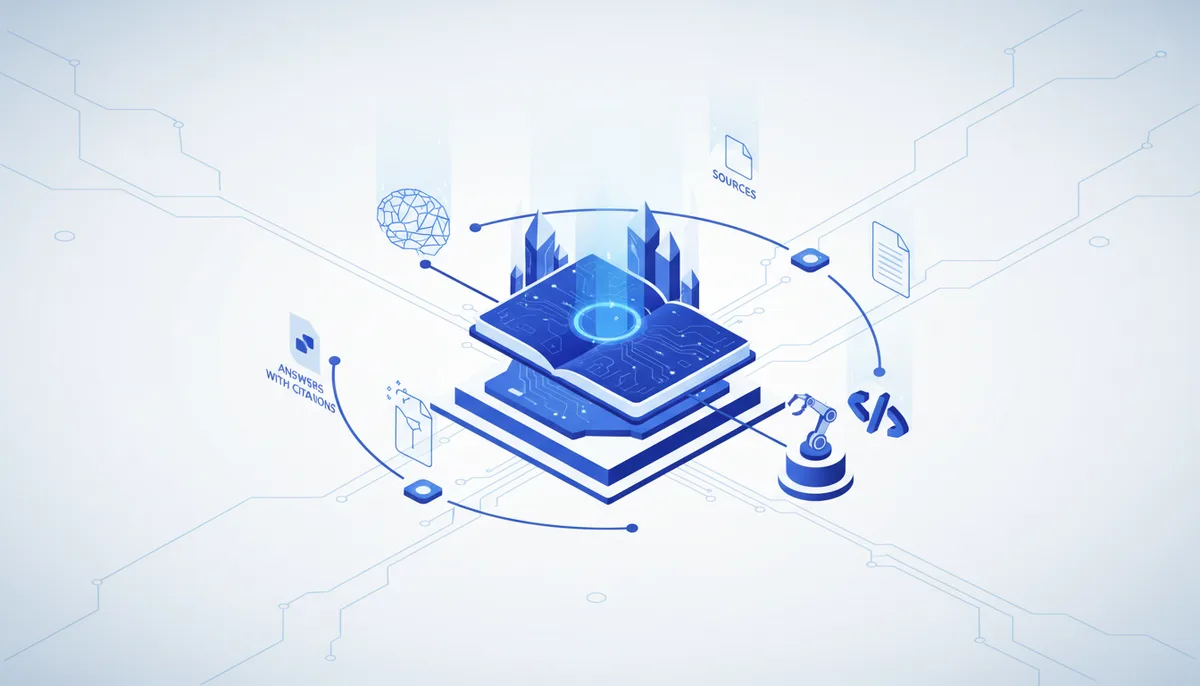
NotebookLM answers from your own documents with citations — but it's all manual work in a browser. Wiring it to Claude Code through notebooklm-py removes the manual part: the agent uploads sources, asks the questions and brings back finished podcasts 🔬
What it is and who it's for
NotebookLM is Google's research tool that reasons strictly over the sources you upload (PDFs, documents, links, YouTube): it answers with citations pointing at specific passages, makes summaries, timelines, FAQs and an "audio overview" — a podcast with two AI hosts discussing your materials. And notebooklm-py is an unofficial open-source Python library and CLI (17.7k GitHub stars, MIT) that exposes all of it programmatically: through a ready-made agent skill, Claude Code creates notebooks itself, imports sources in bulk, asks questions and generates artifacts — including things the web interface doesn't offer.
Who it's for: people who work through piles of documents (lawyers, analysts, students, researchers) — and vibe coders who want a research agent without paying for an API: the setup runs on your regular Google account.
Key features
- Answers strictly from the uploaded sources, with citations;
notebooklm ask --jsonhands the answer with its references straight to the agent. - Sources: PDFs, documents, web links, YouTube, Google Drive; bulk import in one command.
- Generation from the CLI: audio overview (podcast), video, quizzes, flashcards, slides, infographics, mind maps, reports — plus local download (
notebooklm download). - Research mode: kicks off web/Drive research and auto-imports whatever it finds into the notebook.
- An agent skill for Claude Code:
notebooklm skill installdrops the skill into~/.claude/skills— after that you just ask Claude in plain words. - Login through Playwright:
notebooklm loginopens a browser to sign in to Google — no API keys needed.
How to start in 5 minutes
- Web only: go to notebooklm.google, create a notebook, upload your sources, ask questions and verify the citations.
- Wiring it to Claude Code:
pip install "notebooklm-py[browser]", thenplaywright install chromium(downloads ~170 MB) andnotebooklm login— sign in to Google in the browser that opens. - Install the skill:
notebooklm skill install— then ask Claude Code: "create a notebook on topic X, add these links, squeeze out the conclusions with citations and generate an audio overview".
When to take it, when not to
- ✅ Take it if you need to get on top of a pile of documents fast and get to-the-point answers with links back to the source.
- ✅ Take the combo if you want to automate research: batches of sources, series of podcasts, quizzes and reports — with no clicking around a browser and no paid API.
- ❌ Don't take it → "Perplexity" is better if you need research across the open web rather than over your own uploaded files.
- ❌ Don't take it → "Harvey"/"CoCounsel" is better for professional legal work with legal databases and due diligence.
- ❌ Don't build a production pipeline on notebooklm-py → the official Gemini API is better: unofficial plumbing can break any day.
The honest price
NotebookLM is free at the base level: up to 100 notebooks, 50 sources per notebook, 50 chats and 3 audio overviews a day (Google's official limits). Upgrades come with Google AI subscriptions (Pro: 300 sources, 500 chats, 20 audio overviews a day). notebooklm-py and Playwright are free open source (MIT). Honestly: Claude Code itself isn't free — you need a Claude subscription or Anthropic API tokens. On Google's side, though, the setup costs nothing: no API keys and no paying per token.
Gotchas
- notebooklm-py talks to undocumented internal Google APIs: the project isn't affiliated with Google and can break without warning. The author says it plainly: for prototypes, research and personal projects — not for production.
- Google's rate limits apply in the CLI too — don't expect industrial volumes.
- It answers from your sources: garbage in means gaps in the answers; verify citations against the original.
- Google's cloud: you upload confidential documents at your own risk — review the data policy.
- The CLI needs Python 3.10+ and Chromium (~170 MB) for the Playwright login.
🤖 Prompt accelerator
"I have notebooklm-py installed with the NotebookLM skill (notebooklm login is already done). Create a notebook called "
" and add these sources: <LIST OF LINKS/FILES>. Wait for processing, ask 5-7 key questions on the topic and put together a report with conclusions and quotes from the sources. At the end, generate an audio overview focused on and download it into ./research/. Before deleting anything or downloading large files — ask me."