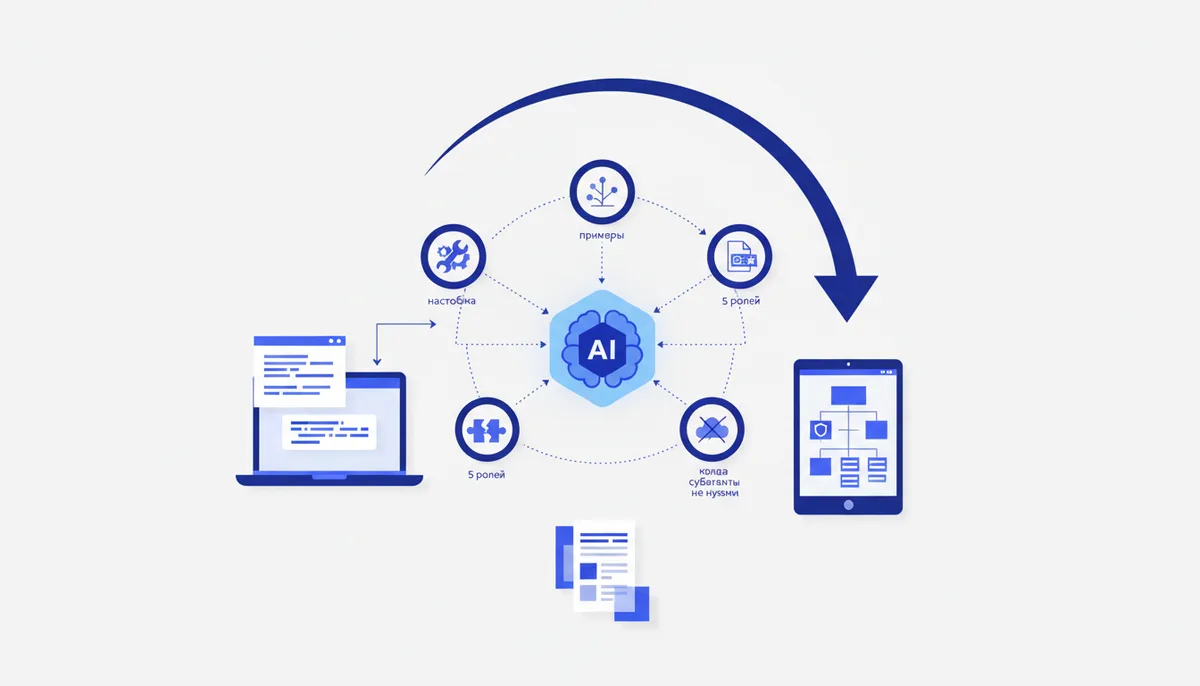
Claude Code Subagents: Setup and Examples
In short
Claude Code subagents are separate AI workers with their own system prompt, their own tool set, and their own context window, which the main agent calls in for specific subtasks: review, tests, security audits. They're configured with plain markdown files carrying a YAML front matter block in .claude/agents/ (per project) or ~/.claude/agents/ (global); only two fields are required — name and description — and edits are picked up without a restart. Below: the exact format, five ready-made configs for common roles, and an honest list of situations where subagents aren't worth it.
What are subagents and what problem do they solve?
A subagent is a specialized copy of Claude that the main session hires like a contractor: it hands over an assignment, waits, and gets back a short report. That yields three practical benefits.
- Clean context. The subagent works in its own context window. If the tester chewed through 30 log files, those tokens don't eat the main session's context — only the summary comes back.
- Specialization. A narrow system prompt ("you're a reviewer, look for bugs, edit nothing") consistently beats a universal "do everything at once" — we covered why in the article on a team of specialist agents.
- Restricted permissions. You can give the reviewer read access only — it physically cannot "fix" the code behind your back.
If Claude Code is still new to you, start with the beginner's guide: subagents pay off once you've got the basic workflow down.
How to create a subagent: /agents or a hand-written file?
Historically the /agents command opened an interactive wizard for creating and managing agents. In recent CLI builds (summer 2026) the wizard is gone: the command just suggests asking Claude itself to generate an agent, or editing .claude/agents/ by hand. Behavior depends on the version, so there are two working approaches:
- Ask Claude. "Create a subagent that runs the tests and analyzes failures" — Claude will write the file with a sensible front matter block. Fast, but proofread the result: auto-generated
descriptionfields are often vague, and that's the field that matters most. - Write the file yourself. Slower, but more reliable for production configs: you explicitly control tools, model, and permissions.
Where the files go: .claude/agents/ in the repo root means the agent travels with the project through git and is visible to the whole team; ~/.claude/agents/ holds personal agents available across all projects. If names collide, the project one wins. Claude Code picks up changes on the fly within seconds.
How is a .claude/agents/*.md file structured?
The file has two parts: a YAML front matter block (configuration) and a markdown body (the agent's system prompt). The main front matter fields:
| Field | Required | What it does |
|---|---|---|
name |
yes | The agent's identifier: Latin letters and hyphens |
description |
yes | What the main agent uses to decide who gets the task |
tools |
no | Comma-separated list of allowed tools; omit it and the agent inherits everything, including MCP |
model |
no | haiku / sonnet / opus / inherit; by default it inherits the session's model |
permissionMode |
no | Permission mode: default, acceptEdits, plan |
maxTurns |
no | Step limit — insurance against looping |
The key thing to understand about description: it isn't a comment for humans, it's a trigger condition. The main agent reads every subagent's description and picks the executor from them. Write the description as a rule: when to call it, what it does, what it doesn't do. The phrase "call proactively" noticeably raises the rate of automatic delegation.
Ready-made configs: 5 common roles
Each config is a separate file in .claude/agents/; copy them as they are and adapt to your stack. More role variants and prompts for them are in the "Roles" arsenal section.
Reviewer (code-reviewer.md) — let's look at it in detail:
---
name: code-reviewer
description: Reviews code changes. Call proactively after every edit to src. Looks for bugs and simplifications, never edits files.
tools: Read, Grep, Glob, Bash
model: inherit
---
You are a strict code reviewer. Work only with the diff of the current task.
Order of work: read the changed files in full, not just the diff;
look for logic errors, race conditions, unhandled exceptions.
For every finding, give the file, the line, and the failure scenario.
Answer with a list ordered by severity. If there are no findings, say so.
Note: tools has no Write or Edit — the reviewer can't quietly patch the code, only report.
Test runner (test-runner.md):
---
name: test-runner
description: Runs tests and analyzes failures. Call after code edits and before a commit.
tools: Bash, Read, Grep
model: haiku
---
Detect the project's test runner (npm test, pytest, etc.) and run the relevant tests.
Analyze every failure separately: cause, file, minimal fix. Don't edit the code — return a report.
Analyst (analyst.md):
---
name: analyst
description: Explores the codebase before work starts: where things live, which modules the task will touch, what the risks are.
tools: Read, Grep, Glob
model: sonnet
---
Your output is a map, not edits. Return: affected files,
the dependencies between them, risks, and open questions about the task statement.
Docs writer (docs-writer.md):
---
name: docs-writer
description: Updates README, CHANGELOG, and docstrings after public API changes.
tools: Read, Write, Grep
model: haiku
---
Write briefly and only from facts found in the code. If behavior isn't obvious,
leave a TODO with the question instead of a guess.
Security (security-auditor.md):
---
name: security-auditor
description: Security audit of changes. Call proactively when working with auth, user input, SQL, and secrets.
tools: Read, Grep, Glob
model: opus
---
Look for: injections, leaked secrets, permissive CORS, missing input validation.
Back every finding with a specific line of code. Edit nothing.
Which mistakes kill the value of subagents?
- A vague description. "Helps with code" means the agent either never gets called or gets called at random. The cure is the formula "when + what + what it doesn't do."
- Default tools. Omitting the
toolsfield inherits everything, including connected MCP servers. A security auditor doesn't need file-write access or external APIs — trim permissions deliberately. - Expecting shared memory. A subagent doesn't see the main session's conversation: it gets only the assignment text. Pass the branch, file paths, and acceptance criteria explicitly — by the same rules as briefing an agent on a task.
- A zoo of twenty agents. Overlapping descriptions turn executor selection into a lottery. Start with 3–5 roles and add more as needed.
opuseverywhere. A heavy model on mechanical tasks is slow and expensive. Tests and documentation usually do fine onhaiku.
When don't you need subagents?
An honest list, so you don't build architecture for architecture's sake:
- A small project or a one-off script. Delegation overhead eats the gain: every subagent re-reads the files it needs and burns tokens.
- A linear task. If the steps are strictly sequential and each one needs the full conversation context, a subagent's isolation gets in the way instead of helping.
- You need knowledge, not an executor. A style guide, a policy, a checklist — that belongs in CLAUDE.md or a skill, not in a separate agent.
- You need a repeatable request template. That's a slash command: cheaper and more predictable.
The working rule: a subagent is justified when the role has its own area of responsibility, its own set of permissions, and a result that fits into a short report.
Where to get a ready-made team instead of assembling agents one by one?
The five configs in this article are a fine start and come together in an evening. The difficulty shows up at the next step: keeping roles from duplicating each other, having results checked by an independent review, and making task briefs uniform all require long calibration of the configs against one another. That's exactly the work the Quest engine covers: a ready team of 8 coordinated agents with calibrated roles and verification loops out of the box. As of July 2026 the engine costs 4 900 ₽ one-time and extra modules 1 900 ₽ each; you can try a lineup against your stack in the configurator.
FAQ
How does a subagent differ from a skill?
A skill is an instruction loaded into the current context: the agent stays the same, it just gains knowledge. A subagent is a separate executor with its own context and permissions. The rule of thumb: need knowledge — use a skill; need isolated work — use a subagent.
Does a subagent see the main session's conversation?
No. A subagent receives only the assignment text from the main agent and starts with a clean context. Pass everything important — branch, files, acceptance criteria — explicitly in the assignment.
Can subagents run in parallel?
Yes, the main agent can hand out several subtasks at once — tests and review in parallel, for example. Keep in mind that parallelism multiplies token spend, so give mechanical roles model: haiku.
Do Claude Code subagents work in Cursor?
No, the .claude/agents/*.md format is specific to Claude Code; Cursor doesn't read it and has its own mechanisms. If you need one team configuration for both tools, see the breakdown of engine portability across Claude Code, Cursor, and VS Code.