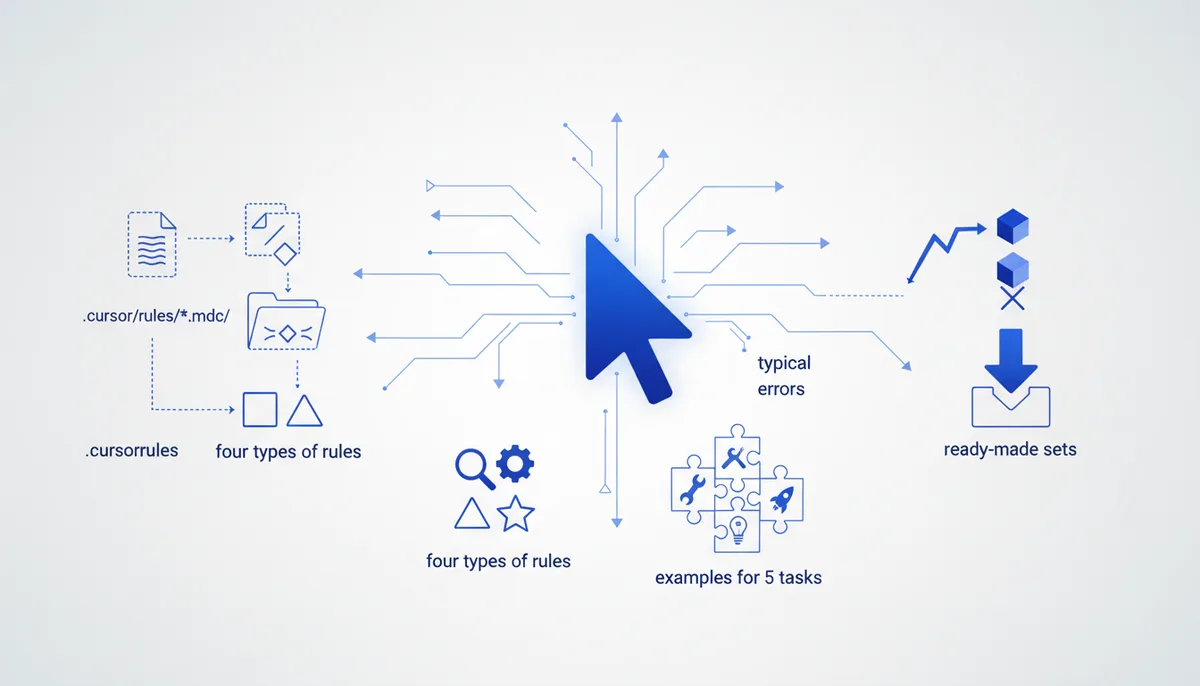
Cursor Rules: How to Set Up Project Rules
In short
Cursor Rules are instructions that Cursor automatically mixes into the AI agent's context: your project stack, code style, prohibitions and team conventions. The current format is .cursor/rules/*.mdc files with a YAML frontmatter of three fields: description, globs, alwaysApply. The old .cursorrules in the project root is still read for compatibility, but it's officially marked legacy. A rule comes in four types: Always (in every request), Auto Attached (by file glob), Agent Requested (the agent decides based on the description) and Manual (only via @rule-name). The usual reasons "my rules don't work": a .md extension instead of .mdc, broken frontmatter, thousands of lines of text, and alwaysApply: true on everything. Below: working examples for five jobs, a breakdown of the mistakes, and a way to avoid writing .mdc by hand at all.
What Cursor Rules are and why you need them
A model has no memory between chats: every new conversation starts from zero and the agent guesses your stack, your style and the limits of what's allowed all over again. Cursor Rules solve exactly that — they're persistent context the editor adds to the prompt at the right moment. Describe once that the project runs on Next.js with pnpm, that any is banned, and that secrets live only in environment variables, and you stop repeating it in every request.
In practice rules save more than time — they save quality: an agent that knows the boundaries invents less and needs fewer rewrites. It's the same principle as in task framing: the more precise the context, the fewer iterations (we covered it in how to frame a task so the agent understands; systematic techniques for working with agents are collected in vibe coding techniques).
Which format is current: .cursorrules or .cursor/rules?
.cursorrules is the deprecated format: a single plain-text file in the project root, with no metadata and no selective loading. Cursor still reads it for backward compatibility, but the official documentation marks it legacy and new capabilities don't extend to it. If it's still alive in your project, migrate: move the contents into .cursor/rules/ and split them into thematic files.
There are two current mechanisms:
.cursor/rules/*.mdc— the main format. Each rule is a separate.mdcfile with a YAML header that controls when the rule enters context. Nested folders are supported:.cursor/rules/frontend/react.mdcis a valid path, and a.cursor/rulesdirectory inside a monorepo package applies only to that package.AGENTS.md— a plain markdown file with no metadata in the project root (or in subdirectories — in which case the more specific instructions win). It's a cross-tool standard read by Cursor and other agents alike. Good for a short project description, but it supports neither glob patterns nor manual invocation.
An important detail: inside .cursor/rules/ only files with the .mdc extension work. A regular .md there is silently ignored — probably the single most common cause of the "my rules aren't applied" complaint.
How .mdc is built and the four rule types
An .mdc file is markdown with a YAML frontmatter of three fields. The combination of fields determines the rule type:
| Type | Frontmatter | When it enters context |
|---|---|---|
| Always | alwaysApply: true |
In every agent request |
| Auto Attached | globs is filled in |
When context contains files matching the glob |
| Agent Requested | description only |
The agent decides whether the description is relevant |
| Manual | all fields empty | Only via @rule-name in chat |
We covered the logic of picking a type in detail in Always, Auto, Agent, Manual: which rule type to use when; the short version:
alwaysApply: true— only for foundations: stack, package manager, the main prohibitions. Such a rule spends tokens in every request, so the block has to be short.globs— for anything tied to a file type: test rules aren't needed while doing markup, and CSS rules aren't needed while writing migrations.description— for situational rules; write the description as if you were explaining to a person when to apply it. A vague description simply won't get picked up.- Manual — for on-demand procedures: commit format, release checklist.
Cursor's official recommendation is to keep a rule under 500 lines and split large topics into composable files. The practical benchmark is stricter: 20–60 lines. An agent follows one "novel" of a rule worse than three short ones.
Rule examples for five jobs
1. Code style — Auto Attached to source files:
---
description: TypeScript code style
globs: src/**/*.ts,src/**/*.tsx
alwaysApply: false
---
- Named exports only, default exports are banned
- Instead of any, use unknown with type narrowing
- Don't swallow errors: catch either rethrows or logs with context
2. Project stack — Always, as short as possible:
---
description: Project context
alwaysApply: true
---
Next.js 15 (App Router) + TypeScript + Prisma/PostgreSQL + Tailwind.
Package manager is pnpm; do not suggest npm or yarn.
New dependencies only after explicit approval.
3. Tests — Auto Attached to spec files:
---
description: Test rules
globs: **/*.test.ts,**/*.spec.ts
alwaysApply: false
---
- Vitest, mocks via vi.mock, snapshots are banned
- Test name = behaviour: "returns 404 if the user is not found"
- Don't bend the code to fit the test — ask first
4. Security — Always, because holes aren't tied to a file glob:
---
description: Security
alwaysApply: true
---
- Secrets only from process.env: never hardcode, never log them
- Validate user input with a zod schema at the API boundary
- SQL only parameterized, through the ORM
Which other prohibitions are worth baking into the agent — see the security cards in the arsenal.
5. Commits — Manual, invoked as @commit-style before committing:
---
alwaysApply: false
---
Conventional Commits: feat|fix|refactor|chore(scope): the point in the
imperative mood, up to 72 characters. The body explains "why", not "what".
Why rules don't work: the typical mistakes
.mdinstead of.mdc. The file is silently ignored — no errors, no warnings.- Broken frontmatter. YAML is sensitive to case and syntax:
Trueinstead oftrue, missing---, quotes and square brackets inglobs— and the rule stops attaching. The most compatible glob format is comma-separated, without quotes or brackets. After editing, check the list of applied rules in the agent's response context. - Everything on
alwaysApply: true. Context bloats, the important parts drown in noise, and answer quality drops. A project should have one or two Always rules. - The "novel" rule. Hundreds of lines of mixed topics and the agent grabs random chunks. One rule = one area of responsibility.
- A vague
description. The agent will never match "rules about code"; it will match "apply when working with forms and validation". - Expecting rules to apply everywhere. Rules are read by the agent in chat; Tab autocomplete works from the code around the cursor and doesn't see rules.
- Rules not in git. The point of project rules is a shared team agreement, so
.cursor/rules/gets committed to the repository just like code.
Where to get ready-made rules
You don't have to write from scratch:
- The
/Generate Cursor Rulescommand right in Cursor chat: the agent drafts a rule from the current conversation — handy for capturing conventions you arrived at while working. - cursor.directory — the largest catalogue of rules for specific stacks: React, Python, Go and dozens more.
- awesome-cursorrules on GitHub — a collection of templates, many already converted to
.mdc. - Our prompt arsenal — 105 cards you can assemble rules from: wording for prohibitions, review checklists, context templates.
Someone else's sets are raw material, not a finished config: throw out everything that isn't about your project. Ten borrowed rules kept "just in case" work worse than three of your own.
How to scale: one spec instead of a pile of .mdc files
Maintaining rules by hand runs into a predictable problem: teams work in both Cursor and Claude Code (we compared the tools here), and the same conventions have to be duplicated in .mdc, CLAUDE.md and AGENTS.md. A month later the copies have diverged, and agents in different tools live by different laws.
We solve this by compilation: in the Quest engine project rules are described once, as a single spec, from which .cursor/rules/*.mdc with the correct attachment types, a package for Claude Code, and a universal AGENTS.md are generated deterministically (we covered the mechanics in the article on per-tool export). Change the spec, rebuild every format, and drift disappears by construction. The engine is a one-time purchase (4,900 ₽, modules for specific jobs at 1,900 ₽ each; prices as of July 2026), and the "rules are a build artifact, not a manuscript" approach pays off on the second tool or the second project.
If you're still writing rules by hand, start with the four files from the examples above: stack, style, tests, security. That's an hour of work that changes the agent's behaviour more noticeably than switching models.
FAQ
Does the old .cursorrules still work?
Yes, it's still read for backward compatibility, but the documentation marks the format legacy, and the newer mechanisms — rule types, glob patterns, nested folders — only work in .cursor/rules/*.mdc. Migration is a copy-paste job, about ten minutes.
How do Cursor Rules differ from AGENTS.md and CLAUDE.md?
AGENTS.md is a cross-tool standard: plain markdown with no metadata, read by various agents including Cursor. CLAUDE.md is the equivalent for Claude Code. Rules are a Cursor-specific mechanism, with attachment types, file globs and manual invocation. It makes sense to keep the basic project context in AGENTS.md and the specifics in .mdc.
Why does the agent ignore my rule?
Three prime suspects: a .md extension instead of .mdc, invalid YAML in the frontmatter, and a vague description on an Agent Requested rule. Check the list of applied rules in the agent's response: if the rule isn't there, the problem is in attachment, not in your wording.
How many rules does a project need?
Fewer than you'd think: 1–2 short Always rules (stack and prohibitions), 3–5 Auto Attached ones for file types, and the rest as needed. Cursor's benchmark is up to 500 lines per rule; the practical one is 20–60 lines.
Do rules affect Tab autocomplete?
No. Rules attach to the agent and chat; Tab builds suggestions from the code around the cursor and doesn't read .mdc. The only way to steer autocomplete is through the code and types themselves.