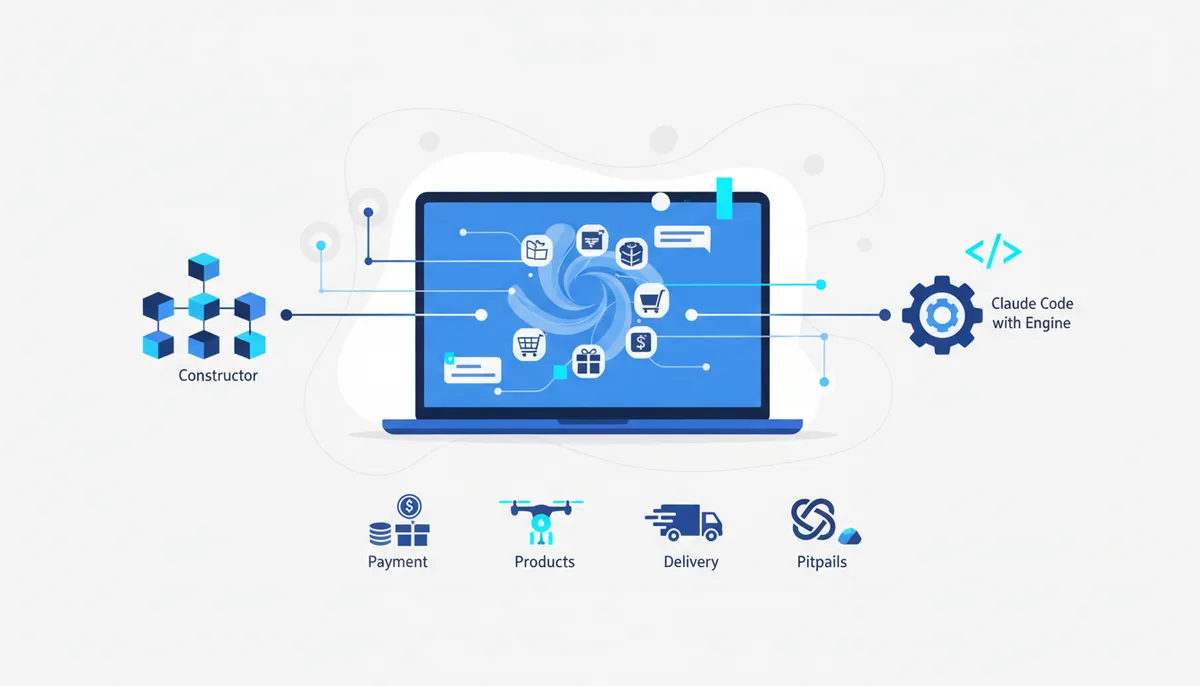
An Online Store Built With AI: From Zero to Sales
In short
An online store built with AI is a storefront with a catalog and a cart that a neural network helps you assemble from your description. But the site is only the facade: to actually make sales you also need payment processing, inventory tracking and delivery. There are three routes. A website builder (Tilda, InSales) gives you blocks and templates — fast, but with a monthly fee and the platform's limits. An AI generator will assemble a storefront in minutes from a text description, but it won't solve payments, stock or logistics. Claude Code with an engine — the agent writes real store code, you own it outright and can plug in any service you like. You don't need a programmer, but you do need a legal status (self-employment is the simplest in Russia), a payment provider and a delivery service. Below: how to choose a route and what not to forget, with an honest look at the pitfalls. All prices as of July 2026.
What "an online store built with AI" means
An online store is a website where a visitor picks a product, puts it in the cart and pays for the order online. What separates it from a landing page is that it has a catalog, product cards and order processing rather than one sales page (how to build a landing page with AI is a separate topic).
"With AI" means the neural network takes the routine off your hands: it generates the catalog structure, writes product descriptions, picks a design and — if it's a coding agent — writes the store's code itself. The boundary matters here: AI assembles the storefront, but it doesn't replace the business. Payments, taxes, inventory and delivery are external services and your own decisions, and no generator will figure them out for you.
Three launch routes: which one to pick?
There is no universally "best" method — only the one that fits your case. Here's an honest comparison (data as of July 2026):
| Route | What it is | What it costs | Who it suits | Main downside |
|---|---|---|---|---|
| Store builder (Tilda, InSales) | Visual editor with ready-made catalog and cart blocks | Tilda has a free start, but the cart and order processing require a paid plan (around 1,500 ₽/mo); InSales from ~1,460 ₽/mo | A first store, standard product range | The fee never ends, the site is tied to the platform |
| AI website generator | A neural network assembles a storefront from a text description in minutes | Free to subscription; some services aren't directly available in Russia | A fast prototype, testing an idea | Doesn't solve payments, stock or logistics; templated look |
| Claude Code + engine | A coding agent writes real store code around your logic | Agent subscription plus a one-time engine purchase, no platform fee | Custom design, non-standard logic, control | Requires careful briefing and your own deployment |
The rule is simple: if your product range is standard and you want to start tomorrow, take a builder. If you need a prototype to test demand, take a generator. As soon as you have your own logic, integrations and a wish to stop paying a permanent subscription, Claude Code or Cursor with an engine give you real code that stays yours. More on the differences between the approaches is in the big guide on how to build a website with AI.
What you need besides the site: payments, products, logistics
This is where most "stores in 5 minutes" fall apart. A storefront without these three pillars doesn't sell.
Accepting payments. You can't take money for goods on a personal card — you need a legal status. The simplest entry point in Russia is self-employed status (the professional income tax regime): it doesn't require an online cash register, and the receipt is issued in the "My Tax" app with full legal force. Sole proprietors and companies selling goods generally do need an online cash register under 54-FZ (Russia's cash register law; some tax regimes have exemptions — check your own case). Payment acceptance itself is connected through services: YuKassa, Robokassa, CloudPayments, Prodamus — they take cards, wallets and payments via SBP (Russia's instant interbank payment system). The arsenal has breakdowns of payment setups for each status — for example, the card on accepting payments as a self-employed seller.
Products and their descriptions. You need a catalog, photos and product card copy. Descriptions are ideal work for AI: it writes them from the specs in batches instead of one at a time by hand. The ready-made combo product descriptions for an online store shows how to put that on an assembly line.
Logistics. The order has to get to the buyer. Delivery services — SDEK, Russian Post, Boxberry, Yandex Delivery — integrate into the cart: they calculate the cost automatically from weight, dimensions and address, show pickup points and parcel lockers, and issue a tracking number. Automatic calculation right in the cart reduces abandonment: the customer sees the delivery price immediately.
Also don't forget about customer data: name, phone, address are personal data, and handling them is regulated by law. What exactly you have to put in place is in the article on AI and 152-FZ: personal data.
Building a store with Claude Code and an engine, step by step
Claude Code is a coding agent that writes and edits a project's code from a task described in text. The workflow goes like this:
- Describe the store in words. Not "build me a store", but specifically: "a ceramics store: a catalog with a category filter, a product card with a photo and price, a cart, checkout with SDEK delivery selection, payment via YuKassa." The more precise the input, the fewer revisions.
- Let the agent build the first version. It will create the catalog, the cart and checkout, and show you the result in the browser.
- Refine through conversation. "Add a price filter", "make the product card bigger", "show the stock level" — short iterations instead of one giant request.
- Connect payments and delivery. Working from the services' documentation, the agent embeds the YuKassa button and the delivery calculation — the landing page with payments combo is a proven starting point here.
- Check it on a phone and publish. Most purchases come from smartphones, so ask it to check the mobile layout, then build the project and deploy it to hosting.
For the agent to keep context and avoid breaking what already worked, it needs a framework of rules — a vibe-coding engine. On the approach itself, see the guide vibe coding for business.
Pitfalls: an honest look at what will go wrong
- The site is 20% of the work. The hard part isn't the storefront, it's operations: answering orders, packing, shipping, handling returns. AI will assemble the store in an evening, but the selling is on you.
- A "store in 5 minutes" is only the facade. Generators show you a pretty storefront, but payments, the cash register and delivery are still yours to solve. Budget time and money for them separately.
- Some AI services aren't directly available in Russia. Many foreign generators won't accept Russian cards. The legal paths are Russian services, official access aggregators, or paying with a foreign card if you have one; we don't cover ways to bypass blocks.
- Traffic won't show up on its own. Your own store doesn't come with ready buyers the way a marketplace does: as of July 2026 Wildberries has roughly 45 million monthly buyers and Ozon about 30 million. On the other hand, your own site doesn't take a commission on every sale and leaves the customer data with you. Combining the two is often sensible: your own storefront plus a presence on a marketplace.
- Subscription fees add up. A builder looks cheap until you total the payments over a couple of years. A one-time purchase of code wins over the long run.
Where to start today
The fastest honest plan: settle your legal status (self-employment is the simplest), choose a payment provider and a delivery service, and assemble the storefront along whichever route fits. If you want real code and full control, start with an engine.
The Quest engine is a ready-made framework for Claude Code and Cursor that walks you from store idea to launch step by step instead of by guesswork: the base engine is a one-time purchase, task-specific modules are bought separately, and you can put together your own build in the studio. To get up to speed on the tools and the approach from scratch for free, the learning tracks at /learn/ will help, and the arsenal cards on payments and delivery, along with the ready-made e-commerce combos, are open to everyone.
FAQ
Can I open an online store as a self-employed person, without registering a business?
Yes, if you sell goods of your own making — handmade items, for example. A self-employed seller doesn't need an online cash register; the receipt is issued in the "My Tax" app. Self-employment doesn't work for reselling other people's goods — for that you'll need a sole proprietorship or a company.
How much does it cost to launch a store with AI?
The storefront can be assembled for free or for a subscription. The real costs aren't the site: they're the payment provider's transaction fees, delivery, and — for sole proprietors — the online cash register. A builder adds a monthly fee; code from an agent you pay for once. Check exact figures with the services themselves as of July 2026 — they change.
What's better, your own store or a marketplace?
A marketplace gives you ready traffic but takes a commission and dictates the rules. Your own site gives you full control, the customer data and zero sales commission, but you bring the traffic yourself. Many sellers run both: they test demand on a marketplace and move their loyal audience to their own site.
Do I need a programmer to build a store on Claude Code?
No. The agent writes the code; from you it needs a clear task and a willingness to follow deployment instructions. A basic grasp of what a domain, hosting and a payment provider are will speed things up. Briefing an agent is its own skill, and it's also covered in the tracks at /learn/.