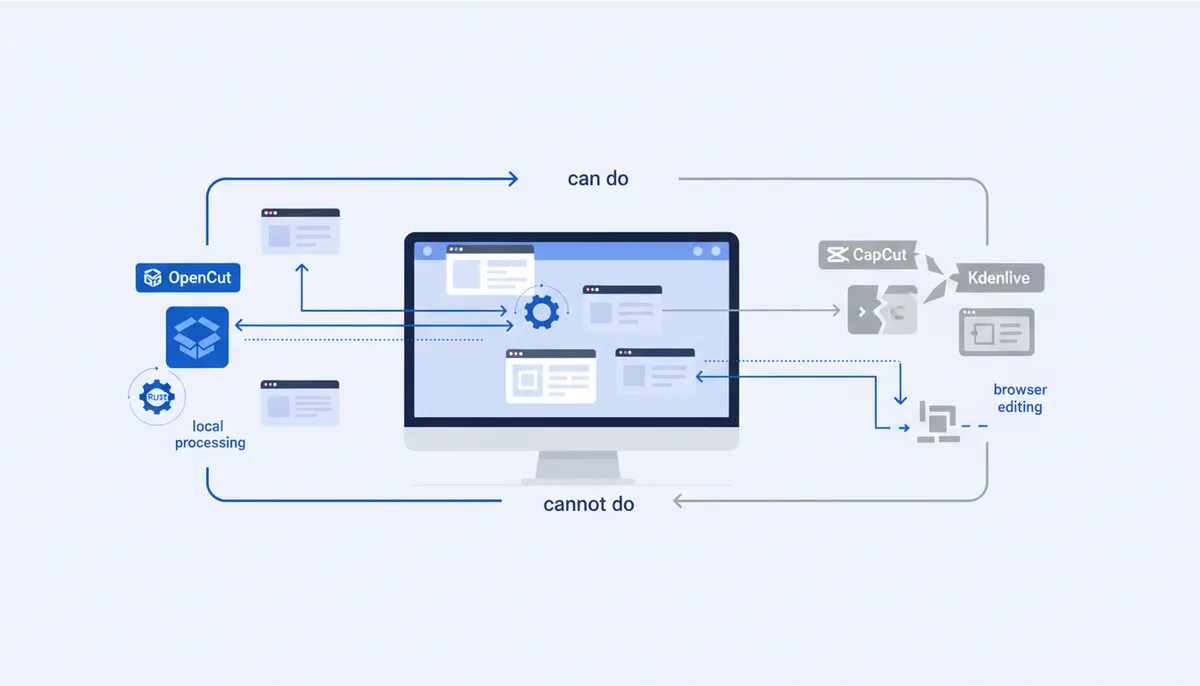
OpenCut Review: A Free CapCut Alternative
In short
OpenCut is a free, MIT-licensed video editor that runs in the browser and keeps your footage on your own machine. It is genuinely usable for the simplest job — drop clips on a timeline, trim, reorder, export — and genuinely not ready for anything past that. As of July 2026 the site at opencut.app labels its own editor "early beta", the public roadmap still lists "essential functionality" (timeline interactivity, storage, effects, transitions) as in progress and was last updated in February 2026, and the whole project is mid-rewrite: the main repository says it is "being rewritten from the ground up" in Rust, the old codebase is archived, and outside contributions are paused. The 79k GitHub stars measure interest, not readiness. If you cut and stitch clips and hate that CapCut sends your footage to someone else's servers, try it today. If you rely on captions, effects, stock assets or 4K delivery, stay on CapCut or install Kdenlive instead.
What OpenCut actually is right now
The confusing part is that "OpenCut" currently means three things at once, and reviews written six months ago describe a different project than the one you can open today.
- opencut.app — the hosted editor, running the classic Next.js build. It works in a normal browser, no account required for basic editing, and the front page invites you to "try early beta".
- opencut-app/opencut-classic — the original codebase. It is archived and no longer maintained, but it still has Docker Compose self-hosting (
docker compose up -d, app on port 3100) if you want your own instance. - opencut-app/opencut — the rewrite. A Rust core targeting web, desktop and mobile from one codebase, with an Editor API, a plugin architecture, a headless/batch mode and an MCP server for AI agents on the roadmap. It lives at new.opencut.app and is not the thing you edit videos with yet.
That last bullet is the most interesting part of the project and the least useful part today. An MCP server plus headless rendering would make OpenCut the first editor a coding agent can drive end to end — script the timeline, batch-render forty variants, no GUI. None of it is shipped. The README is explicit that the architecture is still being designed.
Everything is MIT-licensed, which is a real advantage over most "free" editors: no fair-code clause, no per-seat limits, no commercial-use asterisk.
What it does well
Nothing leaves your machine. Media is processed locally in the browser. For client footage under NDA, internal demos, or anything you would rather not upload to a Chinese-owned service, that is the whole argument, and it is a good one.
No account, no watermark, no upsell. You open a URL and there is a timeline. There is no export queue, no "upgrade to remove watermark" dialog, no credit balance.
It is fast at the boring job. Trimming, splitting, reordering and stitching clips is responsive, because it is the part that has been built. If your edit is "cut the dead air out of a screen recording and stick three takes together", OpenCut does that.
You can self-host it. The archived classic repo ships a Compose file with Postgres and Redis. If you want an internal editor for a team that cannot use cloud tools, this is a working starting point today — with the caveat that you are adopting an unmaintained branch.
What CapCut still does better
This is where honest reviews stop and most published ones haven't. CapCut is a mature product with a large asset pipeline behind it. OpenCut is a timeline.
| Capability | OpenCut (July 2026) | CapCut |
|---|---|---|
| Cut, trim, reorder, stitch | Works | Works |
| Auto-captions / speech-to-text | Not available | Core feature, many languages |
| Effects, transitions, filters library | Listed as "in progress" on the roadmap | Large library, constantly updated |
| Stock music, sound effects, fonts | None bundled | Large licensed library |
| Templates | None | The main reason casual users pick it |
| Background removal, retouch, AI tools | None | Yes, mostly on paid tiers |
| Mobile app | Not started (roadmap stage 4) | iOS and Android, first-class |
| Export beyond 1080p | Not something to rely on in a browser build | 4K on paid tiers |
| Where your footage goes | Your device | CapCut's infrastructure |
| Cost | Free, MIT | Free tier plus paid tiers |
| Stability | Early beta, by its own label | Production |
Two practical notes. First, browser-based editing has a hard ceiling that has nothing to do with OpenCut's team: long timelines, large source files and 4K exports fight against browser memory limits and single-threaded encode. Expect trouble past a few minutes of high-bitrate material. Second, we could not verify CapCut's current prices from an official page while writing this — capcut.com was not reachable from our test host in July 2026 and the pricing figures circulating on affiliate blogs contradict each other. Check the subscription screen inside the app for your own region rather than trusting any number you read in a review, including the ones you'll find in the top search results for this query.
Who should switch and who should not
Switch if: your edits are cuts and joins; privacy or NDA rules make cloud upload a problem; you want a zero-cost tool with no account; you are comfortable that a beta may lose a project and you keep your source files anyway.
Don't switch if: you need captions, templates, licensed music, or the AI toolkit — those are not "coming soon", they are absent; you deliver in 4K; you edit on a phone; you have a deadline and no fallback. A tool whose changelog page is empty is not a tool you schedule client work around.
Middle path: keep OpenCut for quick internal cuts and keep a real desktop NLE installed for everything else. That combination costs nothing.
Other open-source options
If what you actually want is "free and not CapCut", OpenCut is not the strongest answer in July 2026. It is the newest one.
| Tool | License | Best for | Trade-off |
|---|---|---|---|
| Kdenlive | GPL, desktop | A full NLE: multi-track, effects, proxies, colour, 4K | Desktop install, steeper UI, no browser mode |
| Shotcut | GPL, desktop | Simpler full editor, wide format support via FFmpeg | Interface is functional rather than pleasant |
| LosslessCut | GPL, desktop | Cutting and joining without re-encoding — seconds, not minutes | Only cuts on keyframes; no effects at all |
| auto-editor | CLI | Stripping silence and dead frames from long recordings automatically | Command line; it's a pre-processor, not an editor |
| OpenCut | MIT, browser | Zero-install quick cuts with local processing | Early beta, mid-rewrite, thin feature set |
For a screen-recording workflow the combination that beats all of them is auto-editor to strip silence, then Kdenlive or OpenCut for the final assembly. Our arsenal has separate cards for OpenCut, Kdenlive and Shotcut with install commands, and the faceless-video workflow covers where an editor fits in a repeatable publishing pipeline.
FAQ
Is OpenCut actually free?
Yes, and unusually cleanly so. The code is MIT-licensed, the hosted editor at opencut.app costs nothing, requires no account for basic editing, and adds no watermark. There is no paid tier to upsell you to, which also means there is no revenue funding a support team.
Is OpenCut safe to use with private footage?
The editing happens locally in your browser, so your media is not uploaded for processing. That is the project's core claim and the reason it exists. If you need a stronger guarantee than "the vendor says so", self-host the archived classic build with Docker Compose and audit what leaves the container yourself.
Can OpenCut replace CapCut today?
For cutting and stitching, yes. For captions, templates, stock assets, mobile editing or 4K delivery, no — those features are not implemented. Read the project roadmap before deciding: the stage called "everything that makes a video editor useful" is still marked in progress.
Why is OpenCut being rewritten, and should I wait?
The team is rebuilding it around a Rust core so that web, desktop and mobile share one engine, with a plugin API, headless rendering and an MCP server for AI agents. Those are the right foundations for an editor you can automate. But the rewrite is not usable yet and the repo is not accepting outside contributions during the redesign, so treat any timeline as unknown and use something else in the meantime.
What is the best free CapCut alternative right now?
For most people it is Kdenlive — a mature, GPL, multi-track editor that does effects, proxies and 4K, at the price of a desktop install. OpenCut wins only on two axes: nothing to install, and nothing leaves your machine.