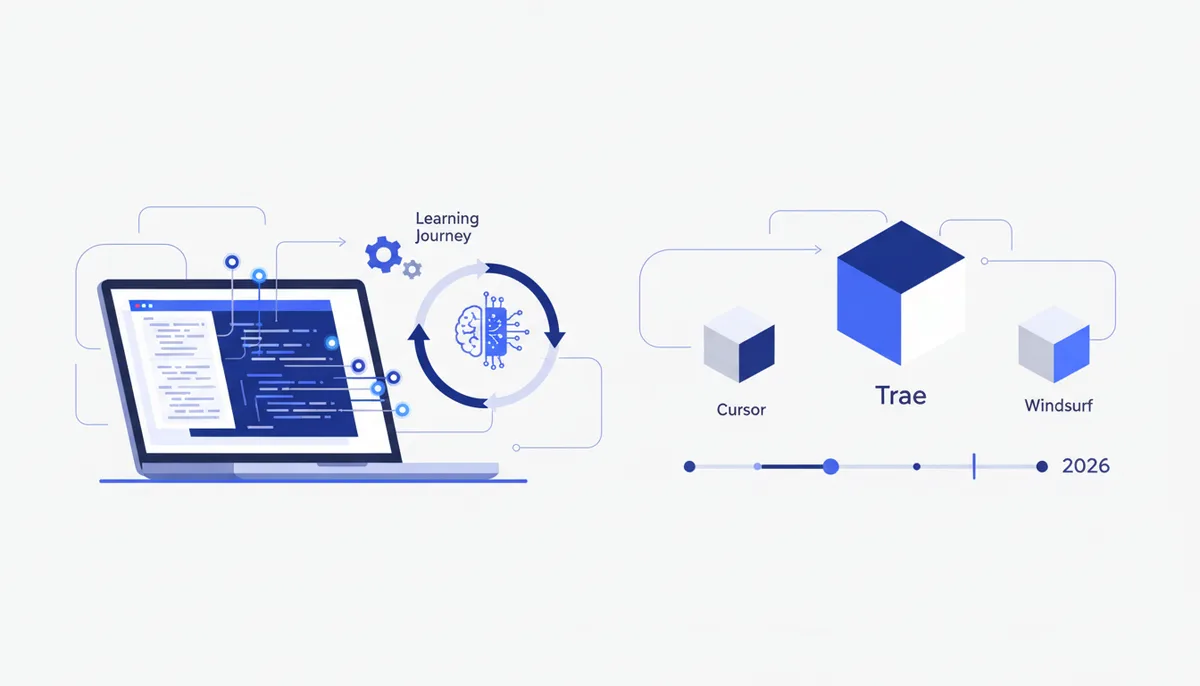
Trae: AI Code Editor Review 2026
In short
- Trae is a free AI code editor (AI IDE) from ByteDance, the same company that owns TikTok. Technically it's a VS Code fork with a built-in AI assistant and agent.
- Its headline feature is SOLO Mode: the agent builds a project from a plain-text description — frontend, backend, config files and terminal commands.
- The free tier gives you top-tier models: Claude Sonnet, GPT-4o, Gemini 2.5 Pro, DeepSeek R1. Paid plans (as of July 2026) run from $3 to $100 per month.
- The big caveat is privacy. Telemetry is on by default, can't be fully disabled, and the data goes to ByteDance servers. For code under NDA that's a deal-breaker.
- From Russia the app itself works fine on the free tier; paid plans, however, don't accept Russian-issued cards — you need a foreign payment method.
What is Trae?
Trae is an AI-native development environment (IDE) that ByteDance released internationally in early 2025. "AI-native" means the AI isn't a plugin bolted onto an editor — it's part of the shell itself: assistant, autocomplete and agent are wired into the interface from first launch.
Under the hood Trae is a fork of Visual Studio Code (closed-source), so extensions, keyboard shortcuts and the general feel will be familiar to anyone who has used VS Code, Cursor or Windsurf. In essence it's another entrant in the editor category built for vibe coding — the approach where code comes out of a natural-language description of the task instead of being typed line by line (more on that in what vibe coding is).
What sets Trae apart from its rivals is price and pedigree. It's one of the few strong AI editors with a genuinely usable free tier — and the only one of the big three backed by a Chinese tech giant.
What Trae can do: SOLO mode and beyond
Trae has two modes. The regular one is a familiar editor with chat, autocomplete and selection-based edits. The second, more interesting one arrived in spring 2026.
SOLO Mode is an agentic mode: you describe the task in words, and Trae plans the steps and carries them out — creating the project structure, writing frontend and backend, generating configs, running terminal commands and fixing errors along the way. There's also a cloud version, Trae SOLO Web, where the agent runs in your browser.
The rest of the feature set as of July 2026:
- Free access to top models — Claude Sonnet, GPT-4o, Gemini 2.5 Pro and DeepSeek R1, switchable on the fly.
- MCP support. MCP (Model Context Protocol) is an open standard that lets the editor plug into external tools, databases and APIs. If you've already set up MCP servers for Claude Code, the logic in Trae is the same.
- Custom agents — you can assemble an agent for your own workflow with the tools and rules it needs.
- CodeGraph — a project indexing technology that helps the AI see cross-file relationships during refactors.
- Light footprint. Trae is noticeably easier on RAM than Cursor.
How much does Trae cost, and what's in the free plan?
On 24 February 2026 Trae switched to token-based billing: instead of hard caps on request counts, you pay for actual token consumption, tiered by plan. Current plans as of July 2026:
| Plan | Price (July 2026) | Who it's for |
|---|---|---|
| Free | $0 | trying it out, pet projects |
| Lite | $3 / mo | light regular use |
| Pro | $10 / mo | daily work |
| Pro+ | $30 / mo | heavy workloads |
| Ultra | $100 / mo | maximum limits and priority |
Pay annually and ByteDance promises roughly 25% off. The free plan isn't a two-day demo: it includes several thousand completions a month, a limited number of premium-model requests, and no credit card required. New users also get a short Pro trial. For getting acquainted and running small projects the free tier genuinely holds up — that's an honest advantage for Trae.
How to use Trae from Russia
Two separate questions here: access to the app, and payment.
The Trae app itself is an ordinary desktop download, and the free tier works in Russia with no purchases involved. Paid plans are where the barrier shows up as of July 2026: Trae's payment provider does not accept cards issued by Russian banks, nor Russian e-wallets.
There's exactly one legitimate route — use a foreign payment method, such as a card from a non-Russian bank if you have one. We deliberately don't recommend grey-market workarounds: service terms and legislation shift, and the risk of losing access or money lands on you. The practical takeaway: for most tasks the free tier is enough, and if you need paid features without a foreign card, compare Trae against alternatives that are easier to pay for.
How Trae differs from Cursor and Windsurf
Trae, Cursor and Windsurf are three editors from the same family: all grew out of VS Code and all bet on an AI agent. The differences are maturity, price and trust.
| Criterion | Trae | Cursor | Windsurf |
|---|---|---|---|
| Price | free, paid from $3/mo | paid subscription | paid subscription |
| Base | VS Code fork | VS Code fork | VS Code fork |
| Models | Claude, GPT-4o, Gemini, DeepSeek | Claude, GPT, Gemini and others | Claude, GPT and others |
| Strong suit | price and the SOLO agent | maturity, accuracy, ecosystem | agentic work across a project |
| Privacy | ByteDance telemetry by default | private mode available | standard |
| Russian UI | no | no | no |
Independent tests give Trae the fastest autocomplete, but it trails Cursor on first-try accuracy: Cursor lands on the right solution immediately more often, while Trae may need more iterations. Cursor is the safest jump from VS Code for anyone who values predictability; Windsurf is strong on large agentic tasks; Trae is the cheapest way to try an aggressive AI workflow.
If you're choosing deliberately, it's worth reading our breakdowns of how to use Cursor and Windsurf vs Cursor, plus the general overview of the best vibe coding tools of 2026.
Should you trust Trae with your code?
That's the central question about Trae, and the honest answer is: it depends what kind of code.
Telemetry is the data a program sends back to its developer about how you work. In Trae it's on by default, reportedly retained for up to five years, and can't be fully switched off. Researchers have recorded regular heartbeat signals, device fingerprints, file paths and edit frequency flowing to ByteDance servers. In 2025 there was a scandal: telemetry kept going out even after users had turned it off. Trae also lacks SOC 2 Type II enterprise certification.
For a pet project, coursework or open source, none of that is critical. But if you work with trade secrets, personal data or code under NDA, weigh the risk. In the Russian context there's the added matter of Federal Law 152-FZ on personal data (Russia's data protection statute): if your project touches personal data, you need to know where your context goes and for how long it's kept.
Who Trae is for — and what matters more than picking an editor
Trae is worth a try if you:
- want to get hands-on with an agentic AI editor and SOLO mode for free;
- build pet projects, study, or prototype;
- value a light footprint and don't work with sensitive data.
Be more careful if the code is commercial and privacy is critical.
But here's what matters more than the choice between Trae, Cursor and Windsurf: an editor is only a tool. Most of your result in vibe coding is decided not by the icon in your dock but by the process — how you frame tasks, which prompts and MCP servers you use, how you structure the project and verify the output. That's exactly why we at qvib built the Quest engine — a ready-made vibe coding framework that runs on top of Claude Code or Cursor and ports to any compatible editor. And if you'd rather understand the field before buying anything, the qvib knowledge base has over a hundred breakdowns on tools, prompts and MCP.
Short version: Trae is a strong editor, unusually generous with its free tier, with one large "but" around privacy. As a sandbox it's an excellent choice; as a working tool for sensitive code, it comes with caveats.
FAQ
Is Trae really free?
Yes — Trae has a full free tier with no card required: several thousand completions and a limited number of premium-model requests per month. Paid plans (as of July 2026, $3 to $100/mo) lift the limits, but for getting started and small projects the free tier is enough.
Is it safe to trust Trae with work code?
With caveats. Telemetry is on by default, can't be fully disabled, and goes to ByteDance servers, and there's no SOC 2 Type II certification. For study and pet projects that's acceptable; for NDA code and personal data it's a risk you should weigh consciously.
Is Trae better than Cursor?
It depends. Trae is faster and cheaper (there's a free tier); Cursor is more accurate on the first try and more mature as a product. If price and experimentation are the priority, take Trae; if predictability and ecosystem matter more, take Cursor.
Do you need a VPN to use Trae in Russia?
The app and the free tier work without any tricks. The only barrier is paying for the paid plans: Russian cards aren't accepted, so you need a foreign payment method. We don't recommend grey-market workarounds.
What language is Trae's interface in?
As of July 2026 the interface is available in English and Chinese; there's no full Russian localization. The AI itself, however, understands and answers in Russian.