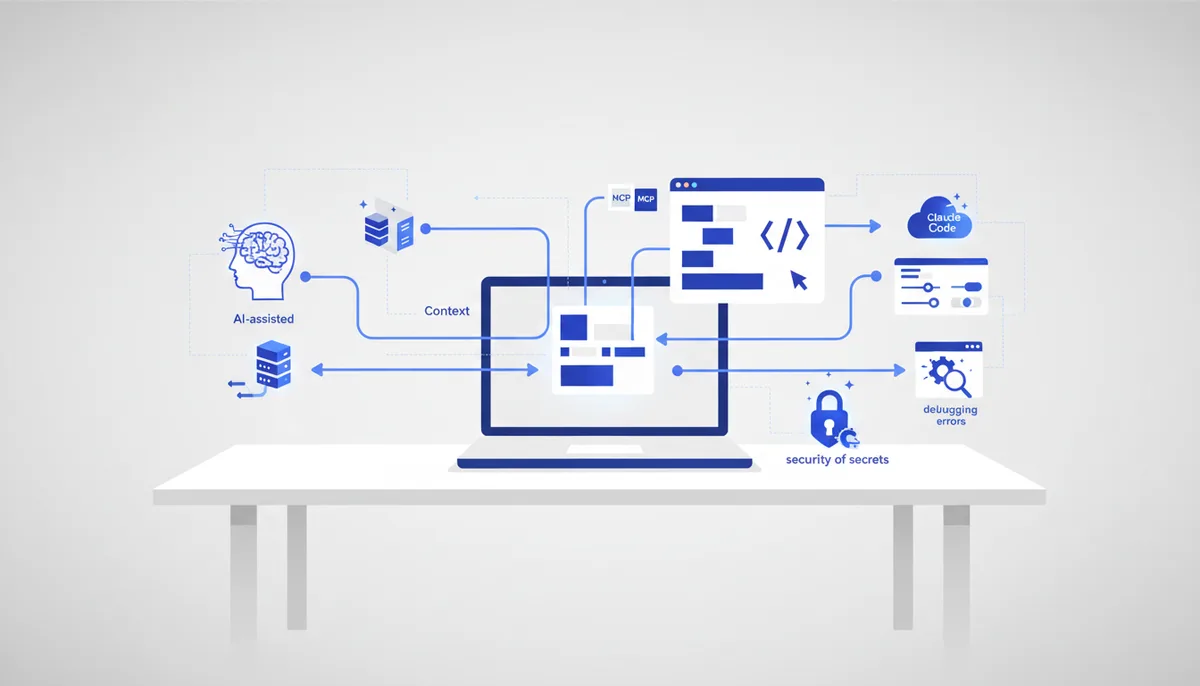
How to Connect MCP to Claude Code and Cursor
In short
MCP (Model Context Protocol) is an open protocol that lets an AI agent connect to external tools: documentation, GitHub, a browser, databases. In Claude Code you add a server with a single claude mcp add command; in Cursor, with a .cursor/mcp.json file or through the settings UI. A solid starter set: Context7 (up-to-date library docs), GitHub (issues and PRs from the chat) and Playwright (the agent checks its own work in a browser). Two hard rules: pass secrets only through environment variables, and install only official servers. If a server "isn't visible", start with claude mcp list and check the scope. Which servers exist and which to pick for a given task is covered in our MCP server roundup; this article is about connecting what you picked without breaking anything.
What MCP gives you and when you need it
Out of the box, the agent in Claude Code and Cursor can do three things: read files, edit code, run commands. An MCP server extends that set: it describes its tools, the client passes those descriptions to the model, and from then on the agent calls them itself whenever it sees fit. In practice this gives you:
- documentation without hallucinations — the agent queries the API of a specific library version instead of whatever the model remembers from training;
- services inside the chat — GitHub, Sentry, databases: no window switching, no copy-paste;
- self-verification — the agent opens a browser and looks at its own work through the user's eyes.
The flip side: every connected server adds tool descriptions to the context of every request and widens the attack surface. So connect what the current project needs, not everything that looks interesting. Vetted servers with notes on "why and for whom" are collected in the MCP section of the arsenal.
How to connect MCP to Claude Code
There are two transports. Stdio — the server runs locally as a child process; HTTP — the server runs remotely and you reach it by URL.
# stdio: everything after -- is the command that starts the server
claude mcp add context7 -- npx -y @upstash/context7-mcp

# HTTP: a remote server by URL
claude mcp add --transport http github https://api.githubcopilot.com/mcp/
A syntax detail: Claude Code's own flags (--transport, --scope, --env, --header) go before the server name, and everything after -- is passed to the server verbatim.
Scope is the level at which the server configuration is stored:
| Scope | Where it's stored | Who sees it | What it's for |
|---|---|---|---|
local (default) |
~/.claude.json, tied to the project folder |
only you, only this project | experiments, personal tokens |
project |
.mcp.json in the repo root |
the whole team, via git | shared project tools |
user |
~/.claude.json, globally |
you, in every project | everyday servers like Context7 |
.mcp.json is the team-level MCP server config that gets committed to the repository:
{
  "mcpServers": {
    "context7": {
      "command": "npx",
      "args": ["-y", "@upstash/context7-mcp"],
      "env": { "CONTEXT7_API_KEY": "${CONTEXT7_API_KEY}" }
    }
  }
}
The file supports ${VAR} and ${VAR:-default_value} substitutions, which keep secrets in the environment rather than in git. To verify: claude mcp list in the terminal shows the status of each server, and the /mcp command inside a session shows status, the tool list and OAuth authorization where it's needed. If the tool itself is new to you, start with the Claude Code guide.
How to set up MCP in Cursor
Cursor has two configs: ~/.cursor/mcp.json applies across all projects, while .cursor/mcp.json in the project root applies only to the current one. The format is the same mcpServers block; the difference is that a remote server is described with a url field instead of command:
{
  "mcpServers": {
    "context7": {
      "url": "https://mcp.context7.com/mcp",
      "headers": { "CONTEXT7_API_KEY": "your_key" }
    },
    "playwright": {
      "command": "npx",
      "args": ["@playwright/mcp@latest"]
    }
  }
}
Through the UI: Cursor Settings → MCP (Tools & Integrations in recent versions) → New MCP Server — which opens the same file. After you save, the server shows up in the list with a green indicator; red or yellow means it's time to hit refresh or restart the editor. Each server has an on/off toggle — switch off the ones you aren't using and your context will thank you. For popular servers Cursor offers one-click installation with OAuth, which is handy for GitHub and Linear. Other differences between the two clients are in our Claude Code vs Cursor comparison.
Three examples: Context7, GitHub, Playwright
Context7 — fresh library documentation
Context7 is an MCP server from Upstash that hands the agent documentation for a specific library version. It cures a classic pain point: the model confidently writing code against a two-year-old API.
claude mcp add --scope user --transport http context7 https://mcp.context7.com/mcp \
  --header "CONTEXT7_API_KEY: your_key"
You get an API key in your account at context7.com. --scope user is deliberate here: you need documentation in every project. To verify, ask "use context7: how does fetch caching work in Next.js 15" — context7 tool calls will show up in the log.
GitHub — issues and PRs from the chat
The official GitHub server is remote; no Docker needed. Authentication in Claude Code is via a fine-grained PAT:
claude mcp add --transport http github https://api.githubcopilot.com/mcp/ \
  --header "Authorization: Bearer your_PAT"
The trailing slash in the URL is mandatory — a common cause of mysterious connection errors. Create a fine-grained token scoped only to the repositories you need. To verify: "show the open issues in owner/repo". In Cursor the same server installs in one click from the catalog via OAuth.
Playwright — the agent checks its own work
Playwright MCP is a server from Microsoft that gives the agent a controllable browser: open a page, click, fill a form, take a screenshot and an accessibility snapshot. It closes the loop "wrote code → opened the page → saw the error → fixed it" with no human at the wheel.
claude mcp add playwright -- npx @playwright/mcp@latest
To verify: "open localhost:3000 and describe what you see". That self-verification loop is a core vibe coding technique: in the Quest engine (4,900 ₽ one-time, as of July 2026) the agent works within a defined process, and MCP servers like Playwright are that process's standard-issue hands.
How not to leak secrets or install too much
The rules are short; breaking them is expensive.
Secrets only through the environment. .mcp.json goes into git, and a token inside it is a public token. Use ${VAR} substitutions; how to store keys is covered in our primer on API keys and secrets.
Trust a server the way you trust code you run. A stdio server is an arbitrary process with your permissions. Install official packages (@upstash/context7-mcp, @playwright/mcp, the GitHub server), and pin versions instead of @latest in team configs. A separate risk is prompt injection: a server that pulls external data into context (issues, web pages) can pull in malicious instructions for the agent too.
Minimal token permissions. Fine-grained, only the repositories you need, read-only wherever reading is enough.
Claude Code asks for confirmation before using servers from someone else's repository .mcp.json — read what you're approving. A full threat breakdown is in the article on connecting tools safely.
Why MCP won't connect: typical errors
| Symptom | Common cause | Fix |
|---|---|---|
| Server not in the list | added under a different scope or from a different folder | claude mcp list from the project root, check the scope |
failed to connect on stdio |
no Node/npx in PATH, typo in the package name | run the server command by hand in the terminal |
| Crashes immediately on Windows | npx needs a wrapper |
claude mcp add name -- cmd /c npx -y package |
| Hangs on startup | npx cold start takes longer than the timeout | MCP_TIMEOUT=10000 claude |
| 401/403 from an HTTP server | expired token, missing header, lost trailing slash in the URL | reissue the token, check --header and the URL |
| Tools are there but the agent ignores them | context overloaded with dozens of tools | keep 3–5 servers relevant to the task |
The universal debugging order: first make sure the server starts outside the editor with the same command in a terminal, then look at the config, then the logs. In Cursor the logs are in the Output panel, MCP Logs channel; after editing the config the server has to be restarted.
FAQ
Can I keep one config for both Claude Code and Cursor?
The mcpServers block is nearly identical, but the files differ: Claude Code reads .mcp.json in the project root, Cursor reads .cursor/mcp.json. In practice people copy the block between files and adjust the transport description: in Claude Code a remote server is "type": "http" plus url, in Cursor it's just url.
How many servers should be connected at once?
The technical limit is high; the practical one is context: the tool descriptions of every server land in every request. A workable norm is 3–5 active servers for the current task. Switch the rest off with Cursor's toggle, or keep them in other scopes in Claude Code.
Does MCP work from Russia?
The protocol itself is local: stdio servers work anywhere. Restrictions are inherited from the services: a remote server needs access to its own API, and Claude Code itself needs access to Anthropic's API. Working approaches are collected in using the Claude API from Russia.
What should I do about a .mcp.json in someone else's repository?
Claude Code will ask whether you trust the project's servers before the first use. Read which commands are declared there before you approve: this is code that will run with your permissions. To reset saved decisions, use claude mcp reset-project-choices.