How to Use Cursor: A Beginner's Guide
In short
- Cursor is an AI code editor built on VS Code, where the model works as an agent: it reads your project, edits files and runs terminal commands on its own.
- You can start in 10 minutes: download from cursor.com (Windows/macOS/Linux), sign in, open a project folder, press Cmd/Ctrl+I and describe the task.
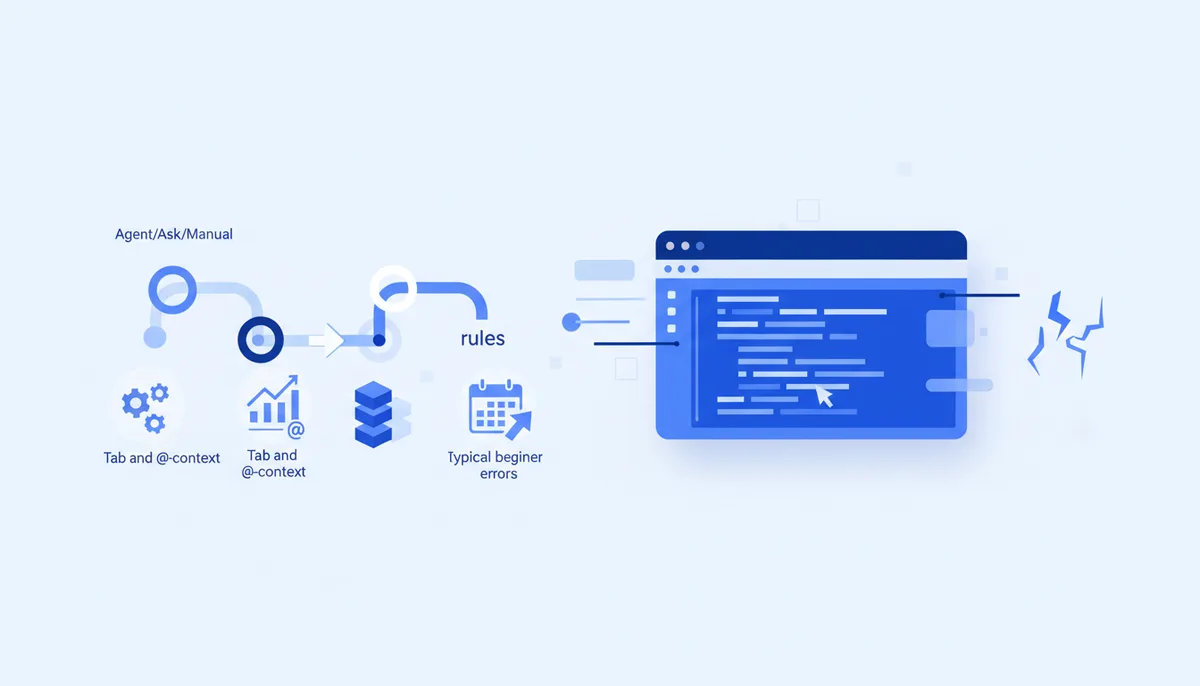
- Three modes: Agent (does the work itself), Ask (explains without touching code), Manual (edits strictly what you point at). Plus Tab autocomplete and inline edits on Cmd/Ctrl+K.
- Context decides everything: feed files through @-mentions and set up rules in
.cursor/rules, otherwise the agent will guess. - Pricing as of July 2026: Hobby — free with limits, Pro — $20/mo, Ultra — $200/mo. Russian cards are not accepted; legal payment routes are covered in the article on Cursor pricing.
- The classic beginner mistake is dumping a "build everything" task with no context, then accepting the edits without looking.
What Cursor is and why you'd want it
Cursor is a code editor with built-in AI, shipped as a fork of VS Code. On the surface it barely differs from the VS Code you know: same window, same hotkeys, same extensions. The difference is that the model here is wired into the editor's core rather than bolted on as a plugin: it sees the whole project, edits several files at once and runs commands itself.
Cursor is what made vibe coding mainstream — the approach where you describe the task in plain language and the AI writes the code. For a beginner it's the lowest barrier to entry in agentic coding: no need to live in the terminal, everything happens in a familiar graphical interface.
Installing Cursor and building your first project
- Download the installer from the official site, cursor.com. There are builds for Windows 10/11, macOS 10.15+ and Linux (AppImage). Hardware requirements are modest — 4 GB of RAM and 2 GB of disk space — but a stable internet connection is mandatory: the models run in the cloud.
- Import your VS Code settings. On first launch Cursor offers to bring over themes, settings and extensions — accept, the move takes a minute.
- Create an account (email, Google or GitHub) — AI features don't work without signing in. As of July 2026 new accounts get a two-week Pro trial.
- Open a project folder (File → Open Folder). Cursor indexes the codebase, and that index is what project-wide search and answer accuracy rest on.
Make your first project a throwaway. Create an empty folder, open it in Cursor, press Cmd/Ctrl+I and state the task as you would to a human: "Build a single-page business-card site in HTML and CSS: dark theme, header with a menu, three service blocks, contact form." The agent creates the files and shows the changes as a diff: green is added, red is removed. Review and Accept, then ask for a refinement: "Make the header stick on scroll." That's the basic working loop in Cursor: describe → review the diff → accept or send back.
What working modes Cursor has
Cursor used to have a separate Chat (discussing code) and Composer (multi-file edits). By 2026 they merged into a single agent panel where you switch modes right in the input field. As of July 2026 the picture is this:
| Mode | How to open it | What it does | When to use it |
|---|---|---|---|
| Agent | Cmd/Ctrl+I, the default mode | Reads the project, edits files, runs commands, fixes errors in a loop | The main workhorse: features, bug fixes, refactoring |
| Ask | Toggle in the agent panel | Answers questions about the code without changing anything | Understanding the project, planning edits |
| Manual | Toggle in the agent panel | Edits only the files you explicitly name, no improvisation | Pinpoint changes under full control |
| Inline Edit | Cmd/Ctrl+K on selected code | Rewrites a fragment from your description, shows a diff | Small edits without leaving the code |
| Tab | Automatically as you type | Completes whole blocks of code, suggests the next edit | In the background, all the time |
A simple rule: an unclear task starts in Ask (plan it in words) and gets done in Agent.
Key features worth learning right away
Tab is Cursor's signature autocomplete. It predicts not the next word but the next action: it proposes multi-line blocks and, once accepted, jumps to the next spot that logically needs fixing. You accept with the Tab key — hence the name.
@-mentions are how you hand the agent context by hand. Type @ in the input field: @Files pulls in a specific file, @Folders a directory, @Docs indexed library documentation, @Web search results from the internet. The sharper the context, the less the agent makes things up.
Rules are standing instructions that Cursor mixes into every request. They live in the .cursor/rules folder; AGENTS.md is also supported — a plain markdown file at the project root, a shared standard across different agents. Rules are where you pin down the stack, the code style and the prohibitions ("don't touch the migrations"). How to write rules that actually work is covered in the Cursor Rules guide.
MCP is a protocol for plugging in external tools: databases, a browser, issue trackers. Not required at the start, but good to know that extensibility is built in.
What Cursor costs
Official site pricing as of July 2026:
- Hobby — free: a limited number of agent requests and Tab completions. Enough to try it out, not enough for real work.
- Pro — $20/mo: higher limits, access to top models (Claude, GPT, Gemini), MCP, cloud agents.
- Pro+ — $60/mo and Ultra — $200/mo: 3x and 20x the volume for people who run agents all day.
- Teams — $40 per seat per month: shared rules, shared chats and centralized billing.
Paid plans come with a credit pool equal to the subscription amount, and Auto mode (Cursor picks the model for you) is unlimited as of July 2026. The service does not accept Russian cards. Legal options: a card from a foreign bank, payment through an intermediary, or a subscription aggregator — with a fee and clear eyes about the risks (a third party owns the subscription). The full breakdown is in the article on Cursor pricing and payment.
Common beginner mistakes
- A monster task in one message. "Build a marketplace" turns into a mess of half-finished parts. Break it down: skeleton → page → logic → styles.
- Zero context. Without @-mentions and rules the agent guesses — and misses. Put the files, requirements and examples into the request.
- Accepting without looking. Skim the diff at minimum, and commit to git before big edits, or there will be nothing to roll back to.
- One endless chat. A long context goes stale and the agent gets confused by old versions of the code. New task — new chat.
- Fighting instead of reverting. If the agent failed to fix something twice, don't stack fixes on top: roll back to a checkpoint and restate the task.
More working patterns are in the collection of vibe coding techniques.
Is Cursor a forever choice?
No, and it's better to understand that from the start. Cursor is a convenient entry point, but the agentic coding market shifts every six months: today Cursor leads, tomorrow Claude Code, the day after something else appears. The real value accumulates not in the editor but in your discipline: rules, project documentation, standards for how you brief the agent.
That's why the qvib (Quest) engine is built as a discipline layer on top of the tool: one set of rules, roles and workflows exports to both Cursor (.cursor/rules + AGENTS.md) and Claude Code — when you switch editors, your work moves in minutes instead of being rewritten. How that portability works and why it's safe to invest in is covered in Claude Code vs Cursor vs VS Code.
FAQ
Can I use Cursor for free?
Yes. The Hobby plan (as of July 2026) requires no card and gives you a limited number of agent requests and Tab completions. Enough for learning and experiments; for regular work you'll need Pro.
Do I need to know how to program to work in Cursor?
For your first projects, no: the agent writes the code from your description. But the further you go, the more often you'll have to read diffs and understand what the code is doing. How to get into it with no experience is in the guide on where to start with vibe coding.
Does Cursor understand Russian?
Yes, you can write prompts in Russian — modern models handle Russian no worse than English. The editor interface itself stays in English.
How is Agent different from an ordinary chat with a neural network?
A chat replies with text that you copy over by hand. An agent acts on its own: reads files, makes edits, runs commands and checks the result. Your role shifts from "moving code out of answers" to "stating the task and accepting the work."
What do I do if the agent broke working code?
Roll back: through git or with the checkpoint restore button in the Cursor chat. Then restate the task with sharper context. The insurance rule: commit before every large agent edit.