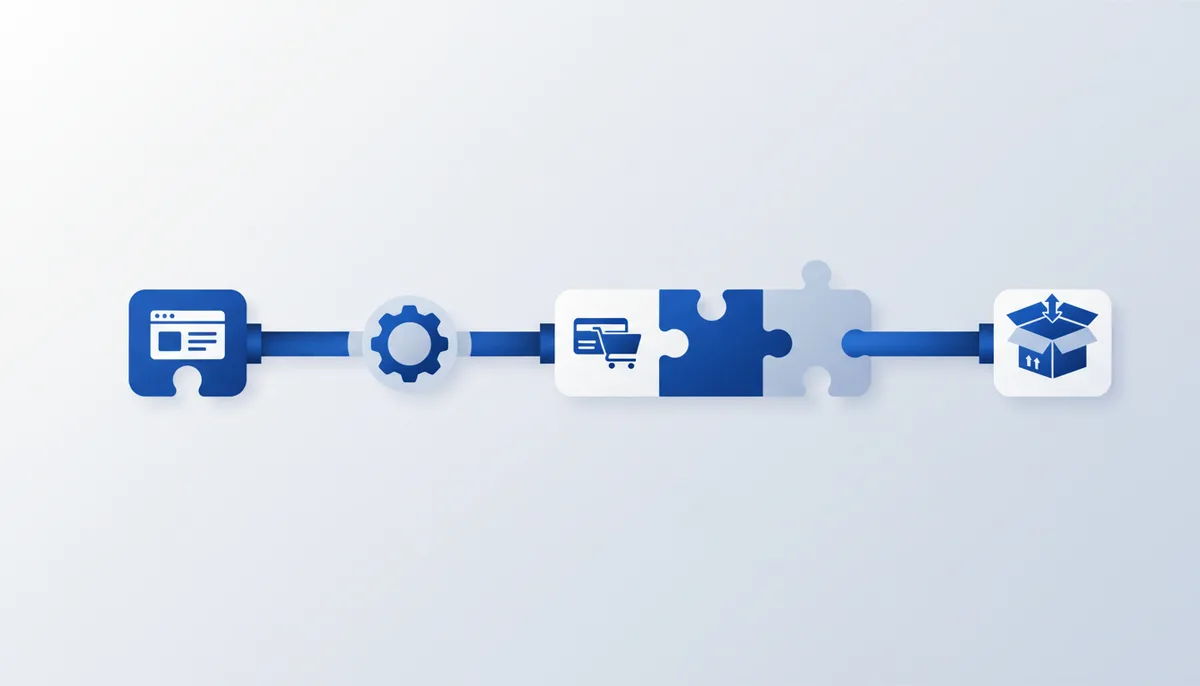
A ready-made setup: a sales page with payments and automatic delivery, done in one evening. The AI writes the copy, you assemble the page in a site builder, a payment service takes the money, and the customer gets their access or file automatically — without you being awake at 3 a.m.
What you end up with
- A landing page for one product or service: a first screen that hooks, benefits, the offer, a payment button.
- Working payments (card/SBP) into your account or your self-employed/sole-proprietor entity.
- Automatic delivery after payment: a link to the file/course/access, or a notification to you about a new inquiry.
- A receipt for the buyer (if an online cash-register service is connected) — as the law requires.
What you'll need
Tools from the library (by name): ChatGPT/Claude (copy), the prompt "Landing page copy (first screen + blocks)", the prompt "Positioning and USP", Nano Banana Pro/Ideogram/Canva (images/covers), n8n (auto-delivery and integrations between services). Not in the library but relevant: the site builder Tilda (has a free plan) or an equivalent; a payment service — Prodamus/ЮKassa/Robokassa (taking money + receipts); email or Telegram for notifications. Accounts/money/hardware:
- Legal status for taking money: self-employment or sole proprietorship (needed for an online cash register and legal receipts) — an important, honest caveat: without it you can't take payments above board.
- Free route: Tilda Free (1 site), ЮKassa (per-transaction fee, no subscription), n8n self-hosted or free cloud.
- Fast route: Tilda Personal (about $10–15/month — your own payment button and inquiry handling), Prodamus (fixed fee/commission), n8n Cloud.
Step by step
- Offer and USP. Tool: the prompt "Positioning and USP" in ChatGPT/Claude. What to do: nail down what you sell, to whom, and why they'd buy from you. Ready-made prompt:
Product: "<what I sell>". Price: <how much>. Audience: <who, what pain>.
Give me: 1) one strong USP (a single sentence); 2) the 3 main benefits (outcomes, not features);
3) 3 typical objections and an answer to each; 4) a clear call to action for the button.
How you know it worked: within 5 seconds it's clear what this is, who it's for and why; the benefits are about outcomes, not "lots of features". 2. Landing page copy. Tool: the prompt "Landing page copy (first screen + blocks)" in ChatGPT/Claude. Ready-made prompt:
Write sales copy for a landing page based on this offer: <paste the result of step 1>.
Blocks: 1) first screen (headline promise + subhead + button text);
2) "who it's for / what pain it solves"; 3) what's included / how it works; 4) benefits;
5) placeholder testimonials (mark them so I know to replace them); 6) objection handling (FAQ);
7) closing block with a button and a guarantee. Short, to the point, no clichés.
How you know it worked: the first screen promises an outcome and is immediately clear; every block leads to the button. 3. Building the page. Tool: Tilda (site builder). What to do: assemble the landing page from ready-made blocks (no need for Zero blocks), paste in the copy from step 2, add images from Canva/Ideogram. How you know it worked: the page opens on a phone without breaking, and the payment button is visible on the first screen. 4. Taking payments. Tool: ЮKassa/Prodamus/Robokassa. What to do: register for payments under your legal status, connect it to the Tilda button (Tilda works natively with ЮKassa/Robokassa/Prodamus), and turn on online receipts. How you know it worked: a test payment (or test mode) goes through, you see the money or the notification, and the buyer gets a receipt. 5. Automatic delivery. Tool: n8n. What to do: set up a "payment succeeded → grant access" scenario: a webhook from the payment service or Tilda → send an email with a link to the file/course, or ping you in Telegram about the new inquiry. Here's the logic skeleton (describe it to n8n or build it out of nodes):
Trigger: incoming "payment succeeded" webhook (from ЮKassa/Tilda).
Step 1: pull the buyer's email and name out of the request body.
Step 2: send a "Thanks for your purchase" email with a link to <file/access>.
Step 3: mirror the notification to me in Telegram: who bought what.
How you know it worked: a test "payment" fires the scenario — the email with the link arrives and the notification lands with you. 6. Test the live flow. What to do: walk the whole path as a customer (ideally with a small real payment and a refund, or in the payment service's test mode): opened the landing page → clicked the button → paid → got the product → got the receipt. How you know it worked: you received both the access and the receipt, and nothing had to be done by hand.
Free route vs fast (paid)
| Piece | Free | Faster / easier (paid) |
|---|---|---|
| Page | Tilda Free (1 site, subdomain) | Tilda Personal (~$10–15/mo, own domain + payments) |
| Payments | ЮKassa (per-transaction fee) | Prodamus (fixed fee/commission, flexible flows) |
| Auto-delivery | n8n self-hosted (your own server) | n8n Cloud (no server of your own) |
| Copy/images | ChatGPT + Canva free | paid model + Canva Pro |
The minimum working stack costs nothing in subscriptions (Tilda Free + ЮKassa + self-hosted n8n) — you only pay the payment provider's fee on real sales. The paid route saves you an evening of setup and gives you your own domain.
Common problems and fixes
- You can't take money without a legal status. Register as self-employed or a sole proprietor — without it, an online cash register and legal receipts aren't available; this isn't a workaround, it's doing it properly.
- The payment button won't connect. Use a provider Tilda supports natively (ЮKassa/Robokassa/Prodamus) and enter the keys exactly as their docs say.
- The customer paid but got nothing. Check the webhook in n8n (step 5): is the "payment succeeded" event arriving, and is the email in the request body correct? Add a duplicate notification to yourself so you see every sale.
- No receipt for the buyer. Turn on the online cash register in your payment service (ЮKassa and Prodamus both support it) and set the correct taxation object.
- The landing page breaks on phones. Use Tilda's ready-made responsive blocks and check the mobile preview before publishing.
Time and money
- Time: the first launch — 3–5 hours in one evening (offer + copy + assembly + payments + auto-delivery + test). The next landing page — 1–2 hours from the template.
- Money: no subscription costs (Tilda Free + ЮKassa + self-hosted n8n) — you only pay the payment provider's fee on sales; or about $10–25/month for Tilda Personal + n8n Cloud + Prodamus.
- Honestly: the real "tax" here is legal (self-employment/sole proprietorship + receipts) plus acquiring fees (usually around 2.5–3.5% per payment). The build itself, with AI, genuinely is one evening.