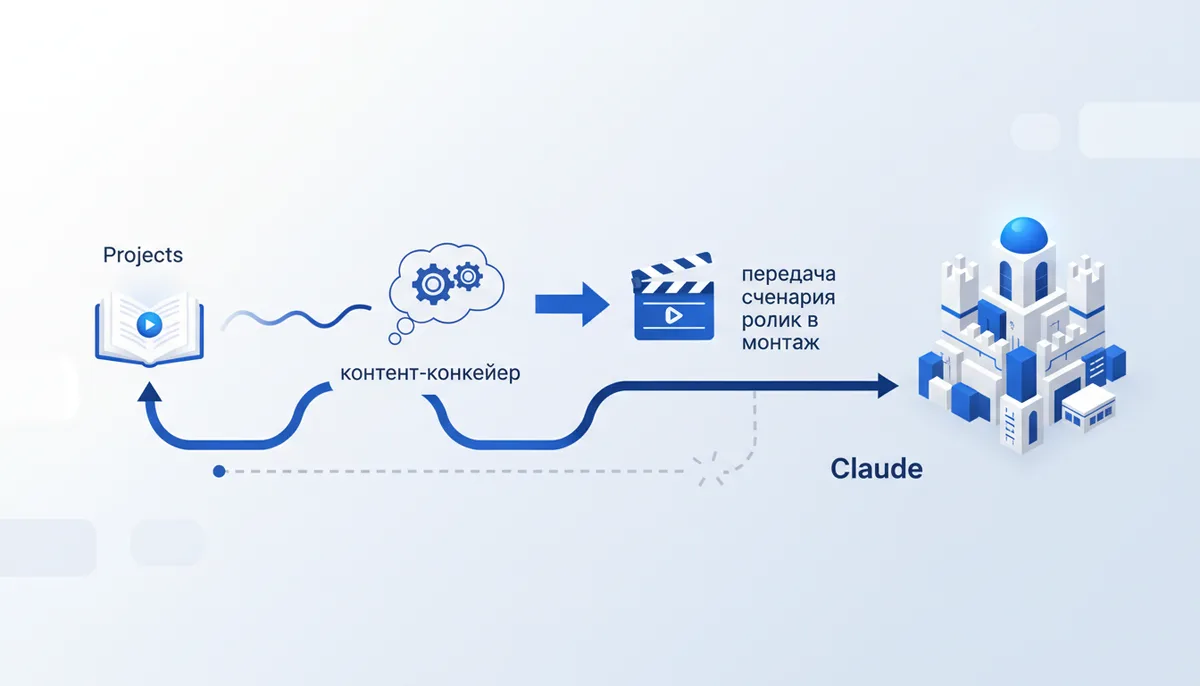
Model comparisons usually slide into an argument about which one is smarter. For a content pipeline the question is different: which one asks you to re-explain the least. Here Claude has a concrete advantage — Projects, where the blog context is uploaded once and used in every chat that follows instead of being retold for each new script.
The point: it is not the model answering better, it is the context you gave it
Without context any model averages its answer out so it fits the widest possible audience — that is not a flaw of a particular model but a consequence of missing input. The difference between a generic answer and your answer appears when the model already knows the niche, the audience and what has worked for you before.
Step 1 — build a Project with the blog context
In Claude you create a Project and add context files to it — not one big document but several small ones, each covering its own part:
niche.md — the niche, the product, how you differ from similar blogs
audience.md — who reads it, what pain they have, what language they speak
tone-of-voice.md — 3-5 adjectives + "like this" / "not like this" examples
best-posts.md — 3-5 posts that worked, and why
Claude builds every new script or post on top of these files inside the Project — no need to describe the niche and audience from scratch at the start of every chat.
Step 2 — a prompt for competitor research
If you connect Claude to a browser (in a separate profile, not your personal one, with no saved passwords or personal data), you can ask it to go through competitors' public posts and pull out a list of techniques rather than a summary:
Look at the posts from these accounts: [names/links].
For each one write down: format (carousel/video/text),
the hook on the first screen, the structure of the delivery.
Mark 3 techniques that can be adapted to my niche and the
voice from tone-of-voice.md — without copying the text.
The result of such a request is not rewritten posts from other people but a list of formats and delivery techniques you can then adapt to your own voice and topic.
Step 3 — a video script on the same context
You are a short video scriptwriter for the blog, with the
context from niche.md, audience.md and tone-of-voice.md.
Give me a script on the topic: [topic].
Markup: HOOK (first 3 sec) / BODY (2-3 points) /
CALL TO ACTION. Total length — 45-60 seconds of text.
What comes next — voice and editing outside Claude
Claude hands over a text script marked up in blocks — from there separate voice and editing tools turn the text into a finished video. Claude is no longer needed in that part of the pipeline: its job ends with a script marked up for a specific format.
How we do it
The same principle — context plus role plus a concrete task — is the basis of how the qvib engine assembles sites and code from a text description: part of the prompt fixes what the project is and who it is for, and part covers the specific build step. Ready-made example files for a Project and prompts for competitor research are in the qvib.pro knowledge base.
Related links
- Setting up Claude Projects: qvib.pro/arsenal/prompts/claude-projects-setup/
- Vibe coding from scratch: qvib.pro/arsenal/docs/vaib-koding-s-nulya/
- The "Claude skills" section: qvib.pro/arsenal/skills/