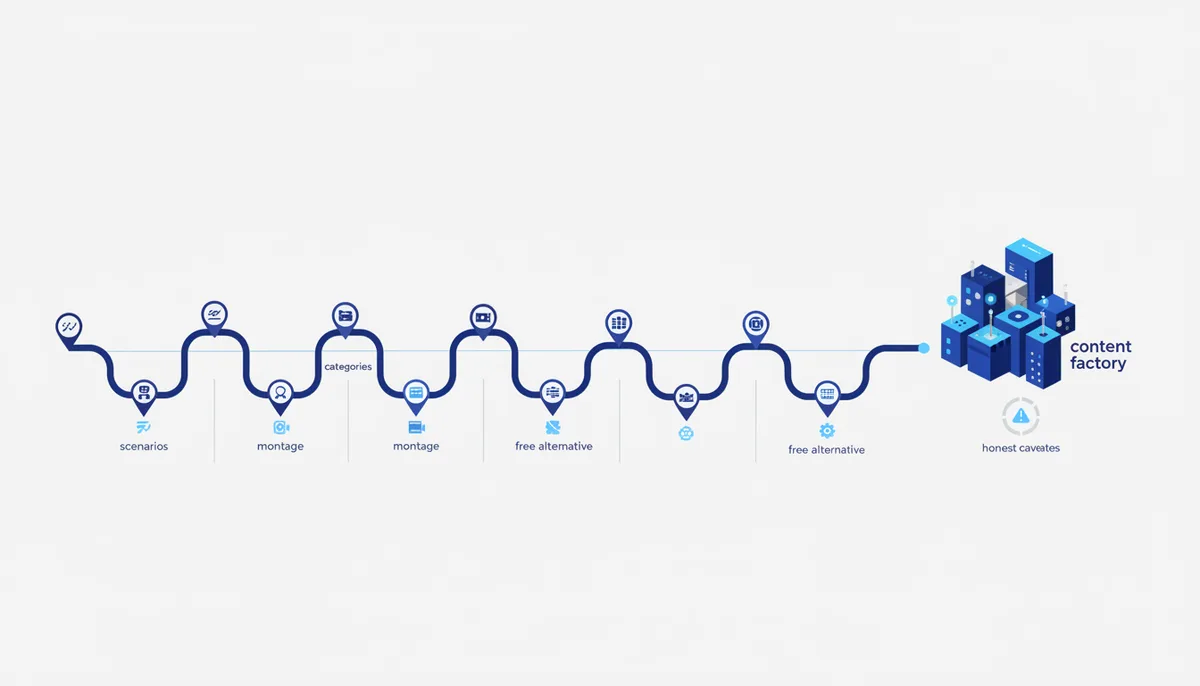
Assembling a content pipeline out of AI tools doesn't mean finding "one magic" model: scripts, editing and carousels are covered by different tools, and some of them have free alternatives. Below is the full list by category, with an honest description of what each service can do and what you need to check on its site yourself (prices and limits change more often than articles about them come out).
How an AI content pipeline is built
Roughly speaking, any social content production cycle goes through three stages: script/text → editing/visuals → packaging into a format (carousel, video). Each stage has several AI tools, and it makes sense not to tie yourself to one but to keep 1-2 options per stage — in case of limits, refusals or pricing changes.
Category 1. Scripts and copy for Reels
- ChatGPT — generates scripts, hooks and video ideas.
- Claude — writes scripts, storytelling and video copy; holds structure and style well across long conversations if you set it explicitly at the start.
- Grok — scripts and content matched to a specific account's style.
- Gemini by Google — trend breakdowns, headlines and scripts based on current topics.
- Kimi — a Chinese model with a free tier, another option for script drafts if you need a backup tool without a paid subscription.
A prompt for a script draft in Claude:
You are a scriptwriter for short vertical videos.
Video topic: [fill in the topic]. Audience: [fill in who is watching].

Write a 30-45 second script: a hook in the first 3 seconds,
the main point, a call to action at the end. Mark where a cutaway
shot is needed and where on-screen text should appear.
Category 2. Automatic editing and clips
- Vizard.ai — turns long videos into short clips automatically, with AI clipping of the strongest moments.
- Reap — editing and repurposing long video into short formats.
- VEED.io — editing, subtitles, effects and transitions in one interface.
- NemoVideo — assembles short videos out of existing material.
These services cover the "cut it up and dress it up" stage, but they don't replace the script — they need already shot or generated material as input, not an idea.
Category 3. Generating carousel posts
- Virale (by ChatPlace) — builds out a carousel structure from a social media idea.
- Gamma AI — turns text into a presentation or carousel in a few minutes.
- Canva — designs a carousel or post from a text request.
- Draft AI — assembles carousels and posts from voice or text input.
Here it's worth separating "generate the structure" from "make the final design": tools in this category handle the rough assembly well, but the final typography and brand style are usually still fixed by hand.
Category 4. Free alternatives to paid services
Some Western paid services for images and video have Chinese alternatives with free access — worth checking case by case, because plan terms change:
- Nano Banana (image generation) — paid access.
- Kolors (a Chinese service) — image generation as well, has a free tier.
- Seedance (video generation) — paid access.
- Kling AI (a Chinese service) — video generation, has free access.
An important caveat: "free" with any of these services almost always means a limited free tier, not unlimited access forever — check the current terms on the service's site before you build a process on top of it.
How to pick a tool for the job
Any service on the list above gives you a draft — a script, a clip, a carousel layout. It becomes finished content after edits, and the quality of the draft depends almost entirely on the prompt, not on which brand of model you picked. For a one-off post, one tool per stage is enough. For regular production you usually need a combination of 2-3 services and a clear workflow — who does what at which stage, and in what order.
You are a consultant on content tools.
Here is my weekly content volume: [fill in how many posts/videos].
Here are the services I have already tried: [list them].

Put together a minimal set of 2-3 tools for my volume:
one for scripts, one for editing or carousels, and one as a
backup in case of limits. Justify the order of the stages.
How we do it
We don't sell a tool roundup as a lead magnet behind a code word — the whole list above can be saved and used right away. In the qvib.pro knowledge base, every stage of the pipeline (script → editing → carousel) has its own cards with prompts and Claude skills that have been tested in practice, not just listed by name. The same principle — a clear workflow instead of a pile of logos without context — is also at the core of the qvib engine for vibe coding.
Related links
- Prompts for the content pipeline: qvib.pro/arsenal/prompts
- Claude skills for running a blog: qvib.pro/arsenal/claude-skills
- Vibe coding tools: qvib.pro/docs/vibe-coding-tools