What it is and who it's for
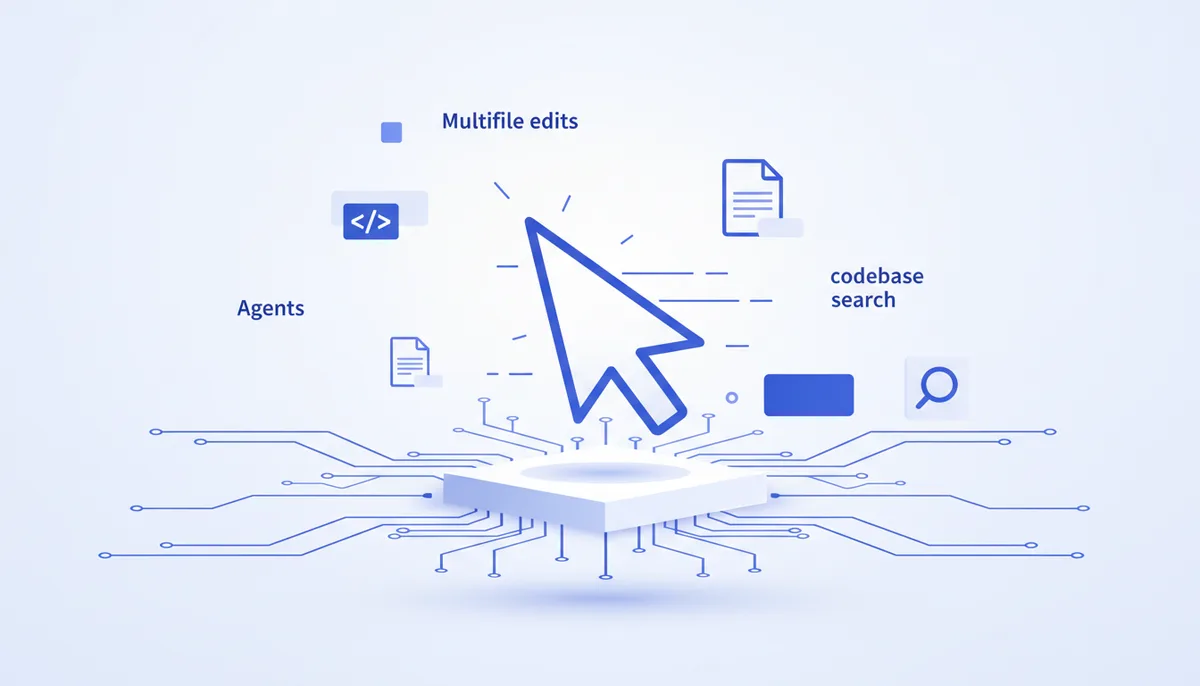
Cursor is an AI code editor built on VS Code (by Anysphere) with deep AI integration: multi-file edits, an agent mode, chat that understands the whole codebase, and fast inline editing. For developers who want a polished IDE experience with AI out of the box and their familiar VS Code extensions. What sets it apart: the UX quality of inline edits and agents inside an editor you already know.
Key features
- Agent mode: multi-step edits across several files.
- Chat that understands the whole project (codebase-aware), with @-context.
- Fast inline edit (Cmd/Ctrl+K) and smart autocomplete.
- Compatible with VS Code extensions and settings.
- Access to top models; pick the model per task.
- Project rules to steer how the AI behaves.
Get started in 5 minutes
- Download Cursor from cursor.com and import your settings and extensions from VS Code.
- Open a project, press Cmd/Ctrl+K for an inline edit or Cmd/Ctrl+L to chat about the code.
- Turn on agent mode and hand it a multi-step task.
When to take it, and when not
- ✅ Take it if: you want the best AI IDE experience on top of VS Code with no manual setup.
- ✅ Take it if: inline edits, an agent, and codebase-wide search in one editor matter to you.
- ❌ Skip it → "Cline"/"Kilo Code" are better if you want a free open-source agent running any model of your own.
- ❌ Skip it → "Claude Code" is better if you prefer an autonomous terminal pipeline with MCP/skills extensions.
The honest price
A free tier with limits; paid plans (Pro and up) are a subscription with a pool of requests/usage on top models. Exact amounts are on the provider's side and change over time.
Gotchas
- Plan limits and "fast" requests change — keep an eye on the usage terms.
- The agent is powerful, but changes need review, especially multi-file ones.
- You're tied to the Cursor ecosystem (even though the base is VS Code).
- On large monorepos, ration the context for the sake of speed and cost.
🤖 Prompt accelerator
"I'm working in Cursor on a
project. Help me set up project rules for our conventions, pick a model for the task , and phrase a request for agent mode so a multi-file edit doesn't break adjacent code. Tell me which files to put in @-context and how to verify the result."