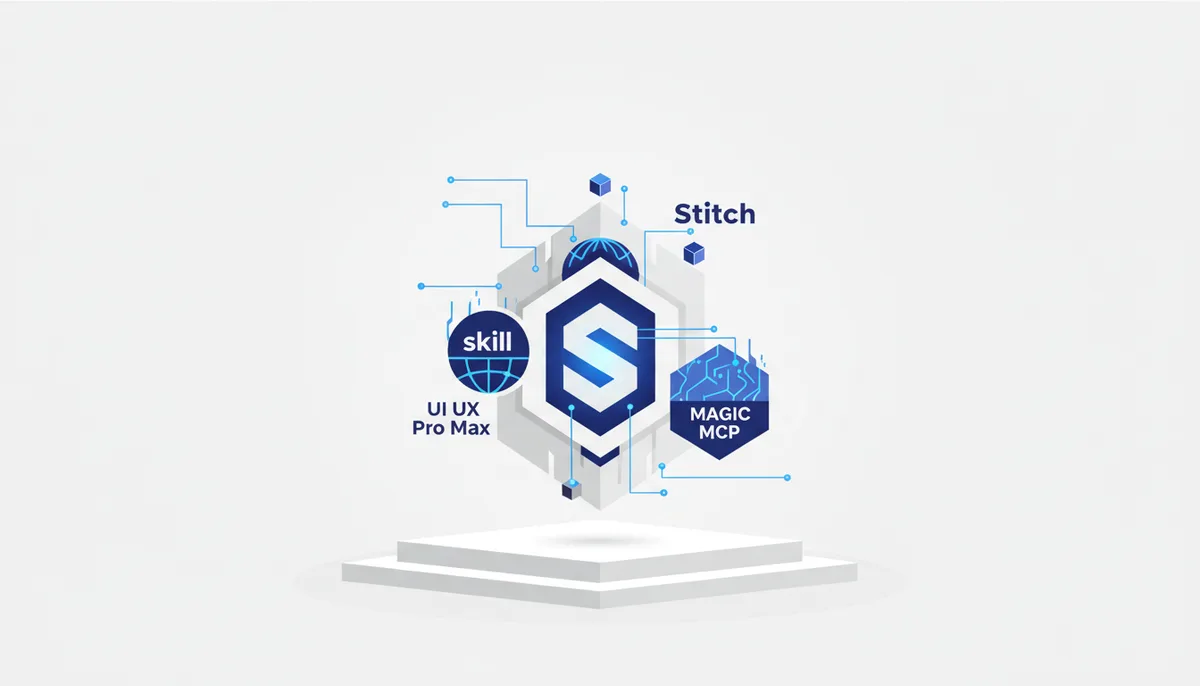
Claude Code writes logic like a beast, but the screens it produces look like "programmer design, 2015 edition". The cure isn't a "make it pretty" prompt — it's a design stack of four tools 🎨
What it is and who it's for
Claude cranks out functionality beautifully, but the screens come out "generated": random padding, random colors, zero unified system — the model guesses at design instead of following one. This stack closes the gap layer by layer. Google Stitch is an experimental Google Labs tool built on Gemini models: from text and references (Pinterest/Dribbble/a screenshot) it assembles a whole UI system — screens, palette, typography, components — and hands it to the agent through the official Stitch MCP. The UI UX Pro Max skill (open source, MIT, 105k+ GitHub stars) wires "design brains" straight into Claude Code: rules, palettes and typography get pulled in automatically on every UI task. 21st.dev's Magic MCP generates ready-made components on the /ui command — "like v0, but inside your agent". And Nano Banana 2 (Gemini's image model) covers assets: icons, hero images, illustrations.
Who it's for: vibe coders and product people whose logic Claude writes but whose design lags behind. You can adopt the stack piece by piece: the minimum entry point is one skill and zero config.
Key features
- Google Stitch — a UI system from a prompt and references: screens, palette, typography, layouts; edits by voice on the canvas; export to Figma and clean HTML/CSS; the official Stitch MCP is a design ↔ Claude Code / Cursor / Gemini CLI bridge with no copy-pasting.
- UI UX Pro Max — a "design handbook" skill for Claude Code: 67 UI styles, 161 palettes, 57 font pairings, 99 UX guidelines, 25 chart types and 161 reasoning rules; 20+ stacks (React, Next.js, Vue, Flutter, SwiftUI…). It activates itself whenever you ask for UI.
- Magic MCP (21st.dev) — you type "/ui a modal with a form" in chat and the agent builds the component in the 21st.dev library style straight into your project files. 5.4k GitHub stars, MIT.
- Nano Banana 2 — Google's latest image model (Gemini 3.1 Flash Image, released 26.02.2026): image generation and editing with legible text, consistent characters, resolutions from 512px up to 4K — exactly what you need for interface assets.
How to start in 5 minutes
- The skill:
npm install -g ui-ux-pro-max-cli, thenuipro init --ai claude— and just ask Claude to "build a dashboard": the skill hooks itself in. - Stitch: build a UI system at stitch.withgoogle.com and connect the Stitch MCP following the official instructions — now Claude builds the front end TO the design instead of guessing.
- Magic MCP: grab an API key in the 21st.dev console and run
npx @21st-dev/cli@latest install claude --api-key <key>. After that —/uiplus a description of the component. - Assets: generate icons and hero images in Nano Banana 2 (the Gemini app or AI Studio) and hand them to Claude in the project.
When to take it, when not to
✅ Take it if Claude writes the code but the interface looks like an AI knockoff — the stack gives you a system (Stitch), taste (the skill) and components (Magic). ✅ Take the UI UX Pro Max skill first: free, zero config, works in any project. ❌ Don't take it → "Figma Dev-Mode MCP" is better if the mockup is already built in Figma and needs to be handed to the agent pixel-for-pixel. ❌ Don't take it → "v0" is better if you need one working React component in the browser rather than a stack inside your own agent. ❌ Don't take it → "Framer" is better if the goal is to publish a landing page with no coding at all.
The honest price
- UI UX Pro Max — completely free, open source (MIT).
- Google Stitch — free while it lives in Google Labs; monthly generation limits (a standard pool plus a separate Pro one); there's no official pricing, and terms can change at any moment.
- 21st.dev (Magic MCP) — the Hobby plan is free forever, but tight: 2 MCP searches a day and 30 AI credits a month; Builder — $8/mo (billed quarterly), Team — $10/seat (pricing).
- Nano Banana 2 — free in the Gemini app (with limits); for developers — preview in AI Studio and the paid Gemini API (Google's announcement).
Tags: free / oss / mcp.
Gotchas
- Stitch is a Labs experiment: features, limits and access itself can change without warning; it hands you a design system and HTML/CSS, not a production-ready front end — responsive behavior and the build are on Claude to finish.
- UI UX Pro Max is a very young project (the repo was created at the end of November 2025, and the 105k stars were collected over a few months of hype). It's a knowledge base and a set of rules, not magic: quality still depends on the model and on your iterations. The repo is alive — v2.11.0 shipped 13.07.2026.
- Magic MCP: the repo's last update was February 2026, and development pace has noticeably dropped; the free limit of 2 searches a day runs out instantly; an API key is required.
- "Nano Banana 2" and "Nano Banana Pro" are different models (2 is the fast one on Gemini 3.1 Flash, Pro runs on Gemini 3 Pro): viral posts mix them up constantly.
- The skill plus two MCPs eat the agent's context all at once — connect only the layer of the stack the task needs.
- Your mockups and prompts go to Google's and 21st.dev's clouds — don't throw anything private in there.
🤖 Prompt accelerator
"This project has the design stack wired in: the UI UX Pro Max skill, Stitch MCP (project <ID/LINK>) and 21st.dev's Magic MCP. Build
in <React+Tailwind/…> like this: 1) take the UI system from the Stitch project — colors, typography, spacing, components; 2) apply UX rules and styling from the UI UX Pro Max skill (style: ); 3) pull complex widgets (tables, forms, modals) via /ui from 21st.dev and adapt them to the Stitch palette. Don't invent your own style — follow the system. I'll generate the assets (icons, hero) in Nano Banana 2 — leave placeholders for them with exact dimensions. At the end, show me what matched the design system and what you had to decide on your own."