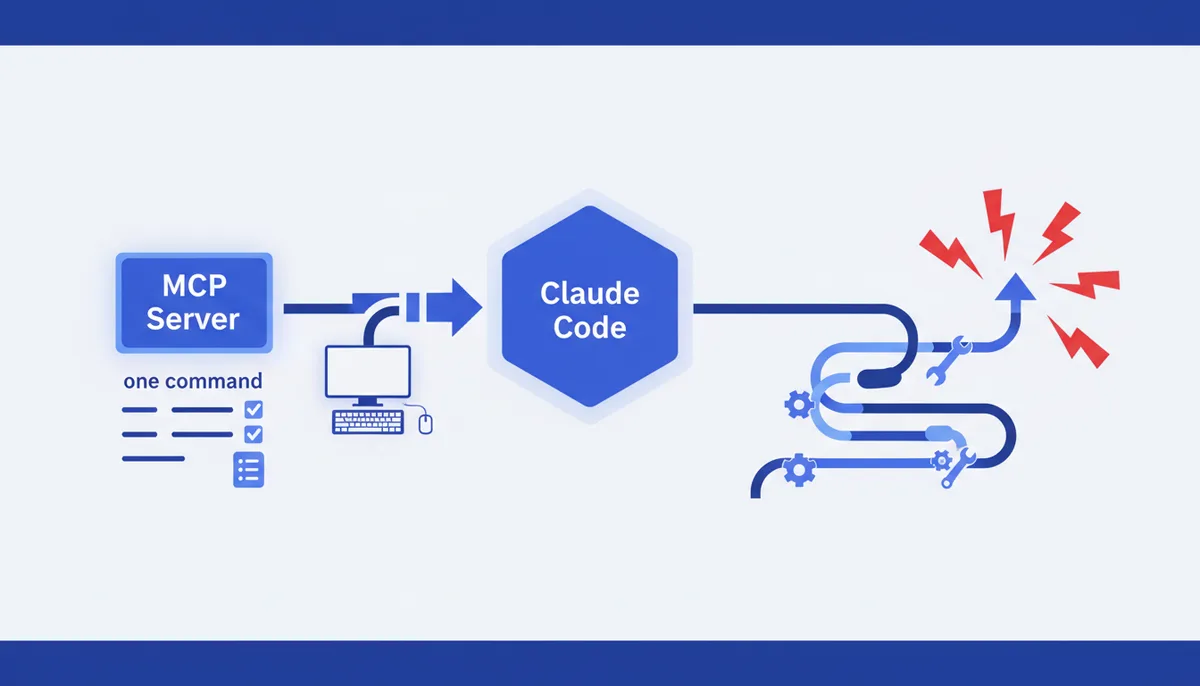
Connecting an MCP Server to Claude Code, Step by Step
In short
Connecting an MCP server to Claude Code takes one command: claude mcp add --transport http <name> <url> for a hosted server, or claude mcp add <name> -- <command> [args] for a local one that runs as a subprocess. Run it in your terminal, not inside a claude session. Then verify with claude mcp list — the status column is the truth, and Added only means the entry was written to disk, not that anything connected.
The command writes to one of two files: ~/.claude.json for local and user scope, .mcp.json in the project root for project scope. Scope decides which projects see the server and whether teammates get it.
Most of the pain is not in the add step. It is in the five failures after it: wrong project directory, a missing -- separator, a startup timeout while npx downloads a package, a server that registers zero tools because an API key is missing, and a project-scoped server stuck at pending approval. Each has its own symptom in claude mcp list, which is what makes them fixable in minutes.
What connecting actually means
An MCP server is not a plugin Claude Code installs. It is a separate process or a remote HTTP endpoint speaking the Model Context Protocol, with Claude Code as the client. "Connecting" is three things, each able to fail alone:
- Registration.
claude mcp addwrites a JSON entry — a URL, or a command plus arguments — into a config file. This is the only step that always succeeds: the CLI does not validate credentials, so a placeholder token is accepted happily and fails later. - Connection. At session start Claude Code POSTs to the URL or spawns the command as a child process, then performs the MCP handshake.
- Tool discovery. The server answers
tools/list. It can connect and still return an empty list.
Keeping those apart saves an hour of blind debugging. "The server doesn't work" is not a diagnosis; "it connects but returns no tools" is.
The config, line by line
Three ways in, same result on disk. The official quickstart walks the happy path; here is what each part means.
Hosted server over HTTP, the recommended transport for cloud services:
claude mcp add --transport http claude-code-docs https://code.claude.com/docs/mcp
claude-code-docs is a name you invent. It labels the server's tools in Claude's output and is how claude mcp remove refers to it.
Local stdio server — a program Claude Code starts on your machine, here the Playwright MCP server:
claude mcp add playwright -- npx -y @playwright/mcp@latest
No --transport flag, since stdio is the default. Everything after -- is passed through untouched, and dropping that separator is the most common syntax mistake; the symptom is a mangled command in claude mcp get.
Hand-written .mcp.json in the project root, checked in as configuration-as-code:
{
  "mcpServers": {
    "playwright": { "type": "stdio", "command": "npx", "args": ["-y", "@playwright/mcp@latest"] }
  }
}
It supports ${VAR} expansion with ${VAR:-default} fallbacks, so you commit the shape and each developer supplies their own keys. If a referenced variable is unset with no default, the config still loads: Claude Code warns in claude mcp list and passes the literal ${VAR} through — which looks exactly like a broken server.
Scope is fixed at add time; changing it means removing and re-adding.
| Scope | Stored in | Loads in | Shared with team |
|---|---|---|---|
| Local (default) | ~/.claude.json, under this project's path |
Current project only | No |
| Project | .mcp.json in project root |
Current project only | Yes, via version control |
| User | ~/.claude.json, top-level mcpServers |
All your projects | No |
Precedence runs local → project → user and it does not merge: if the same name exists at two scopes, the higher-precedence entry is used whole, so you cannot define a URL at project scope and add headers at local scope.
Checking it really works
claude mcp list from your shell, or /mcp inside a session. The status column is the diagnostic:
| Status | Meaning | Next move |
|---|---|---|
✔ Connected |
Handshake done, tools listed | Nothing |
! Connected · tools fetch failed |
tools/list errored |
claude mcp get <name> for detail |
! Needs authentication |
Reachable, needs OAuth or token | /mcp → Authenticate, or claude mcp login |
✘ Failed to connect |
Process didn't start, URL didn't answer | Run the command manually; curl -I the URL |
✘ Connection error |
Attempt threw | Same, plus check network and TLS |
⏸ Pending approval |
Project server not yet approved | Run claude interactively and approve |
On legacy Windows consoles those glyphs render as √ and ×.
Then actually use it, naming the server in your first prompt: "use the playwright server to open example.com and tell me the page title." The answer then arrives through a tool call labelled with the server name, rather than from the model's own knowledge — which is how people convince themselves a broken server works.
The five failures you will hit
1. No MCP servers configured after you clearly added one. Local scope binds to a directory — the git repo root, or the exact directory outside a repo — and you added it elsewhere. Re-add from the right project, or use --scope user. The other cause is editing a file Claude Code never reads: ~/.claude/mcp.json, ~/.claude/config/mcp.json and %APPDATA%\Claude\mcp.json are all wrong. Only ~/.claude.json and <project>/.mcp.json count.
2. Failed to connect on an HTTP server. Test reachability with curl -I https://mcp.example.com/mcp (curl.exe in PowerShell, or you hit the Invoke-WebRequest alias). A 404 or 405 is good news: many MCP endpoints answer POST only, so a rejection still proves the host is up and the path resolves. A 401 or 403 means auth, not a config fix. No response means URL or network. Recent versions show a 404 in /mcp as MCP endpoint not found at <url> — usually the marketing URL, not the endpoint path.
3. Failed to connect on a stdio server. Run the exact command yourself — npx -y @playwright/mcp@latest. If it starts and waits for input, the server is fine and your config is wrong: claude mcp get <name> and compare the stored command with what you typed. A mismatch almost always means the -- separator went missing. If the command errors instead, it names what's missing.
4. Connection timed out at startup. The default is 30 seconds, and a stdio server's first run blows past it while npx downloads the package. Raise it with MCP_TIMEOUT=60000 claude. The environment variables reference also has MCP_TOOL_TIMEOUT for per-call execution.
5. Connected, but no tools. Open /mcp and select the server. An empty tool list means the process started and registered nothing, usually a missing API key. Pass it with --env KEY=value, or in the env field of the JSON entry. CLI quirk: --env takes multiple pairs, so a server name placed right after --env is read as another pair and rejected. Put another flag between them.
Two gotchas produce the same "it just doesn't appear" feeling. Edits to .mcp.json are read at session start only, so restart. And a project-scoped server sits at ⏸ Pending approval until you run claude interactively in a trusted folder and approve it — a freshly cloned repo cannot approve its own servers, so a committed enableAllProjectMcpServers is ignored in an untrusted folder by design. If you once rejected a server, claude mcp reset-project-choices gives it another chance.
One more that looks like a connection bug: oversized output. Claude Code warns above 10,000 tokens of MCP output and caps at 25,000. Raise it with MAX_MCP_OUTPUT_TOKENS.
Security before you add a server
An MCP server is code you are giving read and write access to your project, your credentials, and in the stdio case your shell. Anthropic's docs say plainly to verify you trust a server before connecting it, and flag prompt injection risk for any server that fetches external content. That risk is not hypothetical and no sandbox saves you.
A checklist that costs five minutes:
- Pin the version.
npx -y package@latestre-resolves on every startup, so a compromised release lands in your session automatically. Pin, or vendor the server. - Read what the tools can do, not what the README promises. A "read-only database" server exposing a
querytool can runDELETE. - Treat anything a server returns as untrusted input. Issue titles, web pages and file contents fetched through MCP are attacker-controllable text landing in Claude's context. Per-call permission prompts exist for this; "always allow" on a tool that touches external content removes the last checkpoint.
- Keep secrets out of the committed file with
${VAR}expansion, and review.mcp.jsonlike any other executable config — it launches processes on every teammate's machine.
The longer threat model is in MCP and skills supply-chain security; the condensed setup path for Claude and Cursor is in Connect MCP to Claude / Cursor, with the rest of the cards in the arsenal.
FAQ
Why does my MCP server show as connected but Claude never uses it?
As of July 2026 tool search is on by default: schemas are deferred and Claude finds tools by searching, so a server with vague tool descriptions and empty server instructions gets picked less often. Name the server explicitly to test, and set "alwaysLoad": true on its entry if its few tools must always be in context. Also confirm the tool list in /mcp is not empty — a server can connect and register nothing.
Where is the Claude Code MCP config file?
Two files. ~/.claude.json holds local-scoped servers under the project's path entry and user-scoped servers under the top-level mcpServers key; project-scoped servers live in .mcp.json at the project root. On Windows that is %USERPROFILE%\.claude.json. Paths like ~/.claude/mcp.json are not read.
Do I need to restart Claude Code after adding an MCP server?
If you used claude mcp add, the server is picked up the next time you start a session. If you edited .mcp.json by hand while a session was open, yes — that file is read at session start only.
Can I use the same MCP server in Claude Code and Cursor?
Yes — MCP is an open protocol and the server does not know which client is talking to it. The config format differs per client, so you write the entry twice. If you already have servers in the Claude Desktop chat app, claude mcp add-from-claude-desktop imports them on macOS and WSL.