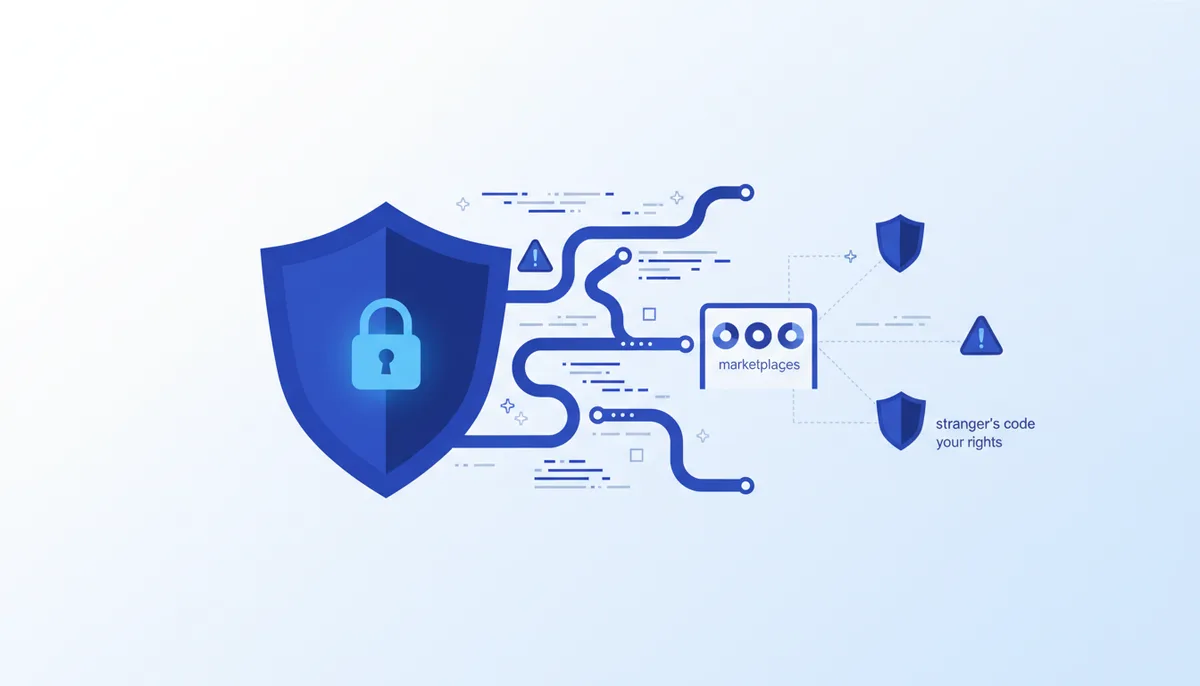
Skill marketplaces have taken off: thousands of "ready-made skills" for Claude, each one command away. The catch: every skill is someone else's code and instructions running with your permissions 🔓
Why this matters
An MCP server or a skill runs on your machine, with your tokens and your access to files, databases and the network. A skill isn't a "setting" — it's a folder with a SKILL.md (instructions for the model) and often scripts the agent executes. Installing an untrusted package is essentially handing a stranger a shell with your privileges.
This is no longer a hypothesis — it's measured. In its ToxicSkills research (February 2026), Snyk analysed 3,984 skills from ClawHub and skills.sh: 36% had at least one security issue, 13.4% had a critical one, and 76 skills were confirmed malicious (91% of them used prompt injection). A wider audit of 22,511 skills from four public registries counted 140,963 issues — roughly 6 per skill on average. The key gap: a registry scans a skill at publish time, but on your machine it runs with no checks at all.
Attack scenario. You install a plausible-looking "mcp-server-helper" from someone's repo with npx. The package's postinstall script contains code that reads your ~/.aws/credentials, ~/.ssh/id_rsa and the project's .env and ships them to a remote server. You never told the agent to do it — the package did it on its own, at install time. The gentler variant: the package is fine, but in an update the author (or whoever hijacked their npm account) slips in malware — the classic supply-chain attack. Skills have a third vector too: a malicious instruction right there in SKILL.md, which the agent will dutifully follow.
Skill marketplaces: who's who
- skills.sh (Vercel) — the "npm for skills": install with
npx skills add <owner/repo>, search withnpx skills find [query]. The CLI is open source (MIT, 26k+ stars on GitHub, supports 73+ agents: Claude Code, Cursor, Copilot and others). The big plus is the public Security audits page: skills are run through three scanners (Gen Agent Trust Hub, Socket, Snyk). Free. - Find Skills — a meta-skill from vercel-labs and the most-installed one on skills.sh: it teaches the agent to find and install skills itself via
npx skills find. Its instructions bake in hygiene rules: prefer skills with 1000+ installs, be suspicious below 100, trust official authors (vercel-labs, anthropics, microsoft) more than unknown ones. - SkillHub (skillhub.club) — a showcase with AI scoring of skills across 5 criteria (usefulness, clarity, automation, quality, impact) and S/A ranks; per the site, 7000+ skills rated. There's a playground and an open-source desktop app (MIT) for syncing skills between Claude Code, Cursor, OpenCode and others. Free. Remember: an AI score measures quality — it's not a real security audit.
- SkillsMP (skillsmp.com) — an aggregator: it claims 2M+ open-source skills scraped automatically from GitHub, plus free REST APIs and an MCP server for search. No curation, no security review — it's a search engine over other people's code, not a vetted catalogue.
- The official Anthropic route — plugins and skills through the Claude Code catalogues: the anthropics/claude-plugins-community marketplace goes through automated Anthropic validation, and every plugin is pinned to a specific commit SHA. Less choice, more trust.
Important: stars and install counts on a storefront are a signal, not a guarantee. A scraped catalogue shows everything, malware included.
What to do (step by step)
- Work from trusted outward to wild: official catalogues first (Anthropic, verified authors), then marketplaces with scanners (skills.sh → Security audits tab), and only then random repositories.
- Check the numbers before installing: 1000+ installs is fine, under 100 is a stop signal; an author with history, a repo with stars; and the package name character by character (typosquatting hasn't gone anywhere).
- Read the source BEFORE installing. At minimum:
SKILL.md/README,package.json(especiallyscripts.postinstall/preinstall) and the server's entry point:
npm view <pkg> scripts   # what the package does at install time, without running it
npm pack <pkg>            # download the tarball
tar -xzf <pkg>-*.tgz && grep -rn "child_process\|exec\|fetch\|https" package/
- Grant the minimum: read-only database access, narrow token scope, access only to the folders that are needed. Don't hand the agent secrets it doesn't need for the task.
- Run it in a sandbox/container, not on your main system with production credentials:
docker run --rm -it --network none -v "$PWD":/work:ro node:22 bash
- Pin versions and keep a lock file. Update deliberately, reading the changelog — not "everything latest, automatically".
- Before anything IRREVERSIBLE (migration/deploy/deletion/money) — back up or branch first, then let the agent act.
What NOT to do
- Don't install a skill just because it's top of a marketplace: aggregators like SkillsMP don't inspect content at all.
- Don't run
curl ... | bashor install from an unvetted source blindly. - Don't give a bot/agent admin rights and access to secrets "just in case".
- Don't connect an MCP server or skill whose source you can't read.
- Don't install packages with "typosquat" names (a typo of a popular one) — check the name character by character.
- Don't disable confirmations for dangerous actions for the sake of convenience.
Self-check
- I've opened the source/
SKILL.mdof every MCP server and skill I've installed. - The skill wasn't picked for its pretty storefront: 1000+ installs, or a verifiable author with history.
- For skills from skills.sh I checked the Security audits page (Socket/Snyk/Gen Trust Hub).
- I checked the
postinstall/preinstallscripts — no calls to secrets or the network there. - The tokens available to the agent have minimal scope (read-only for databases where possible).
- Risky stuff runs in a container/sandbox, not on a machine with production credentials.
- Versions are pinned, the lock file is committed, updates are deliberate.
Tools
- Skill marketplaces: skills.sh (Vercel, public security audits), SkillHub (AI scoring + desktop app), SkillsMP (aggregator, 2M+ skills, no review), the official Anthropic catalogues in Claude Code.
- Letting the agent find skills: Find Skills (
npx skills find). - Dependency auditing: npm audit, Socket.dev (malicious package detection), Snyk, OSV-Scanner.
- Isolation: Docker, gVisor, a separate OS user.
- Permission control: scoped tokens, read-only database roles, environment variables instead of shared keys.
- Reading packages:
npm pack/npm view <pkg> scriptsbefore installing.
🤖 Prompt accelerator
"I want to install the skill
from <LINK to the repo/marketplace>. Do NOT install it and do NOT run it. First: download the sources ( npm packor git clone), readSKILL.md,READMEand every script; checkpackage.jsonforpostinstall/preinstall; find network calls (fetch/curl/https), access to secrets (~/.ssh,~/.aws,.env) and process spawning (exec/child_process); check the name for typosquatting. Give me a verdict — safe / suspicious / dangerous — quoting the specific lines. We only install after my explicit go-ahead."