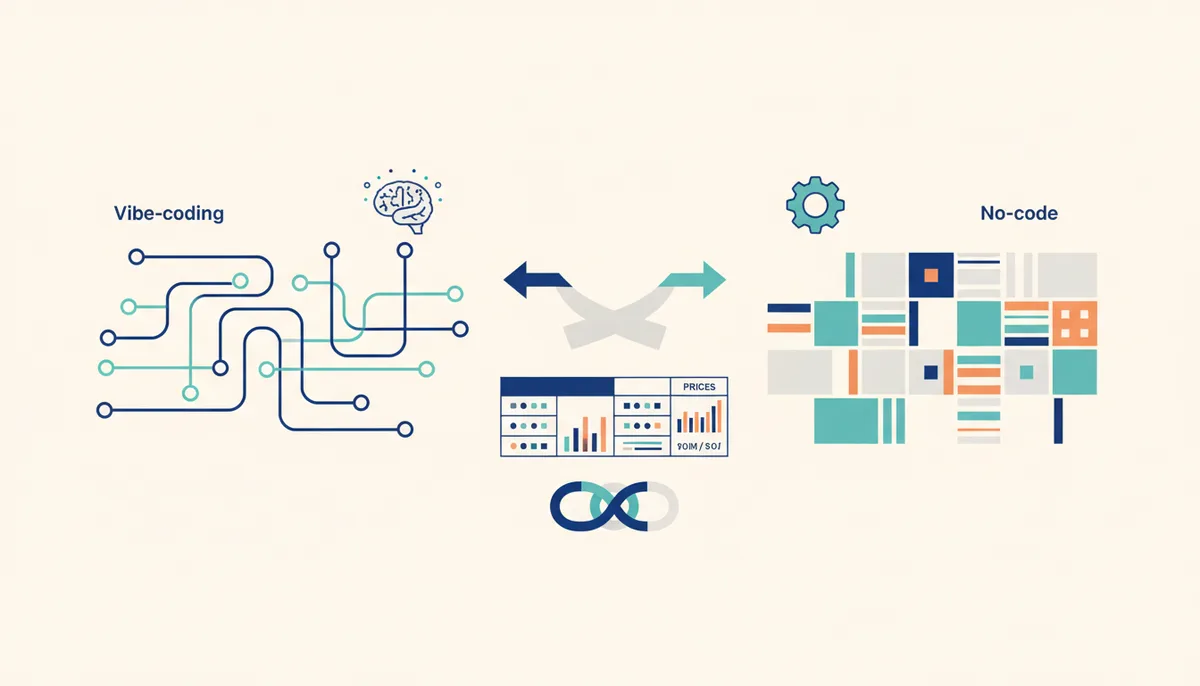
Vibe Coding vs No-Code: What to Choose in 2026
In short
No-code is building websites and apps in a visual builder without a single line of code: the interface is assembled from ready-made blocks with the mouse. Vibe coding is development where you describe the task in words and AI writes real code for you.
What to choose:
- No-code — a fast start, landing pages, simple sites and MVPs with no technical skills. The ceiling is the platform's feature set and its subscription fee.
- Vibe coding — real code, full control, any logic and integrations. A higher barrier to entry, but no builder-imposed limits.
- A hybrid — the storefront and content on no-code, the complex logic in vibe coding. In 2026 this is often the most sensible route.
Below: the criteria, an honest comparison table, prices and "when to use what" scenarios.
What are no-code and vibe coding in plain terms?
No-code is an approach where the product is assembled in a visual editor: you drag blocks around, configure them in a properties panel and hit "Publish". The platform generates the code itself and hides it from you. Typical examples are Tilda for websites, Bubble for web apps and Glide for mobile. You end up with a working product, but it lives inside the platform.
Vibe coding is development in natural language: you state what you need and an AI agent writes, edits and runs real code. Andrej Karpathy coined the term in early 2025, and within a year the approach went mainstream. Tools like Cursor, Claude Code and Lovable cut development time and produce ordinary, editable source code. For a detailed breakdown, see what vibe coding is.
The essential difference: with no-code you work inside someone else's system and by its rules; with vibe coding you get a standard project with source files that can be deployed anywhere and handed to any developer.
What is the key difference between the approaches?
Both approaches remove manual coding, but in different ways — and at a different price for the convenience. No-code targets people who need a result without technology; vibe coding targets people who need control.
| Criterion | No-code | Vibe coding |
|---|---|---|
| Who "writes" it | You, with the mouse, in an editor | AI, from your description |
| Result | A project inside the platform | Real code with source files |
| Flexibility | Within blocks and plugins | Practically unlimited |
| Barrier to entry | Minimal | Medium: needs basics and patience |
| Time to start | Minutes | Hours to days |
| Ownership | Tied to the platform | Full control over the code |
| Cost | Platform subscription | AI tool subscription |
| Scale | Runs into platform limits | Limited only by architecture |
The main difference hides inside one term. Vendor lock-in is being tied to a platform: your project runs only inside the builder, and moving it "as is" to another service is usually impossible. Vibe coding creates no such tie — the output is standard code, which means the data and logic stay yours.
When should you choose no-code?
No-code wins when speed and simplicity matter more than flexibility. Go with it if:
- you need a landing page, a business-card site, a portfolio, a blog or a simple online store;
- you're testing an idea and want an MVP in an evening, not in a month;
- you have neither a budget for a developer nor the desire to dig into code;
- design and content matter more than non-standard logic;
- you're fine paying monthly for everything to "just work".
If the goal is precisely to build a website with AI quickly and without a team, a builder often covers it completely. For validating a hypothesis before full-scale development it is an honest, workable tool.
When should you choose vibe coding?
Vibe coding pays off when you hit the builder's ceiling — or know in advance that you will. Choose it if:
- you need non-standard logic that the platform's blocks don't cover;
- API integrations, your own databases, bots and payments matter;
- you want to own the code and not depend on someone's pricing or the platform's fate;
- you plan to grow: a complex product, load from thousands of users, a team;
- you're ready to spend a few hours learning the tool.
If you're setting out to build an app with AI with your own business logic, vibe coding gives you what a builder fundamentally cannot. Just don't confuse it with classic development — we drew that line in vibe coding vs programming.
What does it cost as of July 2026?
Prices and terms change — the figures below are current as of July 2026, so check the vendors' sites before buying.
No-code:
- Tilda — the Free plan costs nothing; Personal from 500 ₽/mo billed annually (about 750 ₽/mo month to month); Business from 1,000 ₽/mo billed annually. A .ru domain runs 200–900 ₽/year, hosting is already included.
- Bubble — has a free start; paid plans begin at roughly $30/mo and grow with load, billed in foreign currency.
Vibe coding:
- Cursor and Claude Code — base Pro subscriptions around $20/mo each; heavy-usage plans (Max at Claude, Ultra at Cursor) run $100–200/mo.
One access caveat: foreign AI tools are billed in foreign currency and require a suitable card, so many people in Russia start with Russian builders or with AI services they can actually reach. Which neural networks work legally and without workarounds is covered in our roundup of AI tools that work in Russia without a VPN.
On money the two approaches are comparable: both are subscriptions. The difference is what you're paying for — a platform's capabilities, or an assistant that writes code you own.
Can you combine both approaches?
Yes, and in 2026 that's often the best call. A hybrid is a setup where the simple part is built with no-code and the complex part with vibe coding.
Typical scenarios:
- the landing page and blog on Tilda, the user account area and logic in your own code;
- a fast MVP on a builder to test demand, then a move to full code once the idea is confirmed;
- a no-code admin panel for content plus a custom backend built for load.
A realistic caveat: when you move off a builder, the MVP is usually rewritten from scratch — and that's fine, because by then the product has already proven it's needed. So if complexity is baked into the idea from the start, a hybrid or going straight to vibe coding saves time.
If you're leaning toward vibe coding, you don't have to start from a blank page. The Quest engine gives you a ready project skeleton for Claude Code and Cursor — structure, rules and prompts so AI writes predictably instead of improvising. And the knowledge base collects prompts, MCP servers and breakdowns for specific tasks, from your first website to a product you can sell.
FAQ
Which is easier for a beginner — no-code or vibe coding?
The barrier is lower with no-code: you can learn a builder in an evening without typing a single terminal command. Vibe coding asks a bit more — understanding how a project is laid out and how to frame tasks for AI. But it's the skill that won't run into a platform limit.
Can you migrate a no-code project to real code?
"As is" — usually not: vendor lock-in means the project has to be rebuilt. Developers almost always rewrite such an MVP from scratch. So if it's clear up front that the product will grow and get more complex, it's smarter to go straight to vibe coding or build a hybrid.
Will vibe coding replace no-code builders?
No. They're different niches. For a landing page or a business-card site a builder is faster and simpler, and there will always be plenty of those jobs. Vibe coding takes everything that demands flexibility and code ownership. In 2026 the two coexist comfortably and are increasingly used together.
Which works out cheaper?
At the start, no-code: a minimal plan and no learning costs. Over the long run, for a complex product, vibe coding is cheaper: you don't pay for platform limits and you don't overpay for the migration when you hit the ceiling.