Why it matters
Disks die, migrations break databases, ransomware wipes files, and an "accidental" DROP TABLE on production takes one second. Without a tested copy that's losing the business; with one it's a couple of hours of recovery. The nastiest case is an untested backup: it exists, but when the moment comes it won't restore — meaning you effectively had no backup at all.
A real-world scenario. A migration was run on production with no dump taken. The script misbehaved and some tables got corrupted. A dump was supposedly being made nightly by cron — but the new database hadn't been included for a month, so there was nothing to restore. Result: days of downtime and lost customer data. A two-minute dump before the migration would have made it a minor annoyance.
What to do (step by step)
- Before anything irreversible (migration/deploy/deletion) — take a snapshot, a branch or a DB dump right then and there:
# PostgreSQL dump before a migration
pg_dump -Fc "$DATABASE_URL" -f "backup_$(date +%F_%H%M).dump"
# recovery when things go wrong:
# pg_restore -d "$DATABASE_URL" --clean backup_YYYY-MM-DD_HHMM.dump
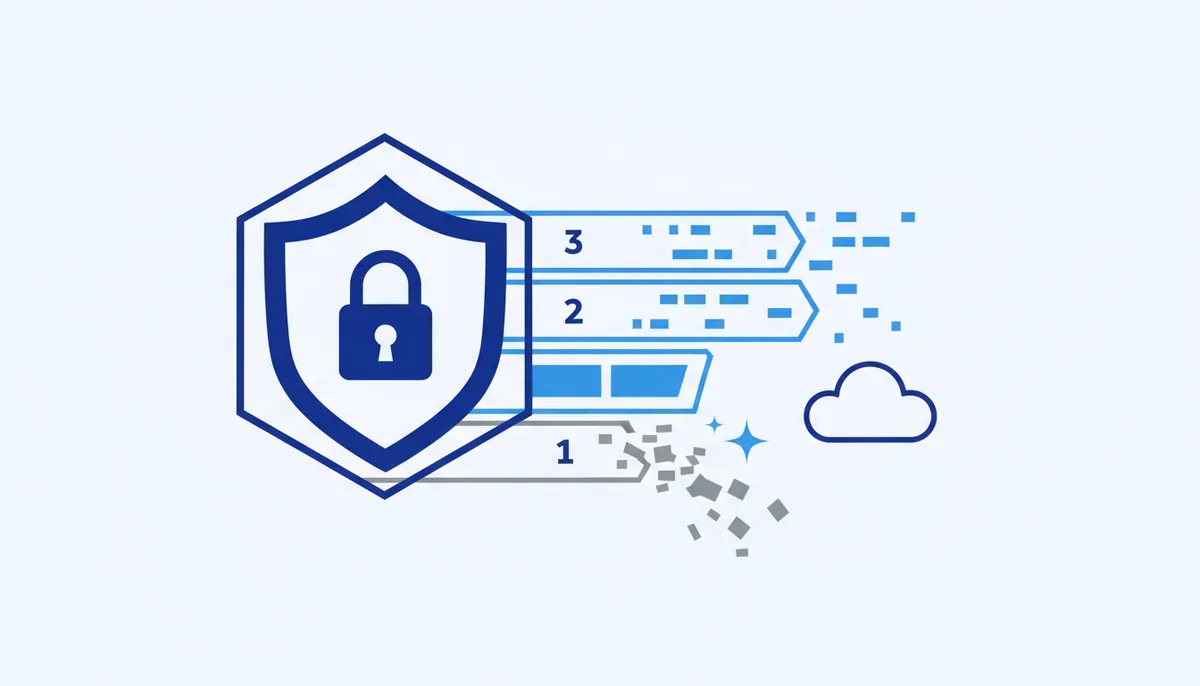
- Follow the 3-2-1 rule: 3 copies of the data, on 2 different media, with 1 copy off-site (another region or cloud).
- Automate the backup (cron/timer) and encrypt the copies if they contain personal data or secrets.
- Test recovery regularly — restore the dump into a test environment. A backup you've never tested is a lottery ticket.
# every N days: restore the dump into a test database and confirm the data is there
createdb restore_test && pg_restore -d restore_test --clean latest.dump
- Protect backups from ransomware: an offline or immutable copy, separate credentials, versioning in object storage.
What NOT to do
- Don't keep your only copy next to the original (same disk, same server).
- Don't consider a backup working until you've restored from it at least once.
- Don't ship destructive changes to production without a fresh dump.
- Don't store backups unencrypted if they contain personal data or secrets.
- Don't give the backup storage the same credentials as production (otherwise ransomware reaches the copies too).
Self-check
- Before anything irreversible I take a dump or snapshot — it's a reflex, not a "when I remember" thing.
- The 3-2-1 rule is in place (3 copies / 2 media / 1 off-site).
- Backups are automated and (where personal data is involved) encrypted.
- I have actually restored data from a backup at least once and know how long it takes.
- There's an offline or immutable copy in case of ransomware.
Tools
- Databases:
pg_dump/pg_restore(PostgreSQL),mysqldump(MySQL), managed-database snapshots from your cloud provider. - Files and systems: restic, BorgBackup, Duplicati — deduplication plus encryption.
- Object storage with versioning / Object Lock: S3-compatible services (immutable backups).
- Discipline: a reminder or CI step for "dump before migration", and a recurring restore test in your calendar.