Why this matters
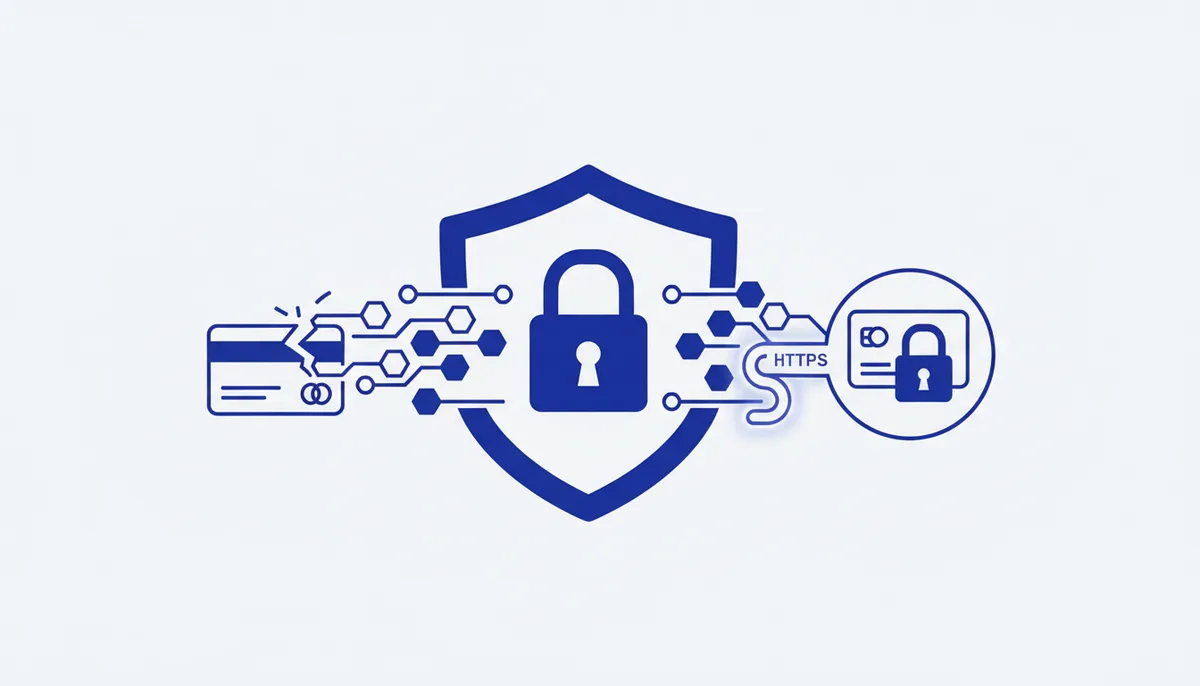
Card details entered into a fake form reach the scammers instantly — and get used for charges just as fast. A bot or site without encryption (HTTP) is a direct leak channel: the data travels in plain text. The full number plus expiry plus CVV is enough to pay on many sites.
Real-world scenario. A "pay 1 ₽ for delivery" link leads to a site that looks just like the courier company's, except the domain is slightly off and the form isn't the bank's. The victim enters the card number, expiry, CVV and the SMS code that arrives "for confirmation" — in effect authorising the scammer's charge. The money is gone and the card has to be reissued.
What to do (step by step)
- Enter card details only on trusted services and official payment forms (bank/acquirer), never on homemade pages.
- Check HTTPS and the domain before typing anything: the padlock in the address bar, the domain name character by character, no swapped letters.
- Get a separate card or a virtual one with a limit for online purchases, so your main account is never exposed:
Virtual card in the banking app → limit set to the purchase amount →
pay → reset the limit / delete the card. Leaking that card costs you almost nothing.
- Turn on 3-D Secure and push notifications for charges — you'll see any transaction immediately.
- Double-check the recipient and the amount before confirming a transfer; with a QR code or a link, check exactly who you're paying.
- Set limits on transactions and online payments in your banking app.
What NOT to do
- Don't enter your card in unverified bots or forms, or over HTTP.
- Don't read out or type your CVV and SMS codes anywhere except an official payment form.
- Don't pay via links from unexpected messages (delivery/fine/"refund"/"transfer sent by mistake").
- Don't save your card on dubious sites "so you don't have to type it again".
- Don't confirm a 3-D Secure code if you didn't start that payment right now.
Self-check
- I only pay over HTTPS, on a domain I've checked character by character.
- I use a virtual or separate card with a limit for online payments.
- 3-D Secure and charge notifications are on.
- I never read out my CVV or SMS codes; I enter them only in an official payment form.
- I don't go to checkout via links from unexpected messages.
Tools
- Virtual cards with limits: a feature in your bank's app (single-use or limited cards).
- Checking a site or link: VirusTotal (URL), Google Safe Browsing, the HTTPS padlock in your browser.
- Control: push notifications and limits on online transactions in the banking app; 3-D Secure.
- Incident response: the bank's hotline (block/reissue), password changes, a formal dispute for the charge.