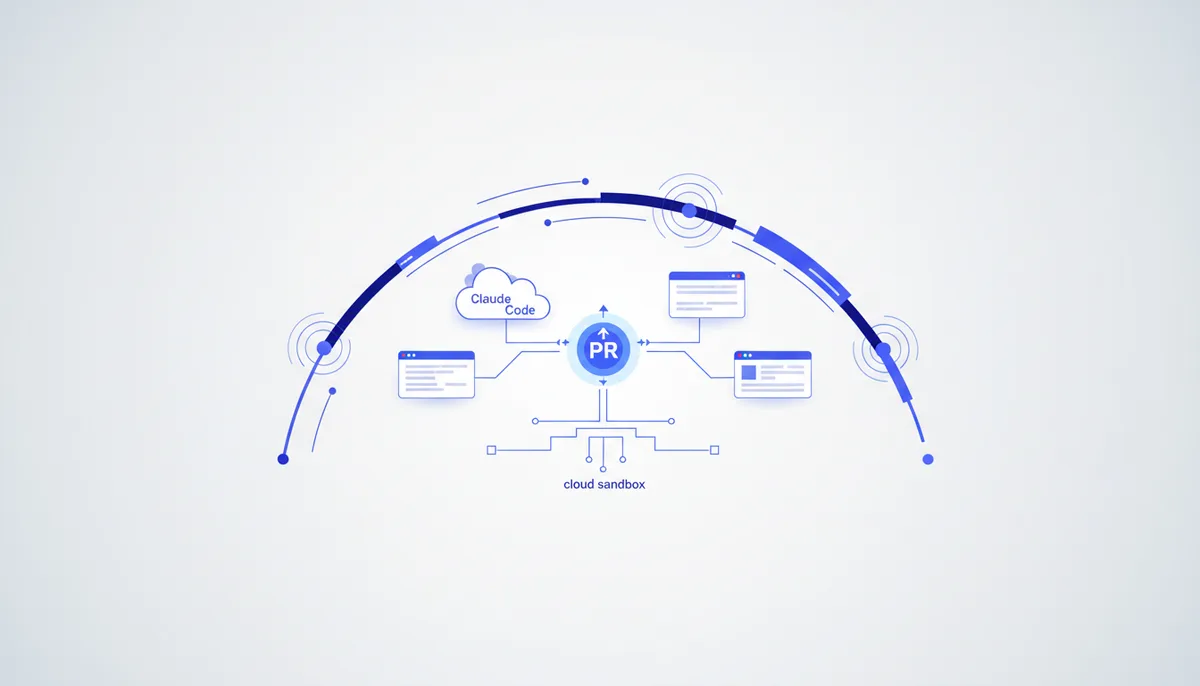
Handing a task to Claude Code or Codex used to require a terminal and a configured project. Now both run straight from the browser: open a tab, describe the task, get a PR.
What it is
A cloud background agent works asynchronously: you give it a task ("build this feature", "fix this bug"), the agent spins up in a cloud sandbox with your repository, does the work in the background and comes back with a pull request for review. What's new here is the entry point: not a terminal, but an ordinary browser tab. For Claude Code that's claude.ai/code, for Codex it's chatgpt.com/codex. You can close your laptop - the session lives in the cloud.
How to run it right in the browser
Claude Code on the web (claude.ai/code): connect GitHub, write the task, and Claude runs it on Anthropic's infrastructure in an isolated sandbox (network and filesystem restrictions, git through a secure proxy, secrets kept outside the sandbox). You can run several tasks in parallel across different repos, follow them from your phone (iOS), and "teleport" a session you started in the browser into your local terminal with --teleport (and from the terminal, kick off a new cloud task with the --cloud flag). Status: research preview for the Pro, Max and Team plans (and Enterprise with premium seats).
Codex Web (chatgpt.com/codex): the same thing from OpenAI - the task runs in its own cloud sandbox preloaded with your repo; the output is a PR. Codex is included in ChatGPT subscriptions (Plus, Pro, Business, Enterprise), and by default cloud tasks run on GPT-5-Codex (a version of GPT-5 tuned for agentic coding). You can start a task from the web, from GitHub, Slack or Linear.
Where it came from
- 2024 - Devin (Cognition) set the "fire-and-forget" format: task → its own sandbox → result.
- 16 May 2025 - OpenAI announced Codex Cloud (the codex-1 model): many tasks in parallel, each in its own environment, with a PR at the end.
- 2025 - the same arrived in Cursor (background agents), GitHub Copilot coding agent and Google Jules.
- 20 October 2025 - Anthropic brought Claude Code to the browser (claude.ai/code): the same background format, but with no install and no terminal.
Why it took off
- It removes the "sit and wait for the agent" block: launch five tasks, go do something else.
- The barrier collapsed: no CLI to install, no environment to configure - a browser and a connected GitHub is enough.
- A cloud sandbox = clean, reproducible, no clutter on your local machine.
- It's built into the GitHub flow: the agent hands you a PR to review, not a patch on the side.
How to apply it now
- Give the browser agent clearly scoped tasks (a bug with a repro, an isolated feature).
- Run several in parallel - that's the format's main win.
- When a session gets complex, pull it from the browser into your local terminal (
--teleportin Claude Code) and finish it by hand. - Review the result like a PR from a junior: diff + tests, not on faith.
What to watch out for
- "Fire-and-forget" only works with a good brief: a vague task → a vague PR.
- The agent needs access to your repository - grant permissions narrowly and keep secrets outside the sandbox.
- Both products are still research preview / rate-limited: plan windows and quotas change, and hitting a limit is very real.
- Several agents on one repo will conflict - separate branches and areas of responsibility.