What it is
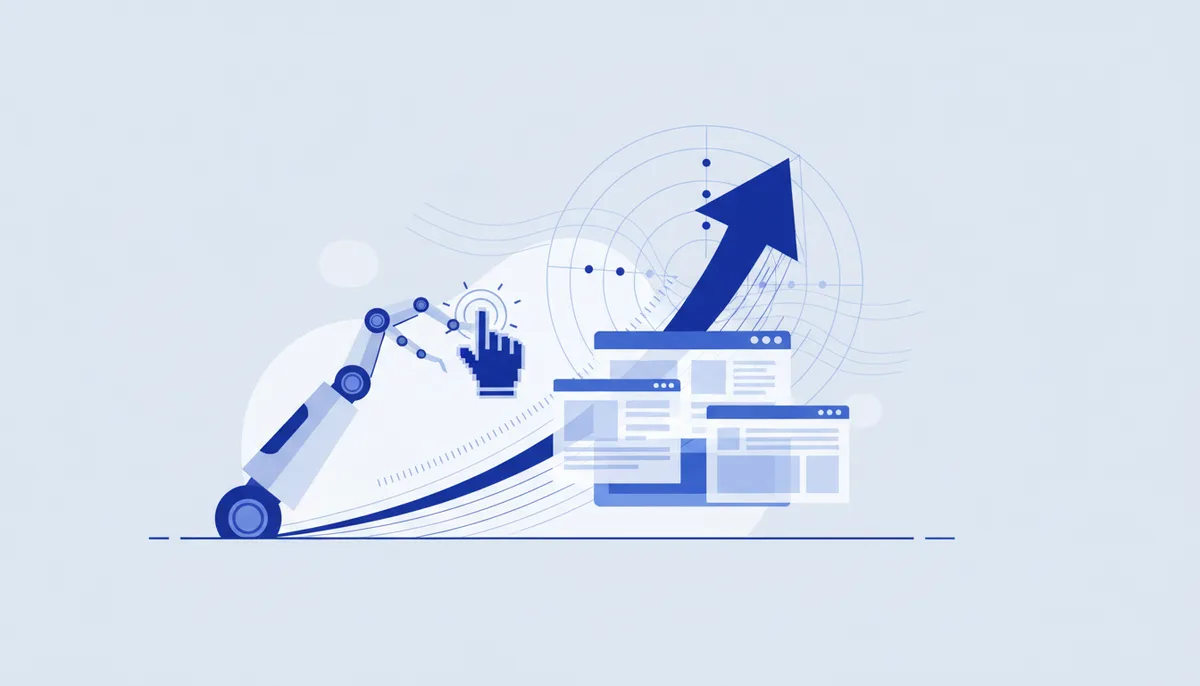
Computer use is an agent's ability to operate a computer the way a human does: look at a screenshot, move the cursor, click buttons, type text. Browser agents are a special case: the agent browses sites on its own, fills forms and clicks. It removes the "everything must have an API" requirement — the agent works wherever there's only a GUI.
Where it came from
- October 2024 — Anthropic shipped Computer Use in public beta (Claude 3.5 Sonnet), the first frontier model with the capability; early partners were Asana, Canva, DoorDash and Replit.
- 2025 — browser agents everywhere: OpenAI Operator, Claude in Chrome (August 2025), Google's Project Mariner, Manus.
- By 2026 desktop agents are arriving on personal devices.
Why it took off
- A huge slice of work lives in interfaces with no API (legacy CRMs, admin panels, web forms) — computer use opens them up to automation.
- Vision models became accurate enough to read a screenshot and hit the right element.
- It's the last mile of agency: the agent stops depending on an integration existing.
How to use it today
- For web routine, use browser agents (fill something in, gather data, walk a flow).
- In development, run e2e UI checks with an agent (Playwright style): open the flow, click through, confirm nothing next to it broke.
- Give it a narrow task with an observable result — long click chains are still fragile.
What to watch out for
- An agent with browser access plus data plus outbound connectivity is the lethal trifecta (data is easy to siphon off via an injection on the page).
- Accuracy drops on complex or dynamic interfaces — plan for retries and checks.
- Never let a computer-use agent take irreversible actions (payments, deletions) without human confirmation.