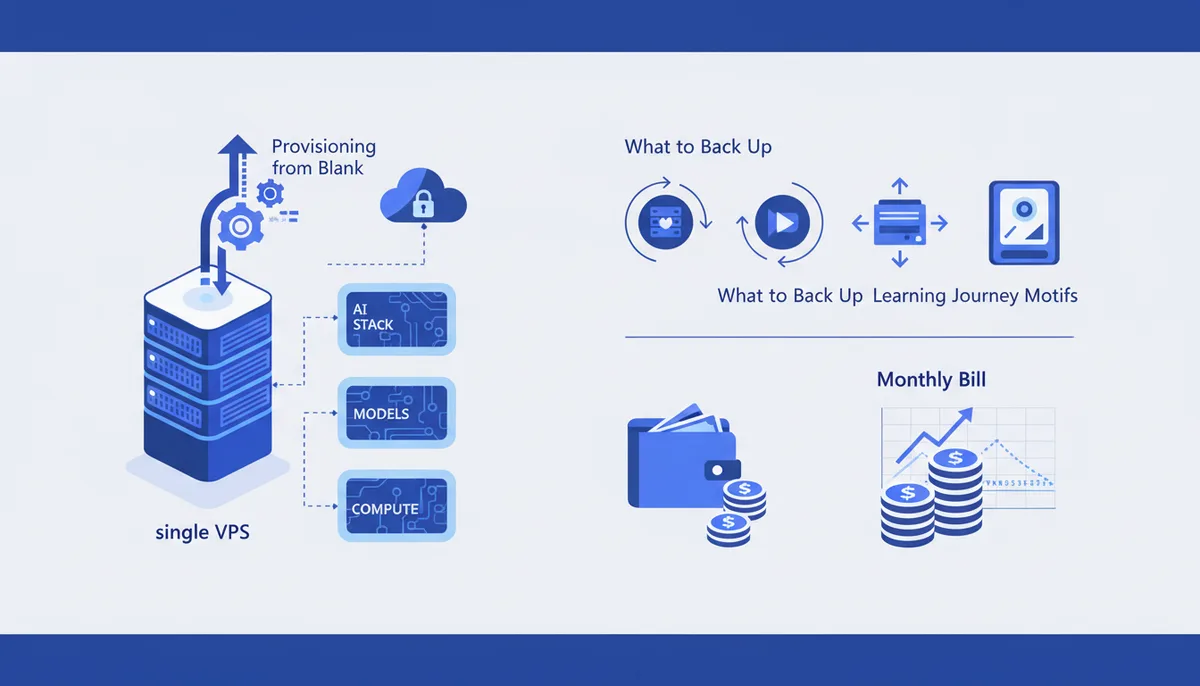
Self-Hosting Your AI Stack on a Single Server
In short
One ordinary VPS with 8-16 GB of RAM comfortably runs the glue layer of an AI stack: n8n or another workflow runner, Postgres, a vector database, an object store, a reverse proxy with automatic TLS, and your own apps. What it will not run well is inference. A CPU-only box can load a small model — llama3.1:8b is a 4.9 GB download — but a 70B model is 43 GB and a 405B model is 243 GB, so those are GPU-host or API territory.
The practical split: self-host everything stateful and everything that touches your data, and buy inference from an API unless you have a specific privacy or cost reason not to. That gives you one box to provision, one box to back up, one predictable bill.
Provisioning takes an evening — non-root user, SSH keys only, firewall, Docker, reverse proxy, a Compose file, a backup job, unattended security updates. Keeping it alive is the part people skip, and it decides whether the server is an asset or a liability in six months.
What fits on one box and what does not
Size by component, not by "AI stack" — the components have wildly different appetites.
| Component | Rough RAM budget | Fits on one shared-vCPU VPS? |
|---|---|---|
| Reverse proxy (Caddy, nginx) | Under 100 MB | Yes, trivially |
| Workflow runner such as n8n | 0.5-1 GB idle, spikes per run | Yes |
| Postgres for app + workflow state | 1-2 GB | Yes |
| Vector DB (Qdrant, pgvector), small scale | 1-2 GB | Yes, to a few hundred thousand vectors |
| Object storage (MinIO) or plain disk | Disk-bound, not RAM-bound | Yes, watch disk |
| Embedding model on CPU | 1-2 GB | Yes, batch jobs only |
| 7-8B chat model on CPU | Model file plus context: 8 GB+ free | Technically yes, painfully slow |
| 70B model, or any image generation | 43 GB of weights, or a GPU | No |
The honest line runs between loading a model and serving one. Ollama will happily start llama3.1:8b on a CPU-only VPS; the download sizes are published on the model page. Whether the token rate is acceptable depends on your workload, so measure it before designing around it. For interactive chat it usually is not; for overnight batch classification, it often is.
Two consequences. Size RAM for the model file plus context plus everything else running, not "8 GB should be fine". And RAM, not CPU, is what you run out of: a swap-thrashing box takes Postgres down with it, which is how a slow model becomes an outage.
Sizing the box before you buy
Start from disk and RAM, not vCPU count. Model weights, container images, Postgres, and backups share one disk, and 80 GB disappears fast once you have pulled three model tags and a few hundred Docker layers.
A reasonable default for "everything except inference" is 4 vCPU and 8 GB, moving to 16 GB when you add a vector database with real data or run any model locally. Shared-vCPU plans suit this: the workload is bursty and mostly idle. Dedicated vCPU costs several times more and only pays off for a sustained CPU-bound job — which CPU inference is, one more reason it belongs on an API.
Pick a provider by where your users and data-protection obligations are, not by benchmark charts. Most single-server stacks land on Hetzner (cheapest in the EU, though prices rose during 2026, so check the current page, not an old blog post) or DigitalOcean (pricier, better docs).
Provisioning from a blank server
The order matters, because each step closes a door the previous one left open.
- Non-root user with sudo, your SSH public key added, then password authentication and root login disabled in
/etc/ssh/sshd_config. Do this before anything else is listening, and check you can still log in from a second terminal before closing the first. - Firewall. Default-deny inbound, allow 22, 80, 443, nothing else — including your database and model server. A container publishing a port to
0.0.0.0is on the public internet regardless of your firewall's intentions, so bind to127.0.0.1in Compose. - Unattended security upgrades, restricted to the security pocket. The highest-value ten minutes here.
- Docker Engine from the official repository, not the distro package, which is usually years behind. Adding your user to the
dockergroup grants root. - Reverse proxy with automatic TLS. Caddy issues and renews certificates itself — no cron job, no certbot renewal that silently breaks in month three.
- One Compose file, in git. Secrets live in a
.envthat is not committed, with the variable names committed so a rebuild is reproducible. - Named volumes, or a bind mount whose path you know. The classic disaster is
docker compose down -vagainst a stack whose data lived in an anonymous volume.
Set fixed encryption keys where the software asks for one. n8n's N8N_ENCRYPTION_KEY is the standard example: lose it and every stored credential is unreadable. The step-by-step version with exact commands is in Your project on a server from scratch.
Keeping it alive: backups and restarts
Two failure modes kill hobby servers: the box reboots and half the stack never comes back, or the disk dies holding the only copy of everything.
For restarts, set restart: unless-stopped on every service and then test it — sudo reboot, wait, check every container is up and the site answers. Do it on day one while you still remember what you configured, not during an unplanned reboot at 3 a.m.
For backups, the requirement is not "I have backups", it is "I have restored from a backup":
- Postgres:
pg_dumpon a schedule, not a snapshot of a running database. - Volumes: an incremental, deduplicating, encrypted tool such as restic, pushing to object storage at a different provider.
- Retention: daily for a week, weekly for a month. Ransomware and
rm -rfstay silent for days, so one overwritten copy is not a backup. - A restore drill: pull the backup onto a fresh box and bring the stack up. People who skip this discover on the worst day that their encryption key only ever existed in the dead machine's
.env.
The full policy — three copies, two media, one offsite — is in The 3-2-1 backup rule in practice.
Monitoring stays boring: an external uptime check plus disk-space alerts. Disk exhaustion is the likeliest thing to take this stack down and is preventable with log rotation and a weekly docker system prune.
The monthly bill
The VPS is the predictable part. Prices below are DigitalOcean's published droplet rates as of July 2026, from their pricing page; Hetzner's equivalents are meaningfully cheaper in the EU.
| Specs | DigitalOcean list price | Realistically runs |
|---|---|---|
| 2 vCPU / 4 GB / 80 GB | $24/mo | Proxy, n8n, Postgres, one small app |
| 4 vCPU / 8 GB / 160 GB | $48/mo | Above, plus a vector DB and light batch jobs |
| 8 vCPU / 16 GB / 320 GB | $96/mo | Above, plus a local 7-8B model, non-interactive |
| 4 vCPU / 32 GB (memory-optimized) | $168/mo | Larger vector workloads; still not big-model inference |
Then the parts people forget: object storage for backups, a domain, and API spend for whatever inference you did not self-host. Licences are mostly zero but not unconditionally — n8n's Community edition is free under the Sustainable Use License, which permits internal business use but forbids hosting it for others for money or white-labelling it into a paid product. Read it before building a client-facing service on top.
The comparison that matters is not VPS versus SaaS, it is VPS plus your time versus SaaS. If your alternative is $30/month of managed services, self-hosting is a hobby, not a saving. If it is several hundred, it pays for itself in weeks.
Where self-hosting is the wrong answer
Plainly: one server is a single point of failure with no failover, no SLA, nobody else on call. Fine for internal tooling, side projects, anything where an hour of downtime is an inconvenience. Not fine for customer-facing production with revenue attached, unless you build the operational discipline that makes it fine.
It is also wrong when the real driver is privacy and you plan to call a hosted model API anyway — the data leaves your box either way. Moving orchestration in-house buys control over logs and prompts, not over inference. If it really is inference privacy you want, you are shopping for a GPU host or local hardware, a different budget entirely: see Running a local model (Ollama) and the rest of the documentation.
FAQ
Can I run a local LLM on a cheap VPS without a GPU?
You can load one: a quantized 7-8B model fits in 8-16 GB of RAM and Ollama runs on CPU without complaint. Whether it is fast enough only your own benchmark answers — CPU inference is usually fine for batch work, usually not for interactive chat. Above roughly 13B it stops being a VPS conversation: llama3.1:70b is a 43 GB download.
How much RAM do I need for a self-hosted AI stack?
8 GB is the floor without local inference: reverse proxy, workflow runner, Postgres, small vector store. 16 GB is comfortable, and the level at which you can try a small local model without risking the rest. RAM, not CPU, is the constraint that takes the box down, because swapping degrades everything at once.
Is it cheaper to self-host AI tools than to pay for SaaS?
Only past a threshold, and only if you value your maintenance time at zero. A $24-48/month VPS replaces a lot of per-seat SaaS, but it adds provisioning, backups, upgrades, and incident response to your job. Self-host when you are replacing hundreds of dollars a month, when data residency is a hard requirement, or when you want the stack to be yours regardless.
What should I back up on a self-hosted AI server?
The Postgres dump, every named Docker volume, the Compose file, and your encryption keys and .env — stored somewhere other than the server. Model weights are re-downloadable. Then run a restore drill on a fresh box: an untested backup is a belief, not a plan.
Do I need Kubernetes for this?
No. One server means one Compose file. Kubernetes schedules across many nodes and adds a control plane you must run and upgrade; on a single box that is complexity for capabilities you are not using.