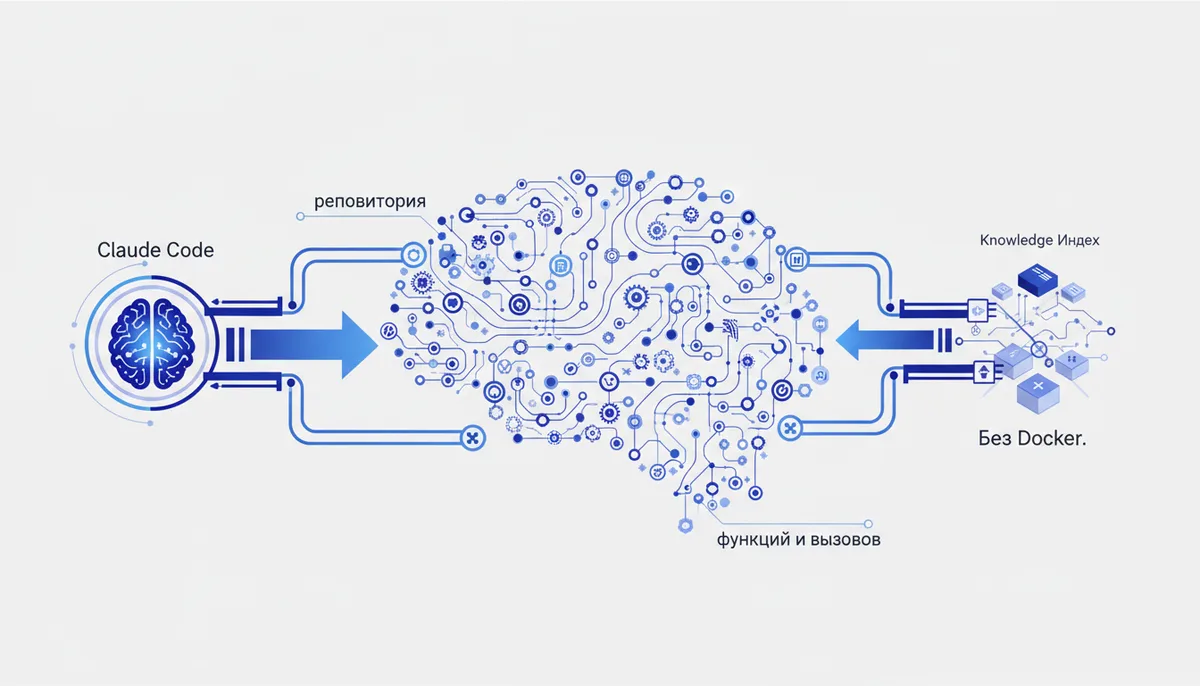
Claude Code rereads your whole repo from scratch every single time — you pay tokens for things it already "knew" 🔥
Every "who calls this function?" turns into a fan of grep calls and file reads. On a big repo that's thousands of tokens for context the model has already seen ten times. Codebase Memory MCP scans the code once, builds a graph of functions / files / calls and hands Claude answers straight from the index — the model stops walking the code by hand.
This is NOT the official Memory MCP (that one remembers your decisions and conversation facts). Here the memory is about code structure, not conversation context. Its spiritual siblings are Context7 (up-to-date library docs) and GitHub MCP (repo access via API). Codebase Memory closes the third gap: "where things live and what's connected to what" — locally, no cloud.
What it gives the AI
- Builds and stores a repo graph: functions, classes, imports, call chains, HTTP routes between services.
- Answers structural questions from the index: "who calls
X", "what breaks if I touchY", architecture overview, dead-code search. - Installs as a single static binary: no Docker, no external DB server, no cloud and no API keys. The graph lives in a local SQLite file under
~/.cache/codebase-memory-mcp/(verified: MIT license, single static binary).
Example: "Find every place process_payment is called and show me what breaks if I change its signature" — Claude pulls the answer from the graph instead of reading half the repo.
Setup (exact steps)
First install the binary (macOS/Linux). The installer detects and configures supported clients on its own:
curl -fsSL https://raw.githubusercontent.com/DeusData/codebase-memory-mcp/main/install.sh | bash
There are also npm, PyPI, Homebrew, Scoop, AUR packages and prebuilt binaries in GitHub Releases (on Windows — install.ps1 / Winget / Chocolatey). Before running curl … | bash it's worth reading install.sh with your own eyes.
Claude Code
The installer wires up Claude Code for you (plus a dozen other agents: Codex, Gemini CLI, Zed and more) in ~/.claude/.mcp.json — in that case skip the step below. Manually (the binary is called codebase-memory-mcp):
claude mcp add codebase-memory-mcp -- codebase-memory-mcp
Verify with claude mcp list.
Cursor / Claude Desktop
The auto-installer doesn't touch Cursor — for it (and any client with mcpServers) add the block by hand. Cursor: ~/.cursor/mcp.json or .cursor/mcp.json in the project root; Claude Code: ~/.claude/.mcp.json or .mcp.json in the project.
{
  "mcpServers": {
    "codebase-memory-mcp": {
      "command": "codebase-memory-mcp",
      "args": []
    }
  }
}
If the binary isn't in PATH, put the full path in command (for example /usr/local/bin/codebase-memory-mcp).
Example workflow
Here's the shape of it:
- Index the project once — call the
index_repositorytool on the repo root (Claude will do it if you say "index this project"). - Check readiness:
index_status. - Ask structurally: "who calls
create_order?", "trace the call path from the router to the DB", "where's the dead code inbilling/". Claude reaches forsearch_graph/trace_path/get_architectureinstead of reading files. - After big edits — reindex (
detect_changeswill tell you what's stale).
The result: Claude answers structural questions from the graph instead of fanning out grep across the repo — context for those queries gets noticeably lighter.
Security
- Everything is local. The server and the graph live on your machine, the code goes nowhere — no cloud, no API key (there simply isn't one). For private repos that's a plus.
- Least privilege. Index only the project folder you need, not your entire
$HOME. The graph cache (SQLite) sits in~/.cache/codebase-memory-mcp/— it's essentially a snapshot of your code; don't commit it to the repo and don't put it in shared directories. - Vet the installer.
curl … | bashruns someone else's script with your privileges — openinstall.shbefore running it, or install from npm/Homebrew. - The optional 3D UI comes up on
localhost:9749— keep it on localhost only, don't expose it. - Prompt injection. The tool returns chunks of code and comments from the repo — and those can contain hostile text ("ignore previous instructions…"). Treat MCP output as data, not as commands; don't let the model act on it without your confirmation.
- Keep secrets (tokens,
.env) out of the index — exclude them from the scan scope.
Gotchas
- This is not long-term conversation memory. It remembers code structure, not your decisions and agreements — for that see the official
Memory MCPin the database. - The graph goes stale. After large changes you need to reindex, otherwise answers come off an outdated map (
index_status/detect_changeshelp here). - The token savings are the authors' own measurements. The README quotes numbers like "
120× / 99% fewer tokens" and a benchmark across 31 repositories (10×) — that's the authors' claim, not a qvib fact. On your project and language the number will differ; measure it yourself. - Analysis depth depends on the language. Full semantic type resolution (Hybrid LSP) is claimed for roughly a dozen languages (Python, TypeScript, Go, Rust, Java and others); the rest of the 158 are parsed with tree-sitter only — the relationships there are coarser.
- Cursor isn't configured out of the box. The auto-installer knows about Claude Code and ~10 other agents, but Cursor isn't in the autodetect list — you wire it up manually (see above).
- Young project. The version is pre-release (0.x); the set of 14 tools and the formats can change from release to release.
- It doesn't replace reading the code. The graph gives you structure fast, but Claude still reads complex business logic line by line.