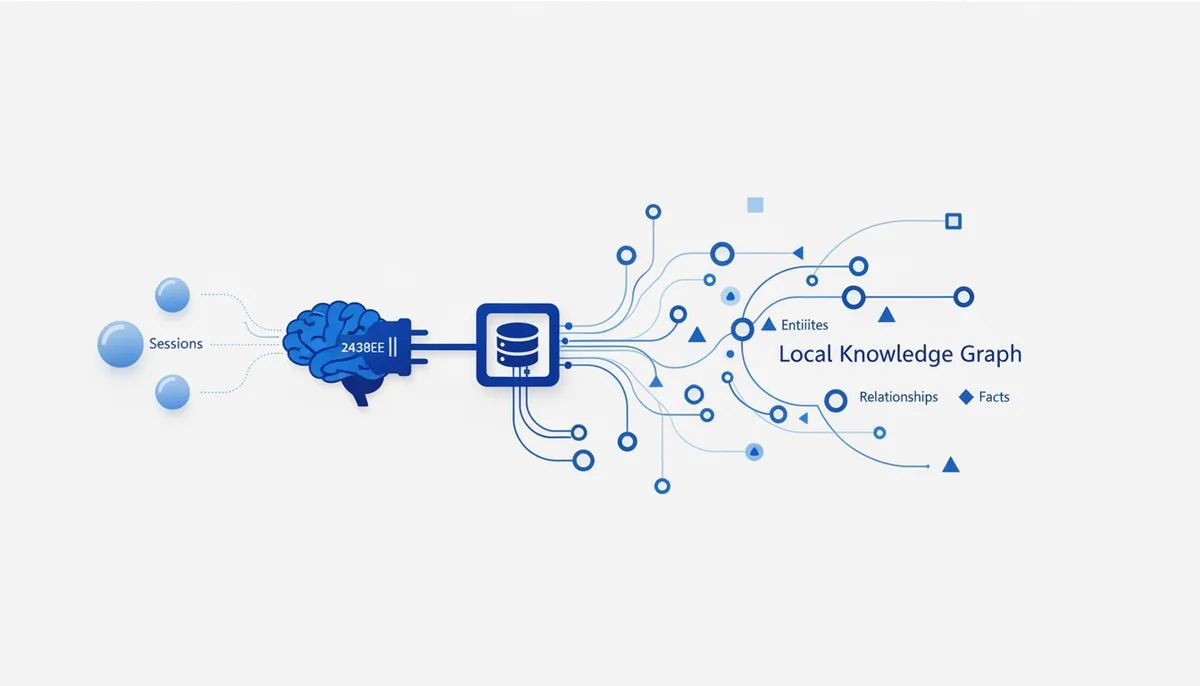
What it gives the AI
The AI gets long-term memory across sessions — a local knowledge graph of entities (people, projects, preferences), their properties and their relations. What you told it yesterday, it remembers today: your name, your stack, agreements, project context. The memory lives locally in a file, under your control.
Example: tell it once "I work in TS/React, the database is Postgres, call me Anton" — in later sessions the AI already knows and doesn't ask again.
Setup (exact steps)
Claude Code
A local stdio server; the path to the memory file is set via the MEMORY_FILE_PATH env var:
claude mcp add memory \
  --env MEMORY_FILE_PATH=/Users/you/.mcp-memory.json \
  -- npx -y @modelcontextprotocol/server-memory
Cursor / Claude Desktop
{
  "mcpServers": {
    "memory": {
      "command": "npx",
      "args": ["-y", "@modelcontextprotocol/server-memory"],
      "env": {
        "MEMORY_FILE_PATH": "/Users/you/.mcp-memory.json"
      }
    }
  }
}
Without MEMORY_FILE_PATH the memory is written to a file next to the package — set the path explicitly so you know where it lives.
Usage example
Say: "Remember: the project deadline is June 15, Masha owns the frontend" → the AI creates entities and relations in the graph. Later you ask "who owns the frontend?" and it answers from memory, with nothing re-entered.
Security
- Local and private: the graph sits in a plain JSON file on your machine; nothing goes to the cloud.
- Don't put secrets in it: everything the AI "remembers" ends up in a plaintext file — don't dictate passwords or keys into it.
- Supply chain: the official reference server from the
modelcontextprotocol/serversrepository — a trusted first-party source.
Gotchas
- Memory isn't free: as the graph grows it bloats the context — prune stale facts from time to time.
- The
MEMORY_FILE_PATHfile is a single point of failure: delete or overwrite it and the memory is gone. A backup won't hurt. - The AI decides what to store on its own; sometimes you have to say "remember this" explicitly, or an important fact never makes it into the graph.