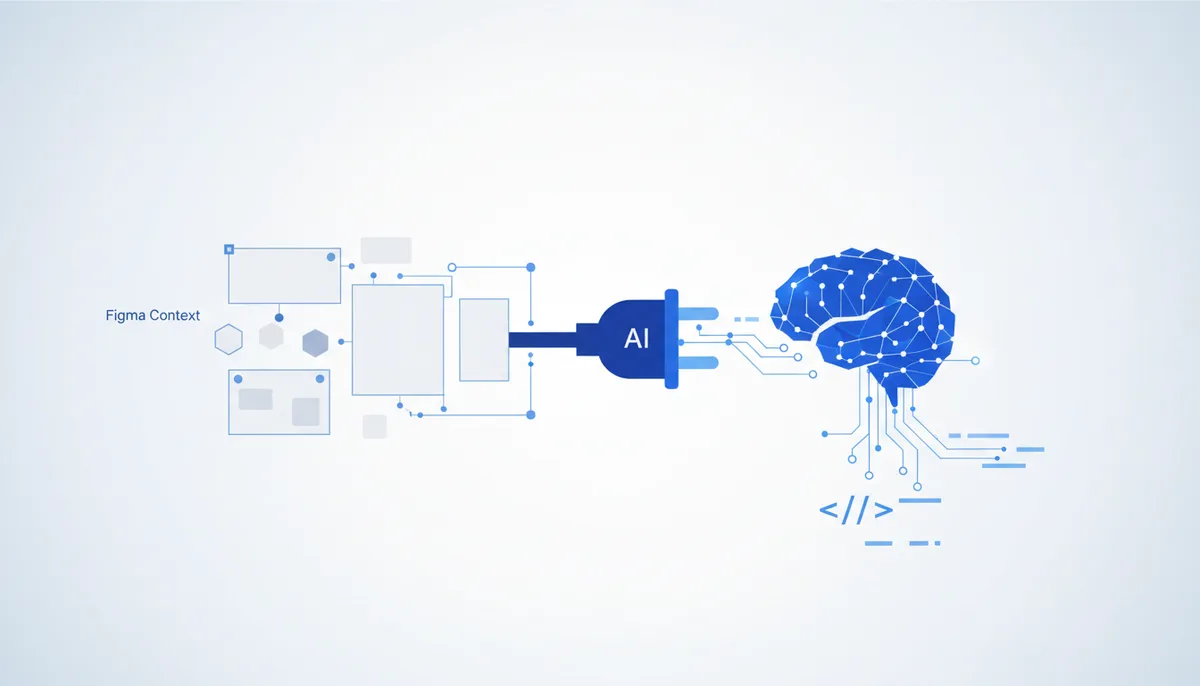
What it gives the AI
The AI sees the structure of the file, not just a picture: frames, auto-layout, variables/tokens (colors, spacing, typography), layer names and component relationships. It generates code from that, so the output actually matches the design — correct sizes, tokens and hierarchy, instead of eyeballing a screenshot.
Example: select a product card in Figma → ask "build this component in React + Tailwind" → the AI pulls the exact spacing/color values from the file's variables and hands back markup that's close to pixel-perfect.
Setup (exact steps)
Claude Code
Preferred — the Figma remote server (hosted, OAuth, available on every plan and everywhere):
claude mcp add --transport http figma https://mcp.figma.com/mcp
After adding it, authorize: run /mcp in Claude Code → sign in to Figma in the browser.
Alternative — the local Dev Mode server in the Figma desktop app (requires a Dev or Full seat on a paid plan): enable it in the Figma app (Preferences → Dev Mode MCP server), then connect the local endpoint http://127.0.0.1:3845/mcp:
claude mcp add --transport http figma-local http://127.0.0.1:3845/mcp
Cursor / Claude Desktop
Remote server (recommended, no desktop app needed):
{
  "mcpServers": {
    "figma": {
      "type": "http",
      "url": "https://mcp.figma.com/mcp"
    }
  }
}
The local desktop option is the same block but with "url": "http://127.0.0.1:3845/mcp" (Figma desktop must be running and the server enabled in Preferences).
Usage example
Select a frame in Figma and say: "generate this screen as a component using our design tokens" → the AI reads the file's variables, maps them to your tokens in code and assembles the component. Or "what spacing and colors does this button use?" — you get the exact values.
Security
- Read-only access to the design: the server hands the AI file metadata; it doesn't change your Figma files.
- OAuth, not a permanent token: the remote server authorizes through a Figma account sign-in; the token is stored by the client and revoked via
/mcp→ "Clear authentication". - What to check: for remote, that it's the official
mcp.figma.comhost; the local desktop server listens on127.0.0.1only (it isn't exposed outside). Only connect a production workspace if you trust the client.
Gotchas
- The local Dev Mode server needs a Dev/Full seat on a paid plan and the desktop app running; remote works on all plans, but it's an external host.
- Beta: the tool set and response format keep changing — behavior can differ from version to version.
- Code quality depends heavily on how clean the file is: without auto-layout and variables, the AI produces much less accurate markup.