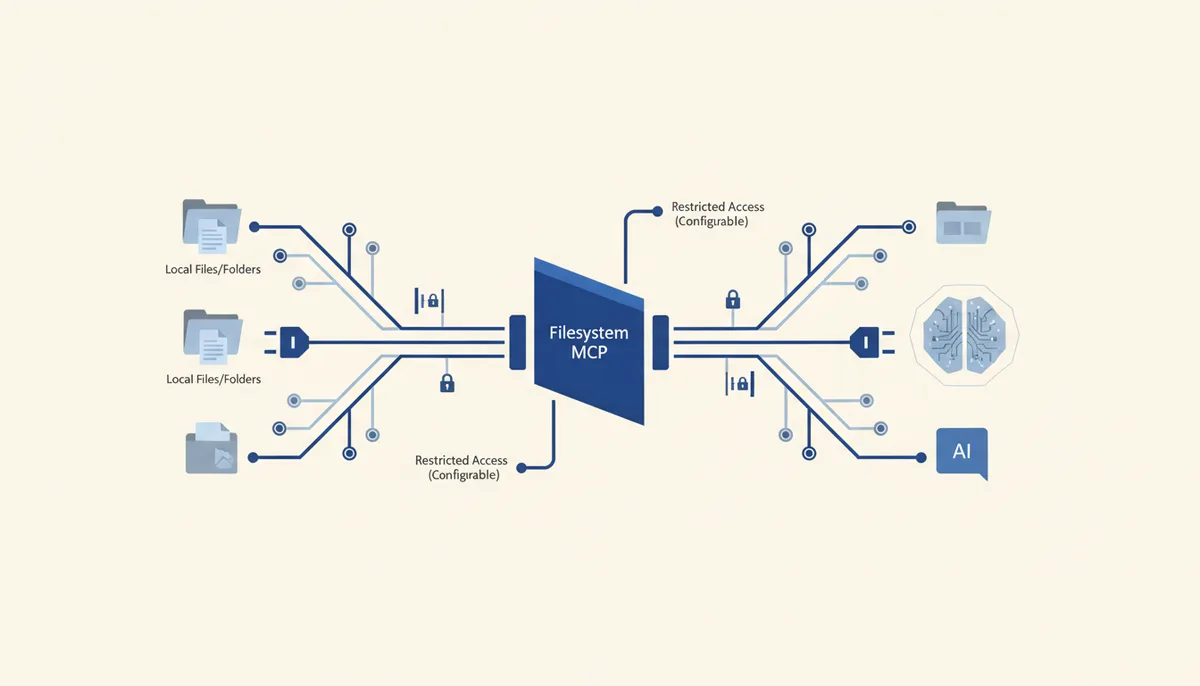
What it gives the AI
The AI gets controlled access to local files: reading, creating, editing, moving, searching by content and walking the directory tree — but strictly inside explicitly allowed folders. It's hands on your disk with a hard sandbox: anything outside the whitelisted directories is unreachable.
Example: "Walk ~/projects/site/content, find every .md without an H1 and add one based on the filename" — the AI only traverses that folder and makes the edits there.
Setup (exact steps)
Claude Code
Allowed directories are passed as positional arguments after the package name:
claude mcp add filesystem -- npx -y @modelcontextprotocol/server-filesystem \
  /Users/you/projects /Users/you/Desktop
Cursor / Claude Desktop
{
  "mcpServers": {
    "filesystem": {
      "command": "npx",
      "args": [
        "-y",
        "@modelcontextprotocol/server-filesystem",
        "/Users/you/projects",
        "/Users/you/Desktop"
      ]
    }
  }
}
At least one allowed directory is required. Clients that support MCP Roots can change the folder list on the fly (via roots/list_changed) without restarting the server — that's the recommended approach.
Usage example
Say: "Collect every TODO comment from /Users/you/projects/app/src into a single TODO.md" → the AI reads the tree, picks out the matches and creates the file — never stepping outside the allowed folder.
Security
- The main rule is a narrow whitelist: list only the folders the task genuinely needs. Never open
/or your entire$HOME, or the AI gets at your keys, configs and history. - The official guarantee: "all file operations are restricted to the allowed directories" — anything outside is blocked by the server.
- Supply chain: this is the reference server from the
modelcontextprotocol/serversrepository (★86.6k) — the protocol's own source, and the most trusted one.
Gotchas
- Hand it a broad folder and you take on the risk: the AI can read or overwrite things it shouldn't. Granularity is what saves you.
- Writes are real: the AI can overwrite or delete a file. Keep git or backups on directories that matter.
- On large trees, search and traversal operations are expensive — scope them to a specific subfolder.