What it gives the AI
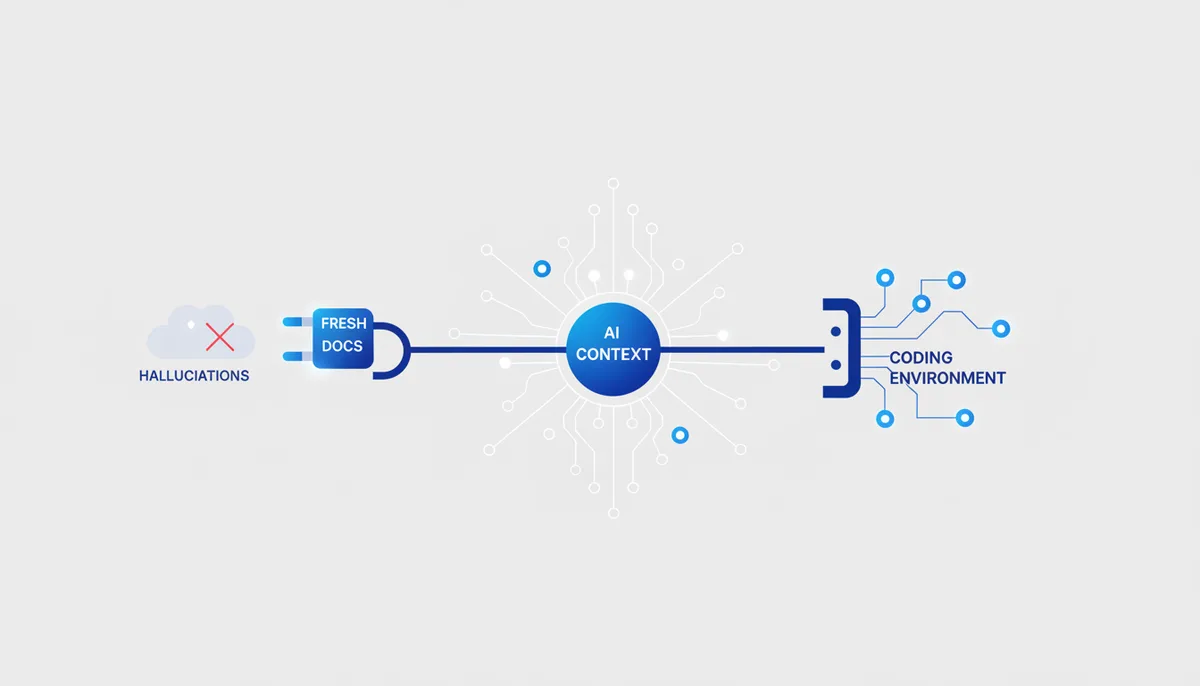
The AI stops making up APIs. Context7 pulls current documentation and code examples for a specific version of a library in real time and drops them into the context. The model was trained on a snapshot of the past — it remembers deprecated signatures and invents methods that don't exist. Context7 fixes that.
Example: you ask for "middleware in Next.js 15 App Router". Without Context7 the AI writes code for Next 13 and the old pages/. With Context7 it first pulls the docs for version 15 and writes something that actually works.
Setup (exact steps)
Claude Code
A local stdio server via npx:
claude mcp add context7 -- npx -y @upstash/context7-mcp
An Upstash key is optional (higher limits, private sources) — it's passed as a server flag after --:
claude mcp add context7 -- npx -y @upstash/context7-mcp --api-key YOUR_KEY
There's also a hosted option (no local npx): claude mcp add --transport http context7 https://mcp.context7.com/mcp.
Cursor / Claude Desktop
In .cursor/mcp.json (per project) or ~/.cursor/mcp.json (global); for Claude Desktop, the same block goes into claude_desktop_config.json:
{
  "mcpServers": {
    "context7": {
      "command": "npx",
      "args": ["-y", "@upstash/context7-mcp"]
    }
  }
}
Usage example
Tell the AI: "use context7 — write a Drizzle ORM schema for the orders table". It calls resolve-library-id → get-library-docs, pulls fresh Drizzle docs and generates the schema in the current syntax rather than from year-old memory.
Security
- Read-only by nature: the server only reads public documentation, it writes nothing into your project.
- Supply chain: the
@upstash/context7-mcppackage comes from Upstash (★56.5k) — before installing, double-check you're getting that one and not a typosquatting clone. - The Upstash token is only needed for higher limits; basic usage requires no key.
Gotchas
- Without a key you're on the public rate limits — heavy use will hit them; grab a free Upstash key.
- It doesn't cover every niche library: if a repository isn't in the Context7 index, there are no docs to pull.
- You have to write "use context7" in the prompt explicitly (or add a project rule) — it doesn't fire on every request by itself.