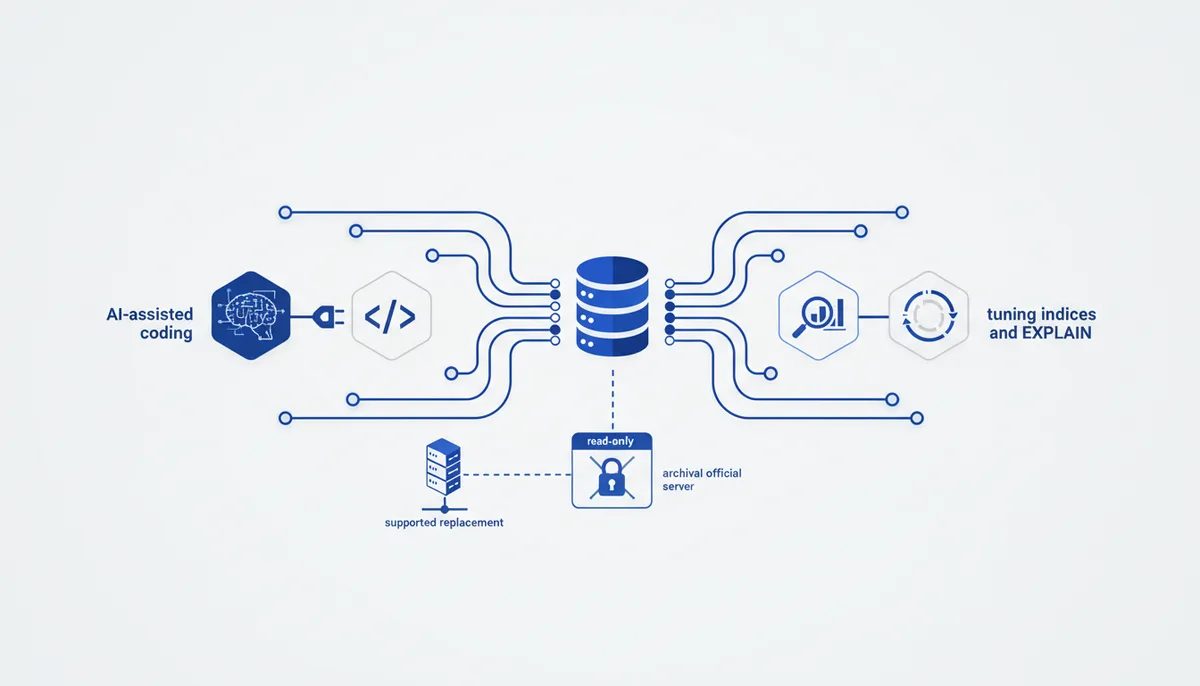
What it gives the AI
The AI gets eyes on your PostgreSQL: it reads the schema and the data, runs SQL, digs through EXPLAIN plans, finds bottlenecks and suggests indexes (analysis via hypothetical indexes — hypopg). This isn't just a connector, it's a performance tuning tool.
Example: "Why is /orders slow?" — the AI takes the real query, runs EXPLAIN ANALYZE, spots the seq scan and proposes a specific composite index with an estimate of the gain.
Setup (exact steps)
The connection string is passed via the DATABASE_URI environment variable; the access mode is set with the --access-mode flag.
Claude Code
Install it (pipx install postgres-mcp), then add it in restricted (read-only) mode:
claude mcp add postgres \
  --env DATABASE_URI="postgresql://readonly:pass@localhost:5432/app" \
  -- postgres-mcp --access-mode=restricted
Cursor / Claude Desktop
Using the installed binary:
{
  "mcpServers": {
    "postgres": {
      "command": "postgres-mcp",
      "args": ["--access-mode=restricted"],
      "env": {
        "DATABASE_URI": "postgresql://readonly:pass@localhost:5432/app"
      }
    }
  }
}
If you'd rather not install anything locally, there's the Docker image crystaldba/postgres-mcp (command: "docker", args: ["run","-i","--rm","-e","DATABASE_URI","crystaldba/postgres-mcp","--access-mode=restricted"]). The image rewrites localhost to host.docker.internal for you.
Usage example
Say: "Show me the schema of the orders table and find the 5 slowest queries" → the AI reads the structure, uses the statistics to find the heavy queries and suggests an optimization (an index or a rewritten SQL) — all read-only, with no risk to the data.
Security
- Read-only only: run it with
--access-mode=restricted— that confines operations to read-only transactions.unrestricted(full read/write, changes data and schema) is for local development only. - A separate DB role: create a Postgres user with
SELECTon just the tables you need. Two layers of protection: the RO role and the restricted flag. - Supply chain: the
crystaldba/postgres-mcpproject (★2.8k) is the maintained replacement for the archived officialserver-postgres. Verify the package source before pointing it at a production DB.
Gotchas
- Don't mix up the modes:
unrestrictedon a live database means the AI can run DROP/UPDATE. Default torestricted. - Inside Docker,
localhostpoints at the container — the image handles that automatically, but with custom networking keephost.docker.internalin mind. - Large result sets can blow past the MCP output limit (there's a warning above 10k tokens) — ask for aggregates and LIMIT, not "the whole table dump".