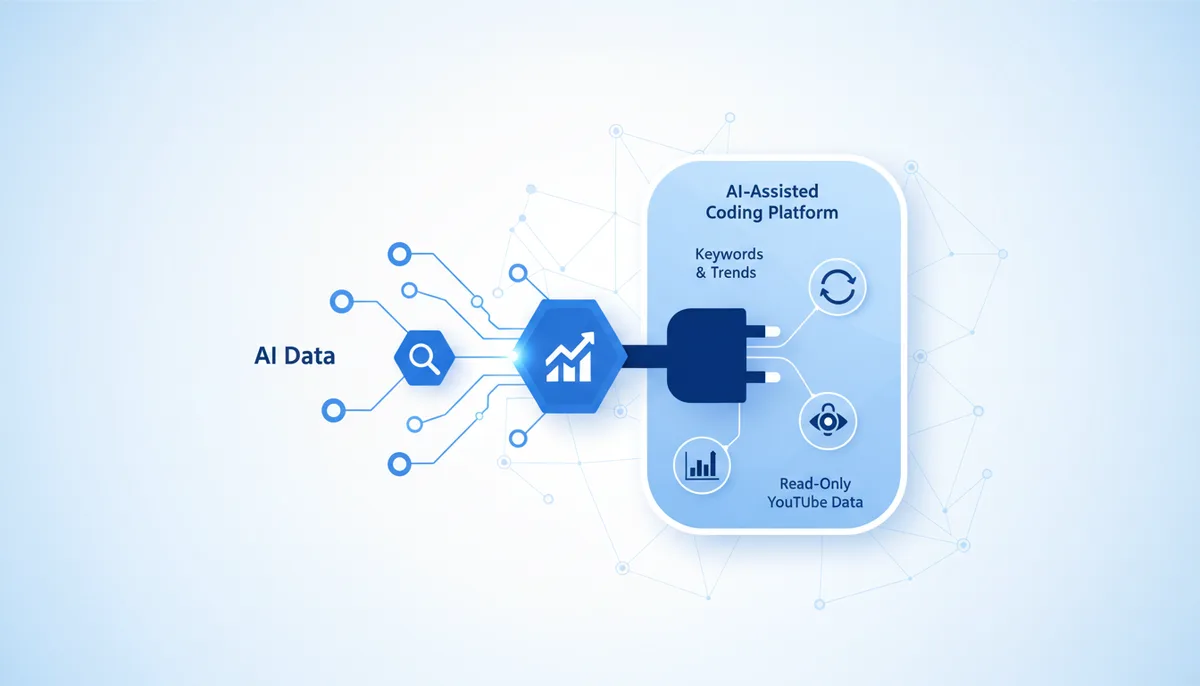
What it gives the AI
The AI gets YouTube data through vidIQ's eyes: keyword research, trends by niche, analytics and stats for channels/videos, competitor search and breakout videos (outliers), help with titles and thumbnails. It's a content strategist on tap — without burning your official YouTube Data API quota.
Example: "Give me 10 Shorts ideas in the product management niche with a potential score" — through vidIQ, the AI will pull keywords and trends and suggest catchy titles.
Setup (exact steps)
The official hosted remote server is https://mcp.vidiq.com/mcp. Auth is via API key (recommended, revocable at any time) or OAuth. Available on the max plan only.
Claude Code
claude mcp add --transport http vidiq https://mcp.vidiq.com/mcp
Then /mcp → sign in / authorize with your vidIQ account.
Cursor / Claude Desktop
{
  "mcpServers": {
    "vidiq": {
      "type": "http",
      "url": "https://mcp.vidiq.com/mcp"
    }
  }
}
In Claude.ai (web) it connects as a custom connector: Customize → Connectors → Add custom connector → MCP Server → paste the URL → Connect → sign in to vidIQ.
Usage example
Say: "Analyze the channel @anton_laskov: which videos broke out and why, what to film next" → through vidIQ the AI will pull the stats, find the outliers and suggest topics that match the niche's trends.
Security
- Read-only: the server only reads YouTube/vidIQ analytics — it doesn't publish videos and doesn't change your channel.
- Token/key: an API key is preferable — it's easy to revoke in your vidIQ account; OAuth is supported too.
- Least privilege: access is tied to your vidIQ account; the server does nothing beyond analytics.
Gotchas
- The max plan only — on the free and lower tiers the MCP server isn't available.
- It's an external service with its own limits: heavy research can run into vidIQ quotas.
- vidIQ's data consists of estimates and approximations (not YouTube's final word) — use it as a guide for hypotheses.